
[2026 Edition] What Software Should You Use to Learn UI?
![[2026 Edition] What Software Should You Use to Learn UI?](/content/images/size/w1200/2025/11/img_001-603.jpg)
Introduction


The UI design industry is unique in one major way — there is an abundance of professional productivity tools available. This often overwhelms newcomers with choice overload, leaving them uncertain about which tool to learn first and how to begin.
This guide delivers a comprehensive, professional, yet concise introduction to the main UI-related interface design tools — their pros, cons, and starter tips.
---
Understanding UI Interface Design Tools
UI interface design tools are at the heart of modern design workflows. The market offers a wide range of options, making it essential to understand their historical evolution before deciding which one to adopt.
The Early Days: Photoshop Dominance
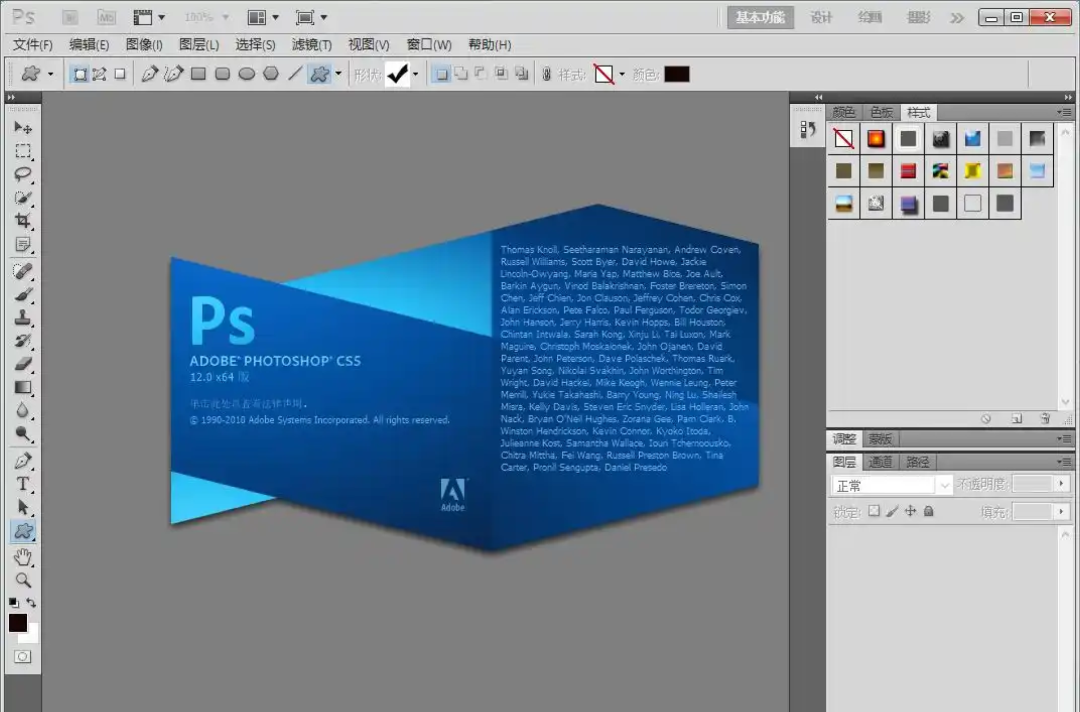
The earliest go-to tool for UI design was Adobe Photoshop. Illustrator and Fireworks were occasionally used, but far less common. Photoshop’s all-in-one graphic design capabilities made it suitable for UI design and asset output.
The Rise of Sketch (2012)
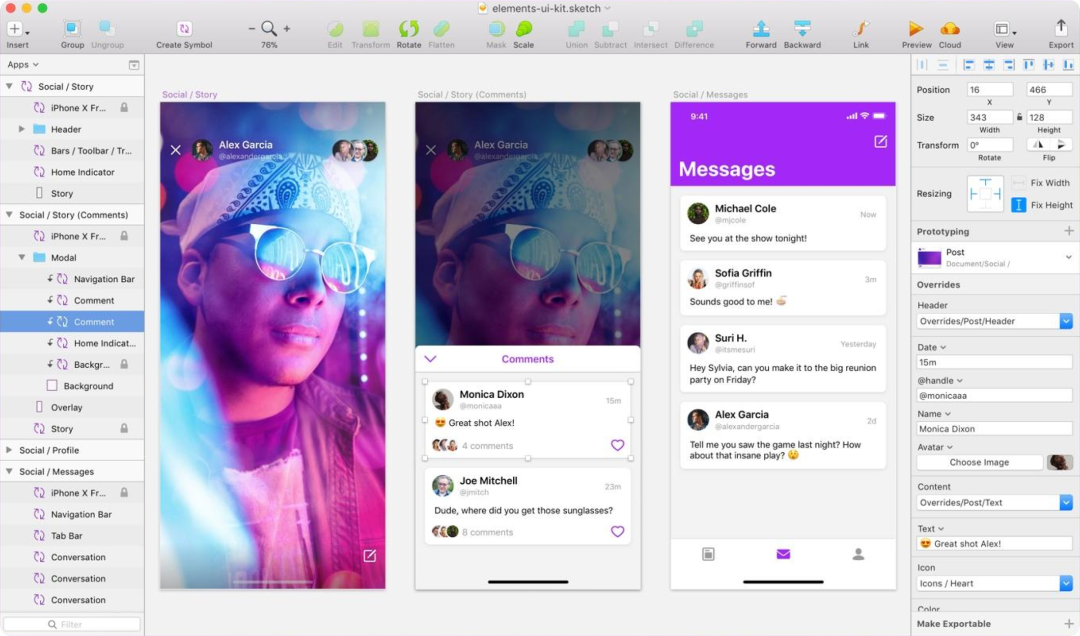
In 2012, Sketch won an Apple Design Award. Its vector graphics approach attracted designers seeking alternatives to Photoshop.
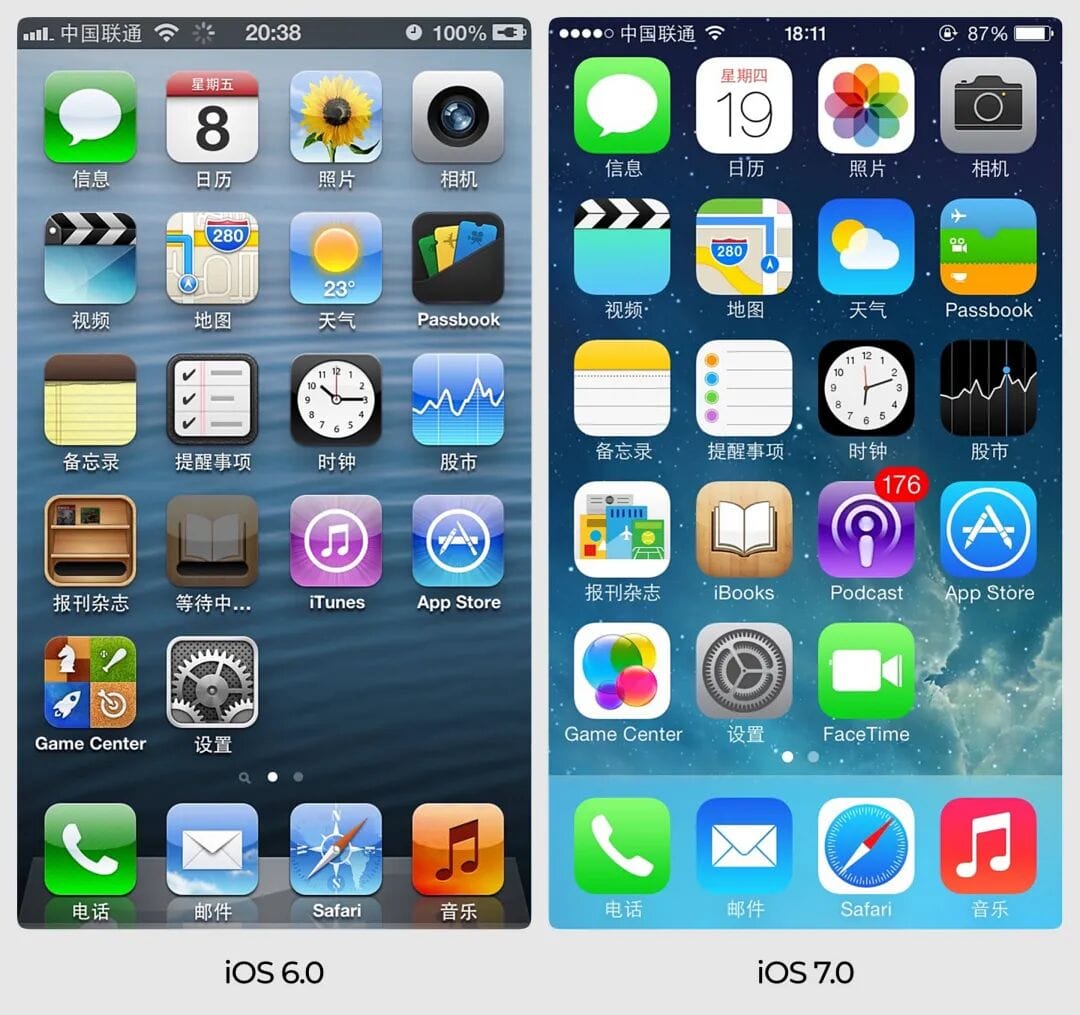
A major turning point was Apple’s release of iOS 7.0, which introduced minimalist flat design, replacing skeuomorphic styles. Flat UI relied on basic vector shapes, icons, and text — making Photoshop’s advanced compositing unnecessary.
Sketch, being specialized for UI design, quickly eclipsed Photoshop in speed and practicality.
---
Adobe’s Response: Adobe XD
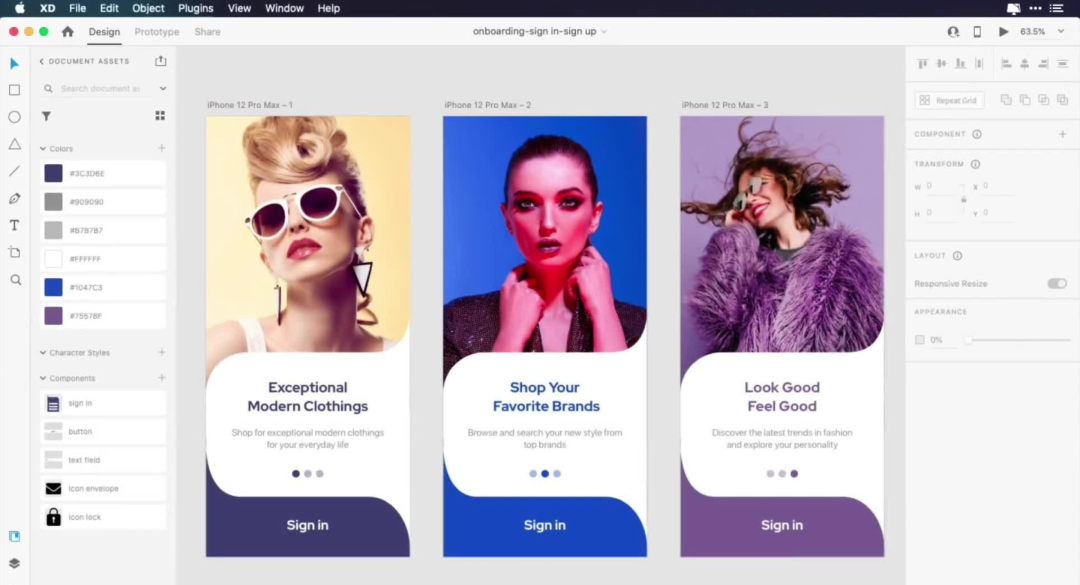
Sketch’s success pushed Adobe to release Adobe XD. While aggressively promoted, XD suffered from slow development and fewer convenient features than Sketch.
Its only advantage: Windows compatibility (Sketch was Mac-only). This alone helped XD gain traction among Windows designers.
---
Figma Changes the Game
Sketch’s Mac-only approach and poor performance created an opening for Figma.
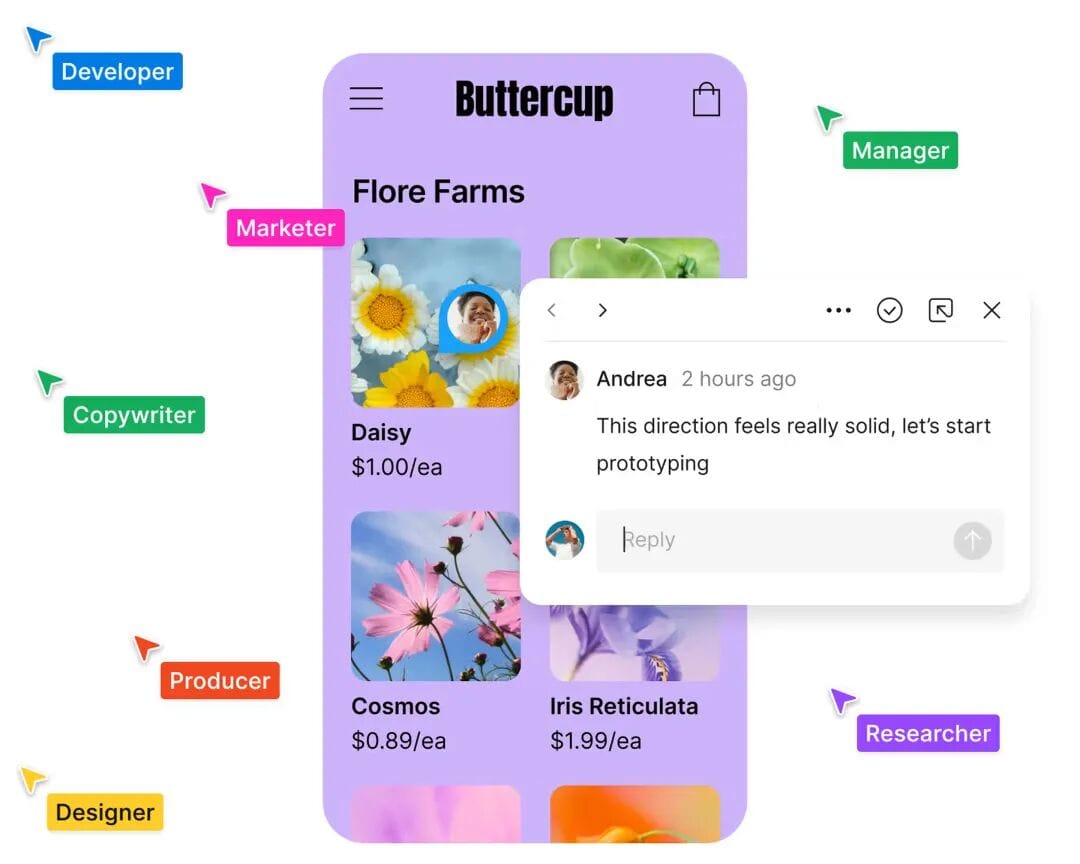
Key Differentiator: Figma is entirely cloud-based (SaaS), platform-agnostic, browser-based, and supports real-time collaboration. Auto Layout and superior performance management made Figma dominant by 2020.
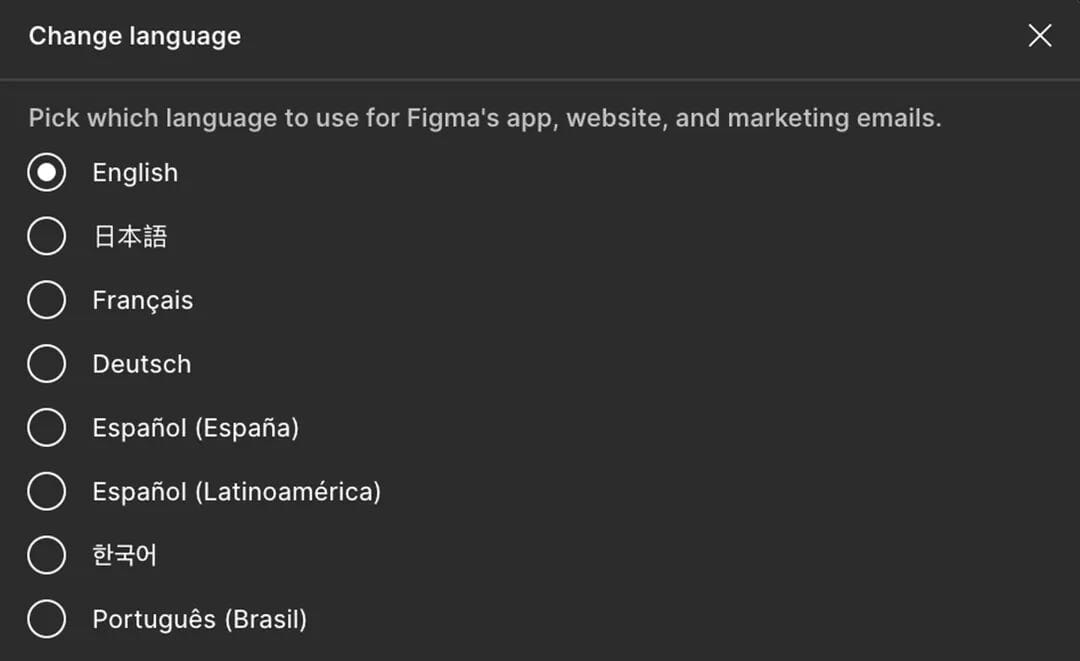
Drawbacks in China:
- Overseas servers → occasional instability.
- No Simplified Chinese version.
- Higher pricing.
- Japanese and Korean versions prioritized over Chinese localization.
---
Domestic Alternatives
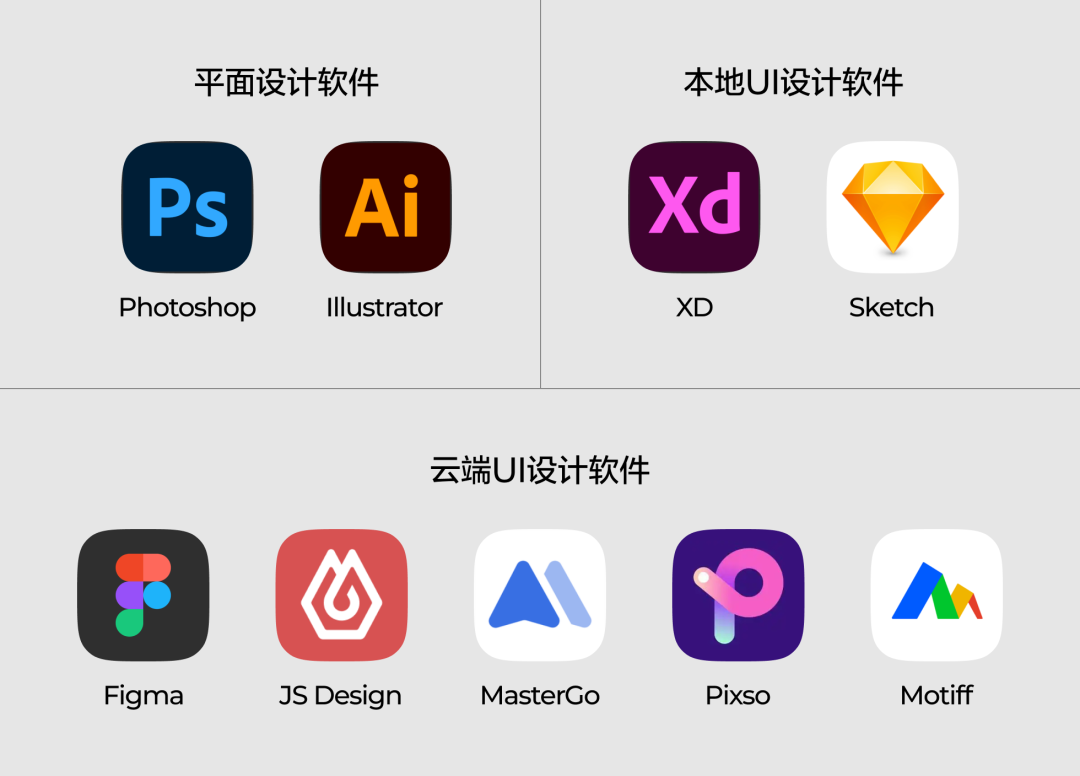
China-based developers have since released Figma-like tools, such as:
- Js Design
- Mastergo
- Pixso
- Mockplus
- Miaodo
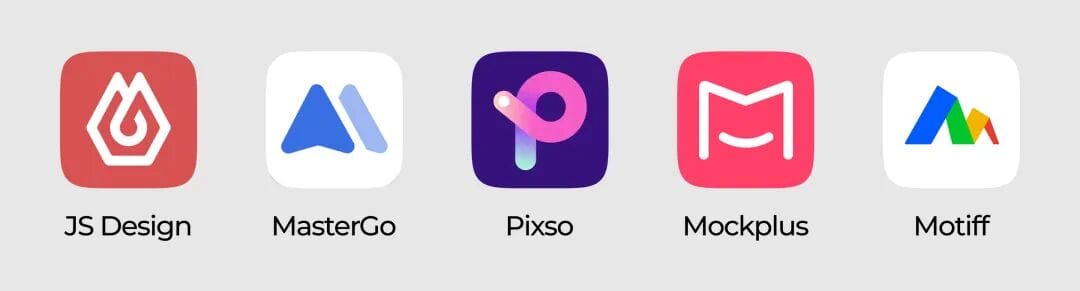
These are essentially replicas of Figma — identical tools, workflows, and interface logic — but with domestic hosting and lower costs.
Limitations:
Domestic SaaS struggles in long-term stability due to low local willingness to pay. Some tools have stagnated or stopped updating.
---
Choosing a UI Design Tool
Recommendation for Beginners:
> Start with Figma.
Even if your team later uses another tool, mastering Figma first builds a strong UI foundation.
Current Market Situation:
- Local software: For data-sensitive industries (e.g., B2B).
- Cloud-based: Figma dominates; Adobe XD discontinued; Sketch stagnating.
- Domestic Figma-like tools: Fine for mandated use, poor for learning due to slow updates.
---
Figma: Core Uses
> Note: This section focuses on Figma Design. Other Figma tools (Buzz, Site, Make) are excluded.
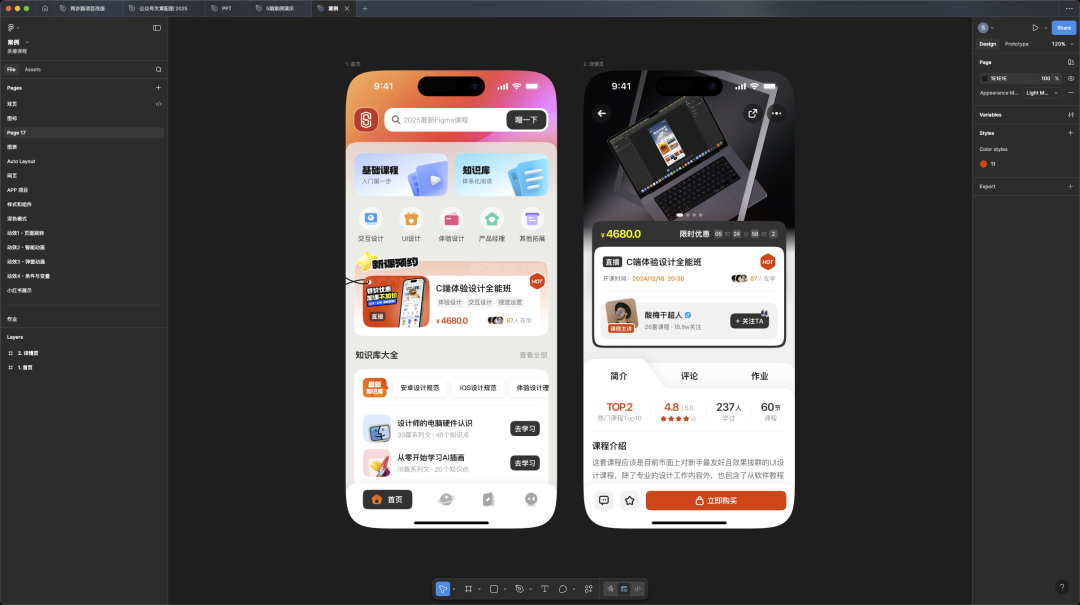
1. UI Interface & Project Design
Create flat UI interfaces for apps, web, and enterprise apps with Auto Layout, styles, and components.
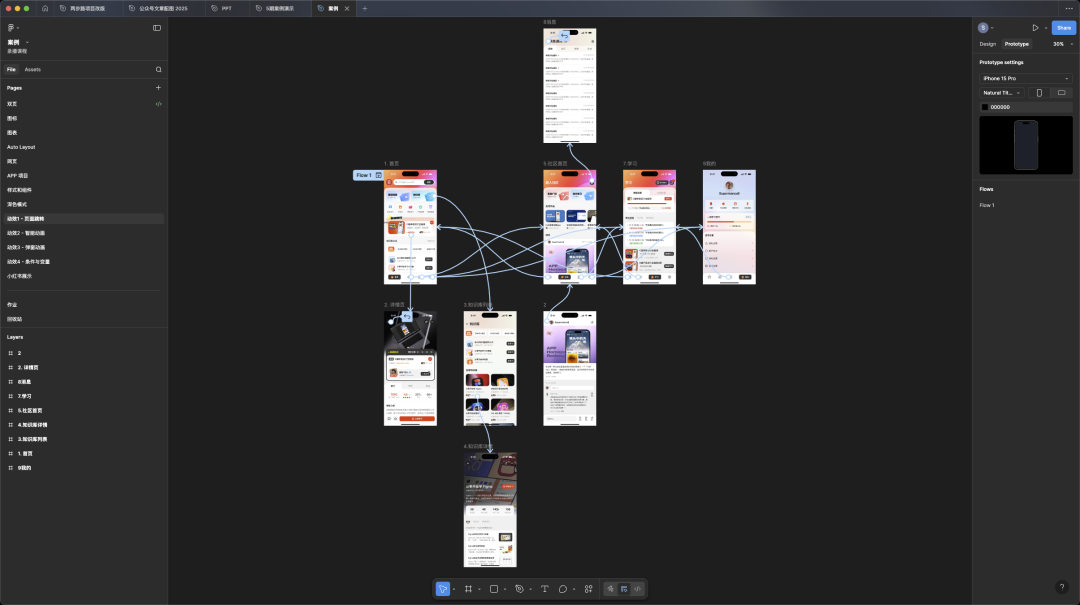
2. Basic Interactive Flows & Animation Demos
Link pages interactively for design reviews — suitable only for basic transitions.
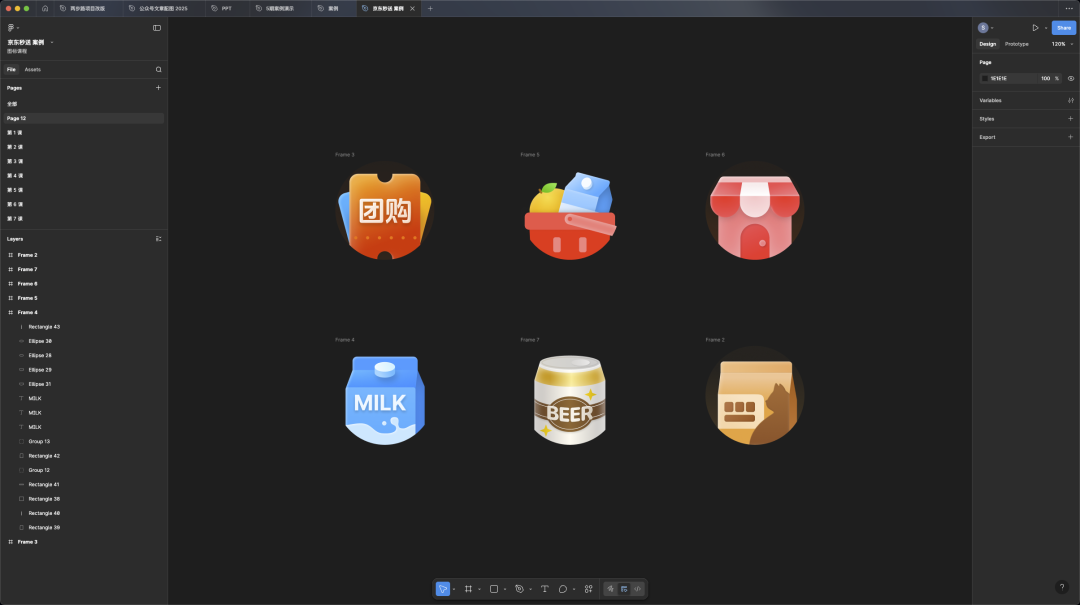
3. Simple Vector Shapes & Icons
Draw simple functional or decorative icons with Figma’s limited vector tools.
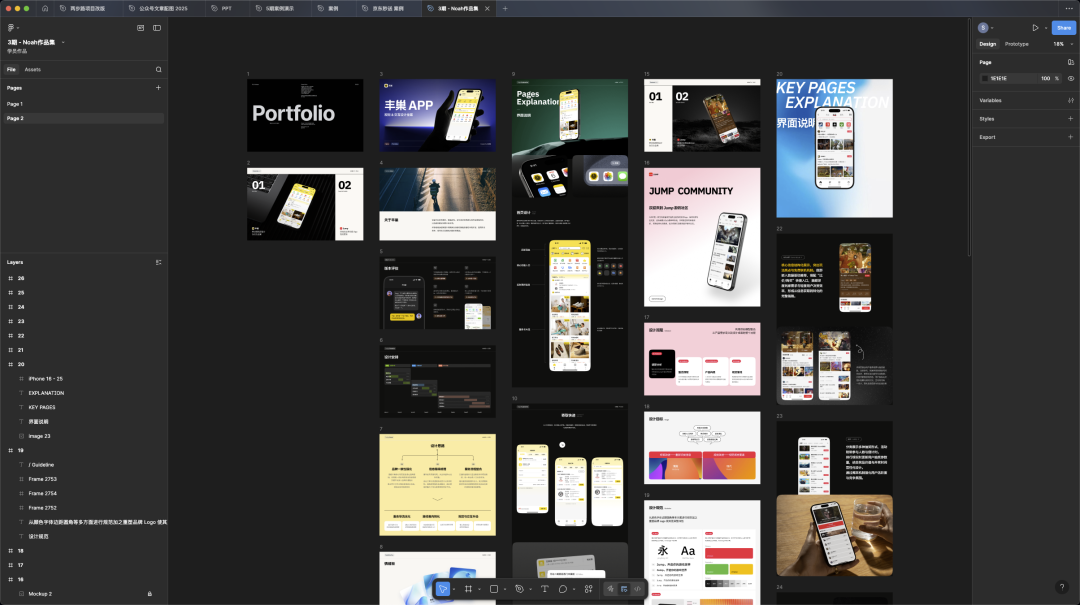
4. Flat-style Vector Illustrations
Design posters, H5 pages, detail pages — even portfolios — within Figma.
---
Figma: Limitations
Limitation 1: Advanced Interaction & Motion Effects
While Figma supports conditional logic, it is basic and incomplete.
Complex prototypes → use Axure.
Professional motion graphics → use Protopie, Principle, or After Effects.
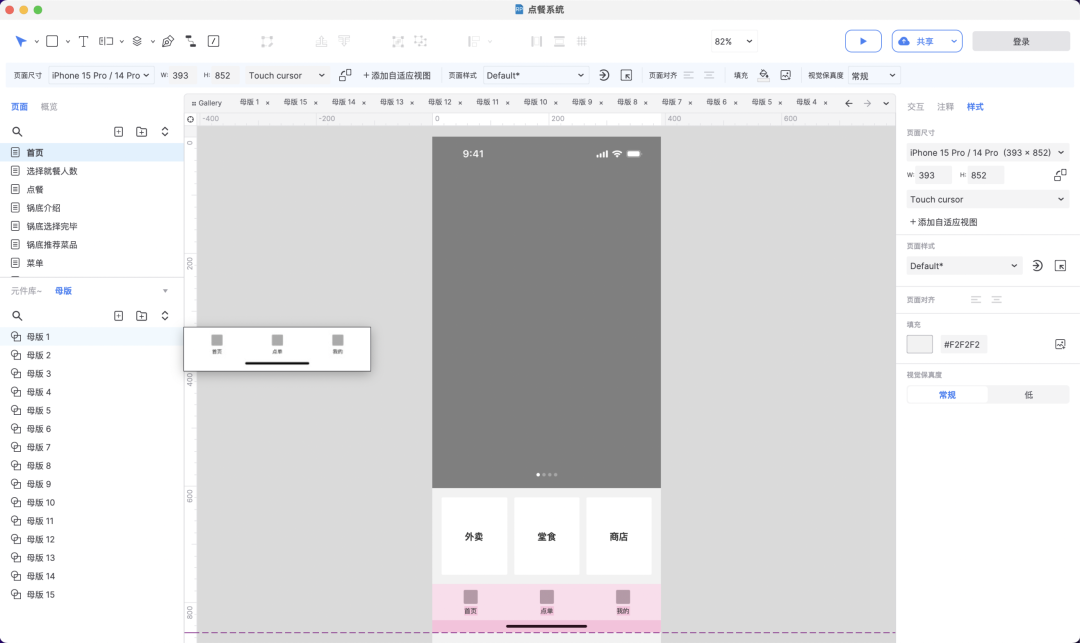
Why Not Figma for Advanced Animation:
- No independent property timelines.
- Cannot export standalone motion files.
- Limited to basic “smart animation” keyframes.
---
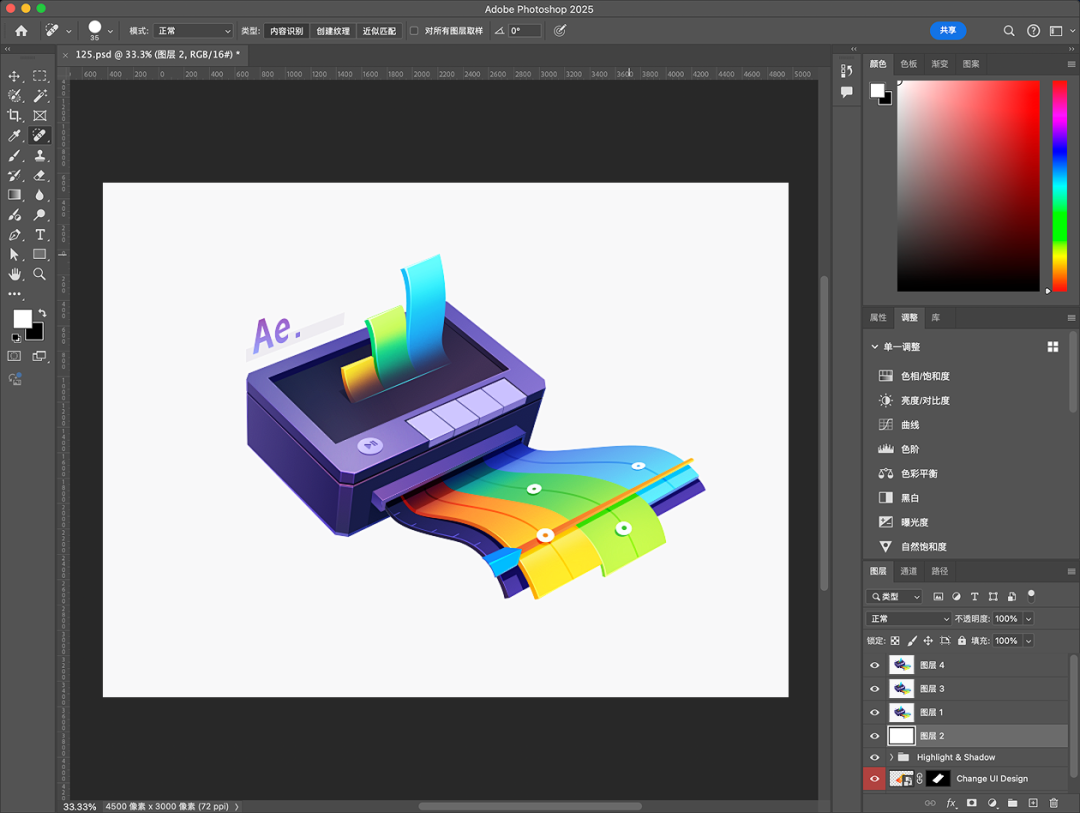
Limitation 2: Complex Icons & Visual Effects
Skeuomorphic or highly detailed visuals require Photoshop or other specialized/AIGC tools. These are created externally and imported into Figma.
---
Practical Advice for Learners
- Focus on what Figma can do, not on impossible workflows.
- Master its core features quickly and begin practicing.
- Avoid wasting time debating tools while others gain proficiency.
---
Conclusion
Key Takeaway:
> Software is just a tool — mastering it is not the same as mastering design.
Fast learning + professional training = real career growth.
---
If you want to systematically learn UI design career skills, scan the code below to learn about our all-in-one experience design program:

---
Integrating AI into Design Workflows
For designers seeking AI-assisted cross-platform publishing, AiToEarn官网 offers open-source solutions for:
- AI content generation
- Publishing on Douyin, Kwai, WeChat, Bilibili, Xiaohongshu, Instagram, Threads, YouTube, Twitter, etc.
- Analytics and model rankings (AI模型排名)
This allows creative professionals to generate, distribute, and monetize designs globally in a streamlined workflow.
---
✅ Recommendation:
Start with Figma → Build proficiency → Expand into specialized tools (Axure, Photoshop, Protopie, etc.) → Combine with AI-powered distribution for maximum impact.
---
Would you like me to add a visual comparison chart of Figma vs domestic “Figma-like” tools?
It could make the distinctions clearer for beginners.


