**Editor's Note:**
We regularly select high‑quality articles from Matrix to showcase genuine user experiences and perspectives. The opinions expressed in this article are solely those of the author. The title and formatting have been slightly modified.
---
## Overview
Feiniu has been running for over a year now. Continuous updates have matured it into a stable NAS system.
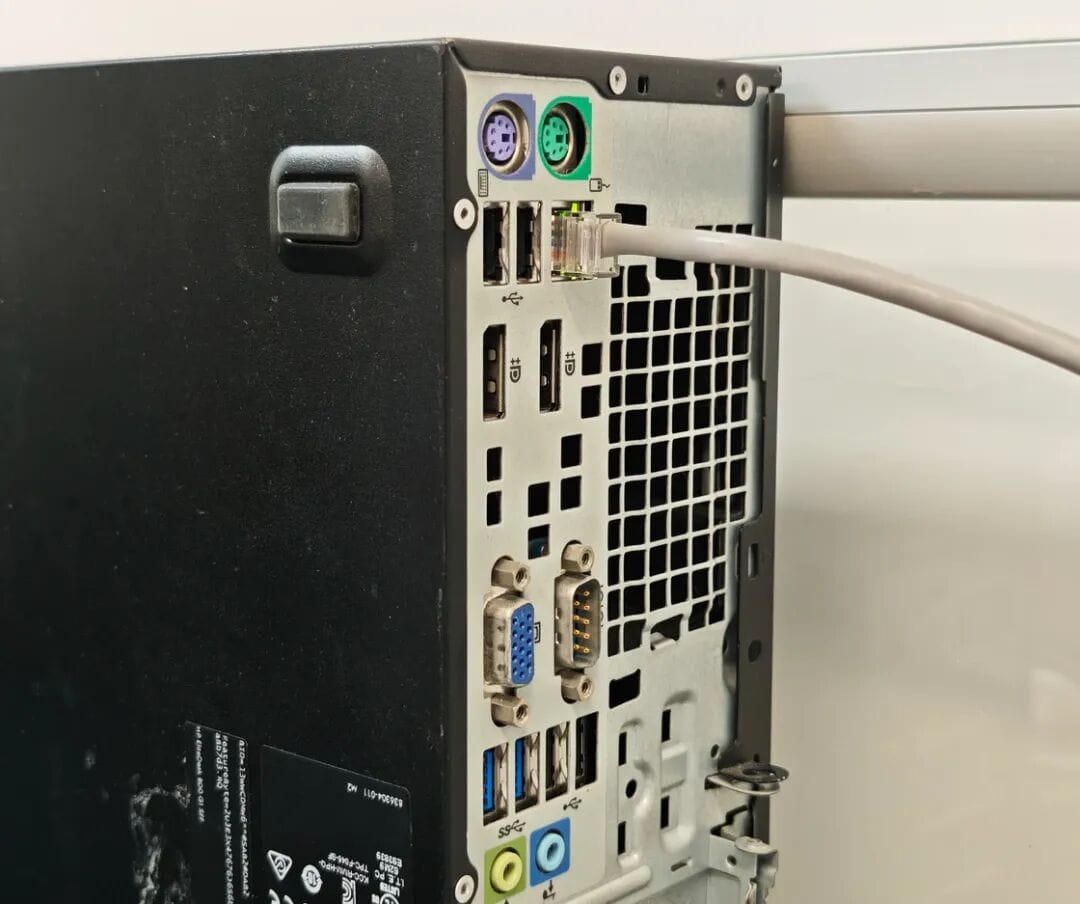
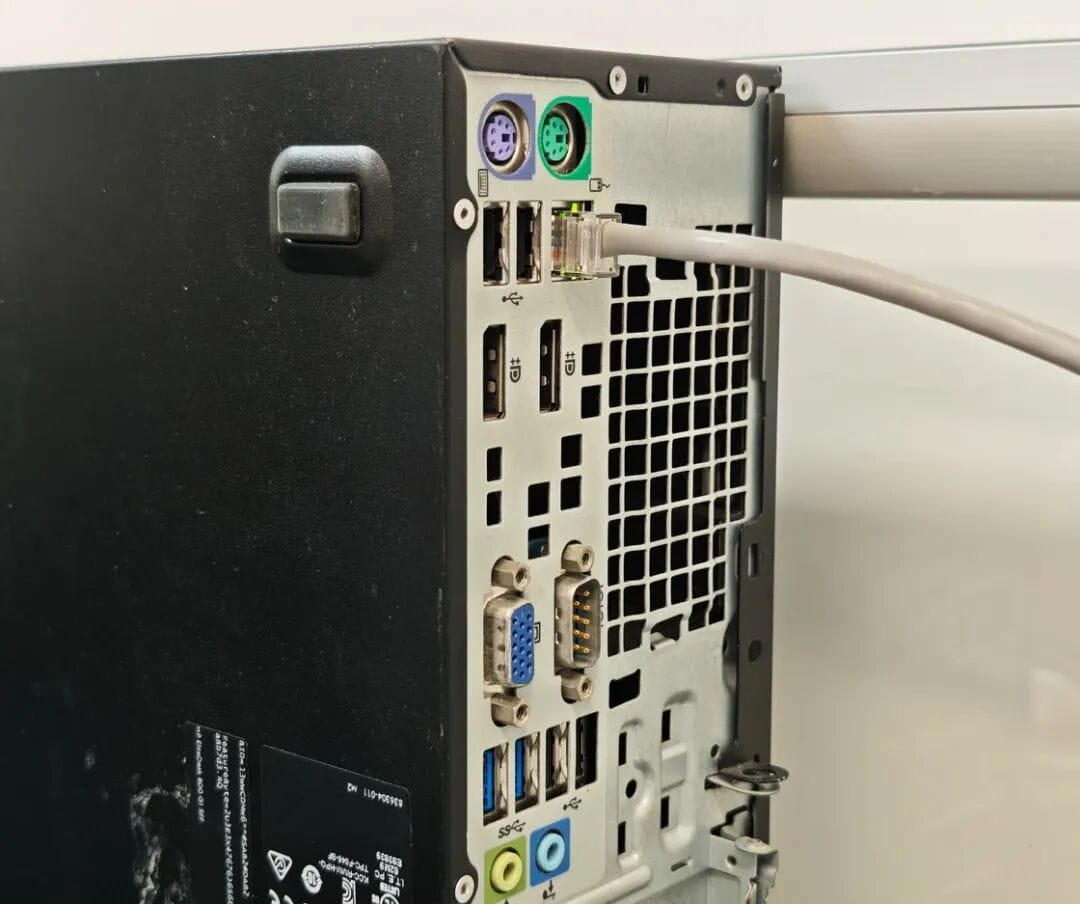
In November last year, I set up Feiniu on **two machines** — a mini PC and a self‑built PC — as our department's file servers for daily work.
Strictly speaking, this unregistered setup skirts the regulations. Because timeliness is crucial for bidding materials, we avoid storing confidential files during sensitive periods.
Currently, performance fits our needs, though in six months it may require upgrading — with rising storage prices, costs are unpredictable.
During the year, Feiniu rolled out major updates, notably its **paid NAT traversal service**, replacing third‑party tools.
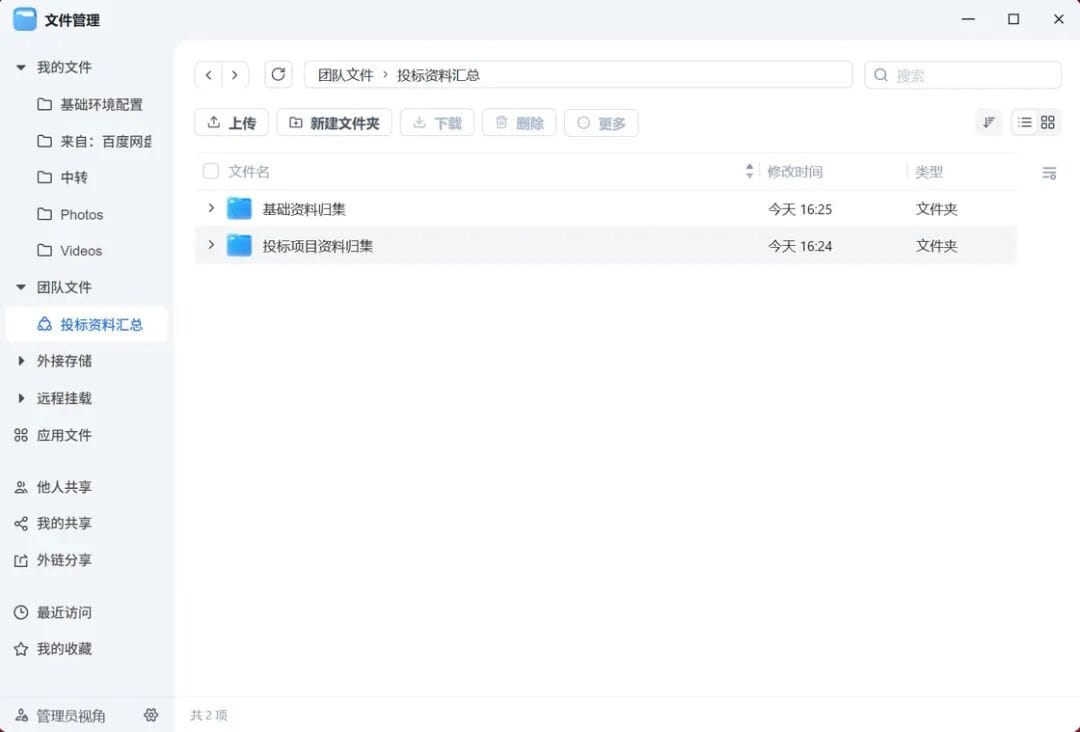
After further updates, the personal edition now supports **team file collaboration**, though workflow refinement is still needed. The **enterprise edition**, expected year‑end, will add more business‑critical features.
---
## Usage Scenarios & Pain Points
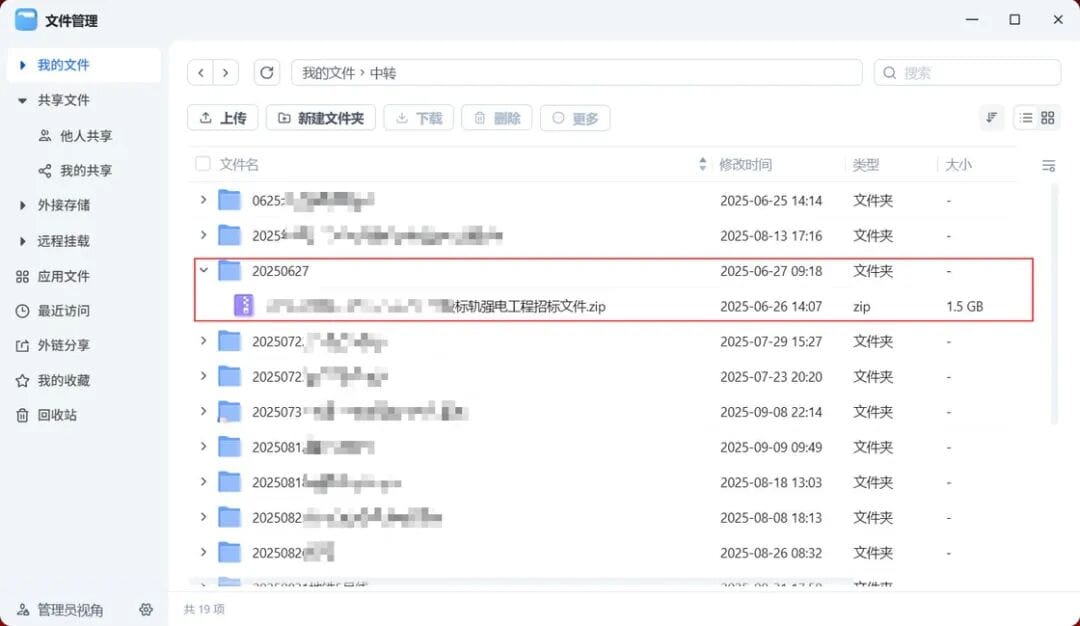
### 1. Large File Transfers for Bidding
- Drawings often come as high‑resolution stamped PDFs, hundreds of MB each.
- WeChat and similar apps have restrictive transfer limits and inefficient file handling.
- Permissions and expiry settings are inadequate for professional workflows.
### 2. Inefficient Archival Process
Previously:
- Compile all bidding-related files post‑event.
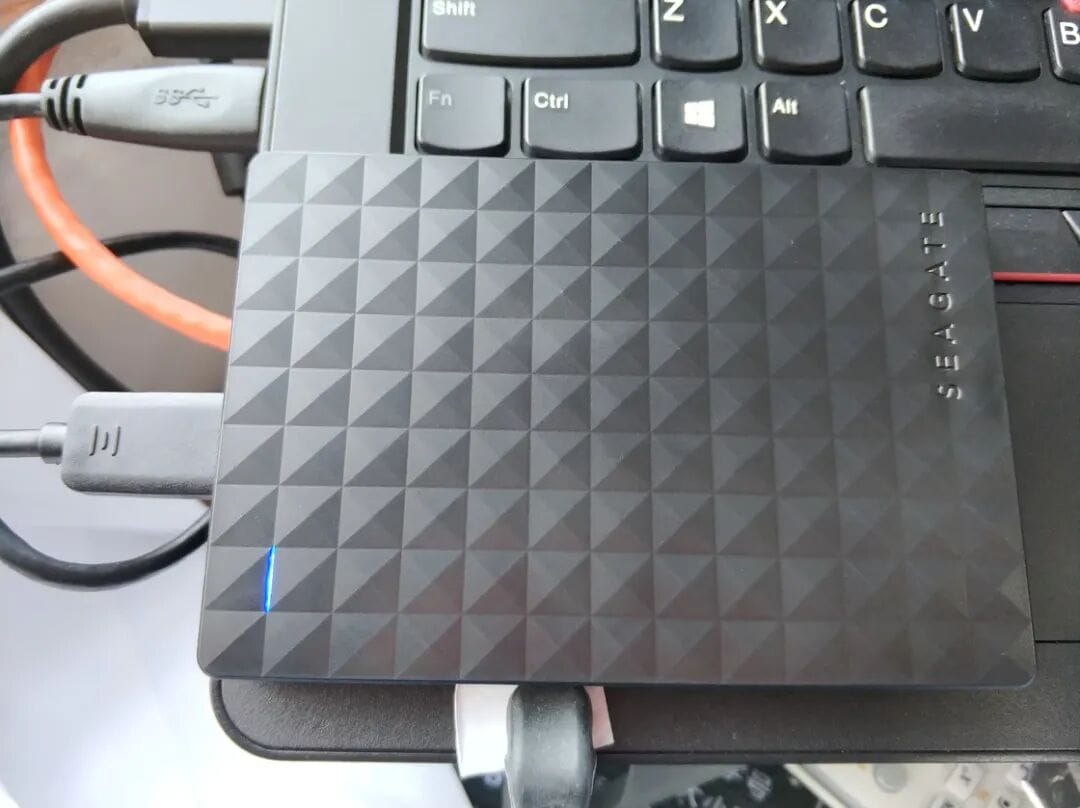
- Rename, organize, then store on a single portable hard drive.
- Retrieval depended on one person’s availability.
Feiniu's release enabled:
- Bid file transfer via mini PC (initially).
- Dedicated departmental file server built from second‑hand parts.
- Smooth, link‑based distribution without complex guidance.


Initial goals:
1. **Cost‑efficient build** without registering as a fixed asset.
2. **Stable external network downloads**.
3. **Granular group access control**.
---
## Why Paid NAT Traversal?
We avoided custom external link domains because:
- Office network uses a sibling company’s infrastructure — no router access, no port mapping.
- Fixed corporate IP risked higher attack exposure.
- Reliable, reimbursable services trump risky router resets.
---
## Hardware Selection & Build
### Criteria:
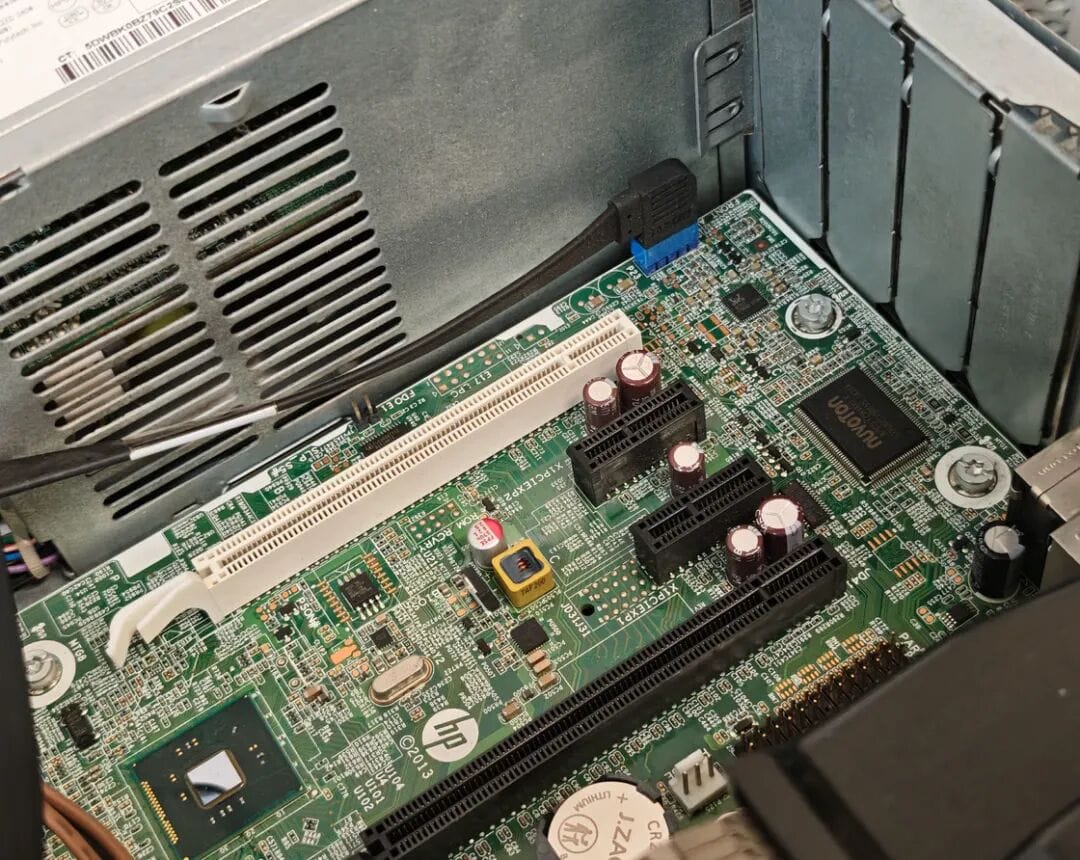
- ≥ 3 hard drive interfaces
- Integrated graphics CPU
- Compact case
- Low cost
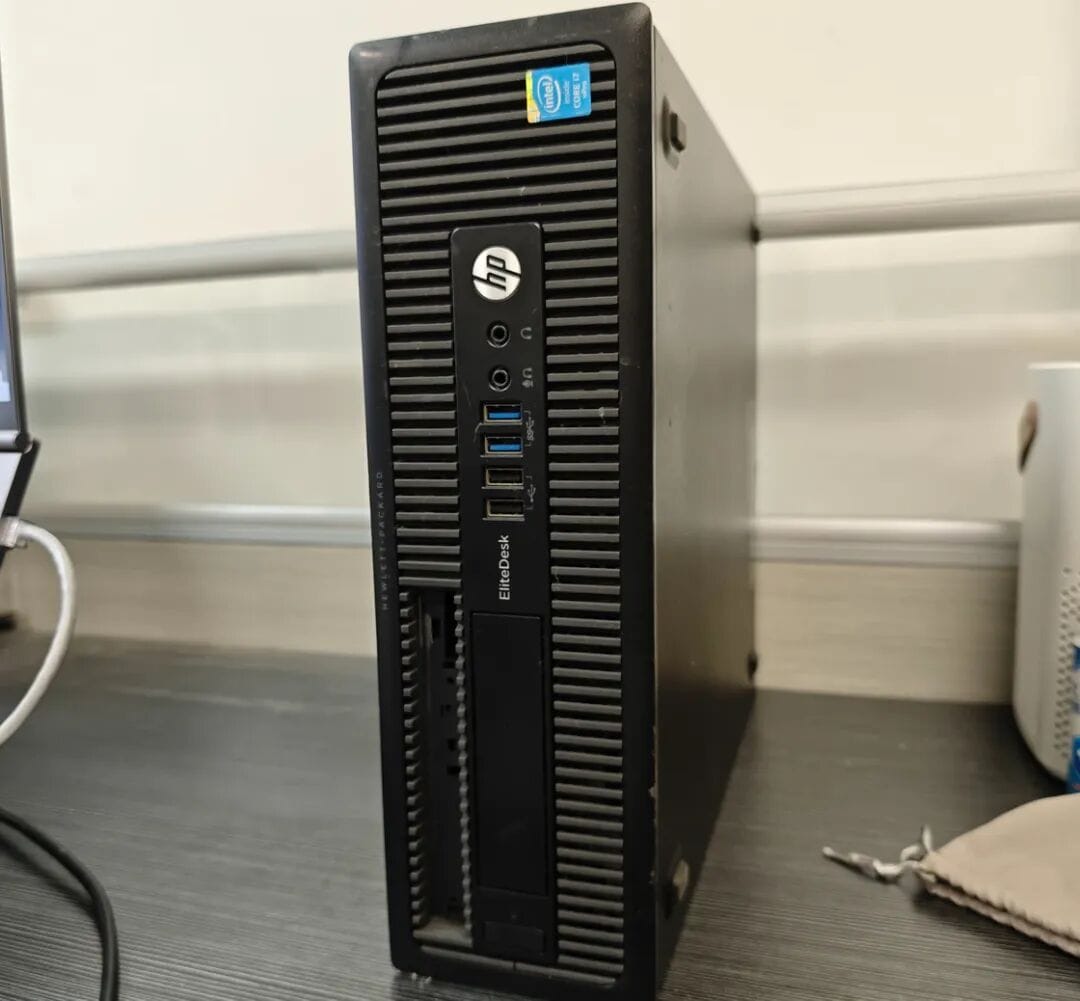
**Choice:** HP 600 G1 SFF — 185.22 ¥ used.
### Configuration:
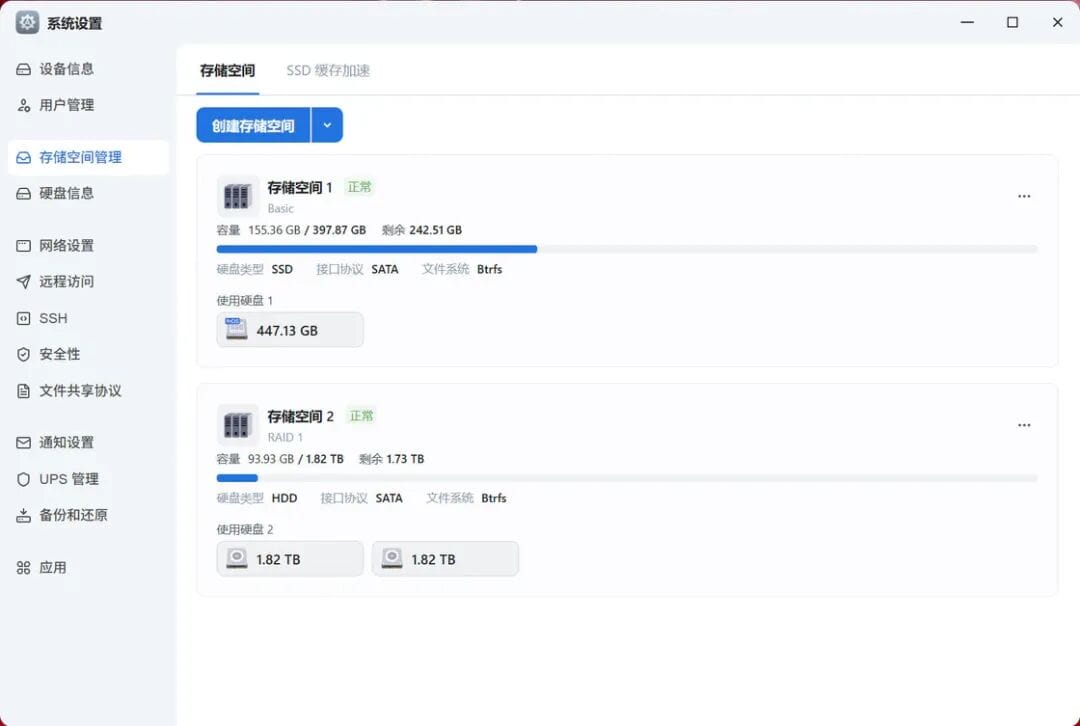
- RAID 1 for cold data (HDDs), SSD for hot data/system.
- Feiniu OS disk usage ~48 GB.
- SSD 480 GB sufficient for ~11 users' dynamic data (~150 GB max at a time).
- Existing 2 TB drive + purchased matching used drive.
**Total storage cost:** 378 ¥
**CPU:** E3 1265L V3 — 104 ¥
**RAM:** 3× 4 GB DDR3 → later upgrade to 16 GB (35.99 ¥)
---
### Performance:
- Idle: ~18 W, Transfer: ~32 W
- Monthly consumption ~15 kWh
- Mechanical drives spin up only during backups.
---
## Practical Scenarios in Operation
- Distribute files via shared links — no OA/IM complexity.
- Feiniu Sync enables draft version backup/recovery.
- Archive final files post‑project completion.
Tools like **Feishu/DingTalk/WPS** can work but have steeper learning curves and less intuitive file handling compared to local/network drives.
---
## External Link & Docker App Access
Feiniu's paid penetration:
- **Pro Edition:** 12/40 Mbps speeds — sufficient for office bandwidth.
- Annual cost: 99 ¥ / 199 ¥ — cheaper hassle‑wise than Baidu Netdisk for enterprise use.
- 1000 GB monthly traffic cap covers bidding workload.
**Advantages:**
- Simple remote access to built‑in apps (e.g., OmniTools) and Docker‑deployed services.
- Click‑to‑open convenience via Feiniu’s management interface.
---
## Alternative Solutions Reviewed
**Categories:**
1. Proxy forwarding (FRP/ngrok)
2. Virtual LAN / SD‑WAN (Zerotier/Tailscale)
3. Reverse proxy tunnels (Cloudflare Tunnel)
4. Port exposure/NAT traversal (Lucky/STUN)
5. Commercial proxy services (Oray, Cpolar)
6. IPv6 paths
**Finding:** All require manual setup; true plug‑and‑play is rare.
Paid Feiniu penetration wins for **simplicity & stability**.
---
## Business Considerations
- **Invoicing support**, including special VAT — critical for company reimbursement.
- Tunnel bound to single device — limits multi‑device remote sync, but acceptable for core tasks.
- Ideally, enterprise edition might add temporary account authentication with IP logging.
---
## Lessons Learned
For budget builds:
- **"Junk hunting"** = stable, minimal‑cost setup from spare parts.
- **Off‑the‑shelf mini PCs** = convenience, smaller footprint, included services.
**Feiniu + ME mini** hardware alliance offers:
- All‑SSD design — no slow EMMC.
- Direct opening of third‑party/Docker apps.
- Encrypted backup to cloud drives (Baidu/Aliyun) between Feiniu devices.
---
## Final Notes
- For teams running multiple AI service nodes, Feiniu’s penetration + virtual LAN offer effective centralized management.
- Our department renews Feiniu’s penetration annually — file distribution convenience alone justifies cost.
- Now supports **auto‑mapping for official & 3rd‑party apps** — set up once, then forget.
Original link:
[sspai.com/post/104007](https://sspai.com/post/104007?utm_source=wechat&utm_medium=social)
---