
Doubao Input Method Launches — After Two Days, I Don’t Want to Type in WeChat Anymore
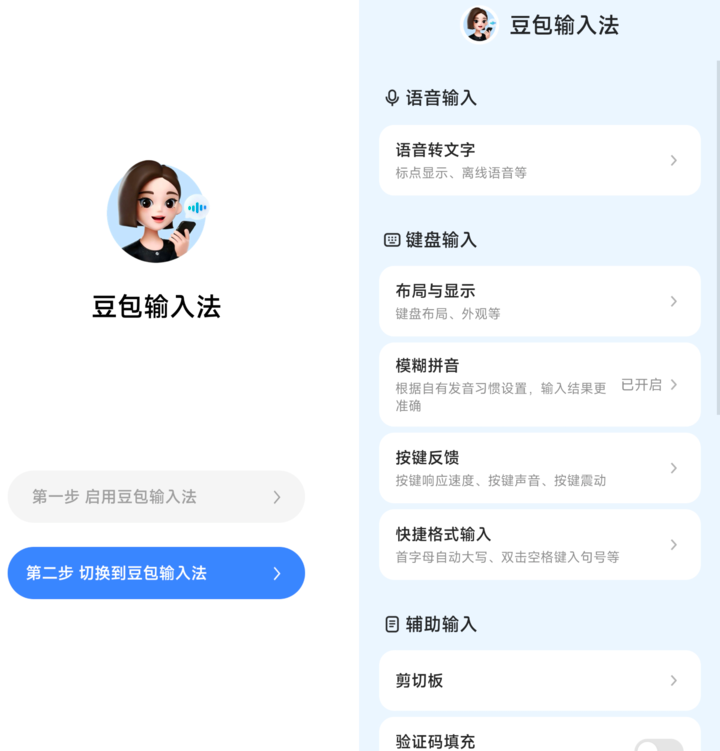
Doubao Input Method 1.0 Review
A promising AI‑powered keyboard with standout voice recognition—but still missing key features
---
If you’ve ever struggled with a phone’s default keyboard—especially with Chinese input—you’ll know the frustration. That gap has driven the success of third‑party keyboards.
ByteDance’s new Doubao Input Method 1.0 aims to transform typing with AI.
After two days of hands‑on testing, I found brilliant highlights and notable shortcomings.
---
Voice Recognition: Doubao’s “Killer Feature”
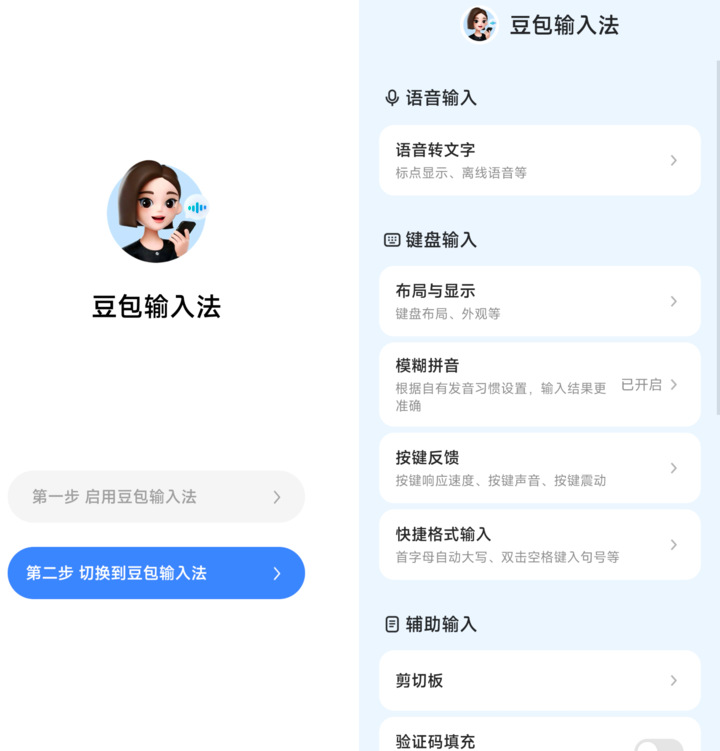
Minimalist design
- Clean UI: No busy pop‑ups, ads, or VIP upsells.
- Large install package: 139 MB on Vivo’s app store.
- Sparse features make it feel like a “bare‑bones apartment.”
Voice input excellence
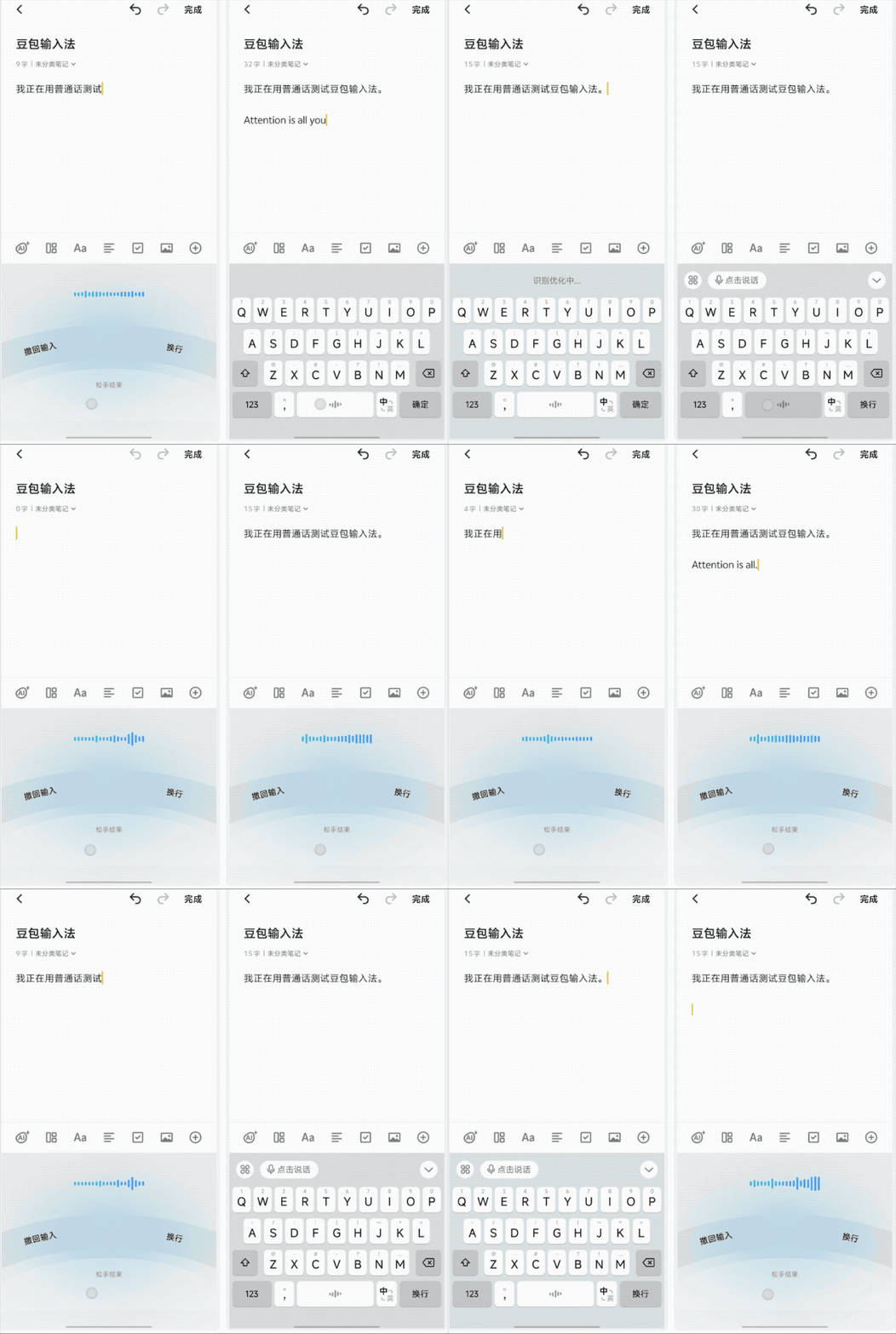
- Press to speak, release to finish interaction.
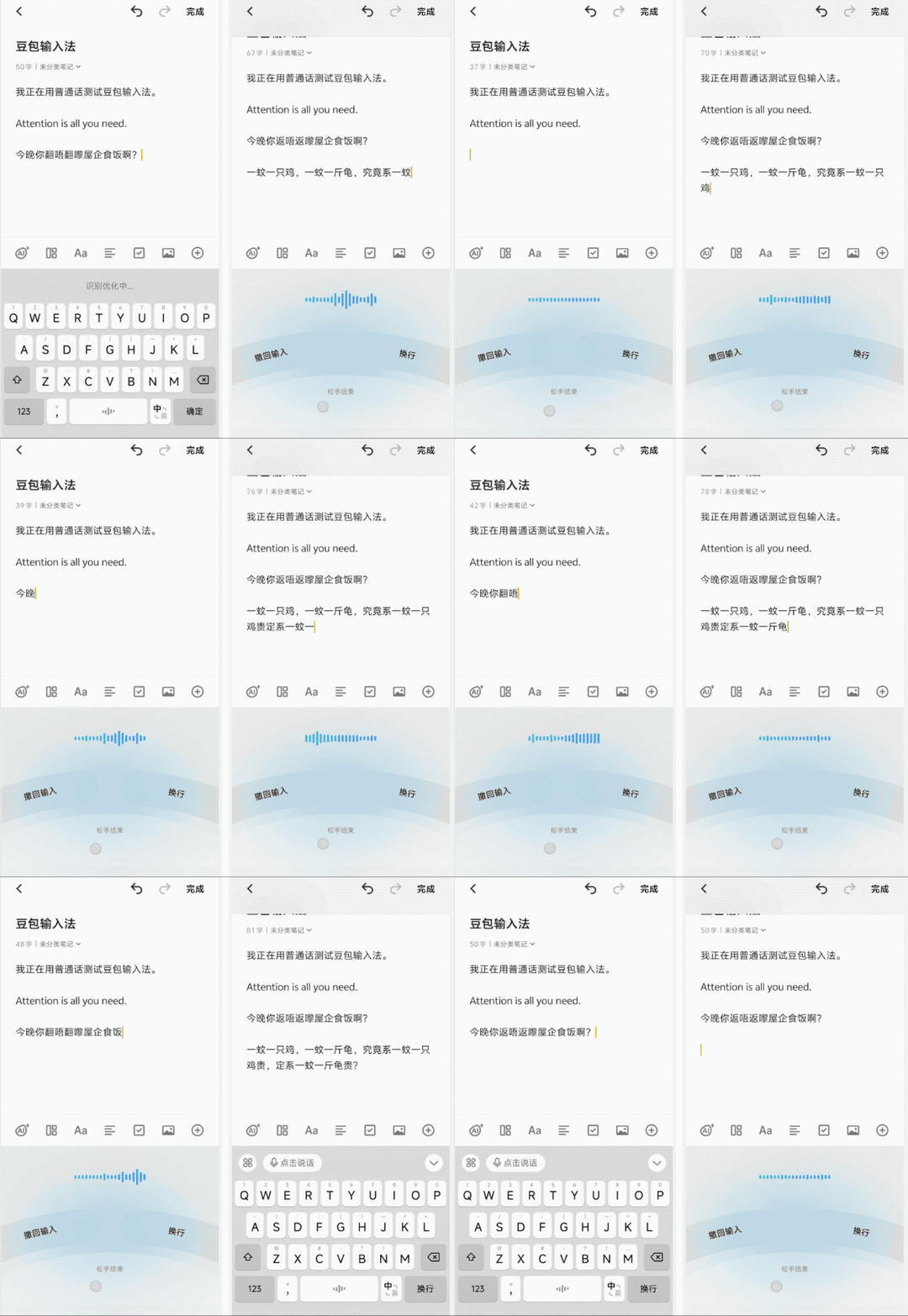
- Exceptional accuracy in Mandarin, English, and Cantonese.
- Flawless recognition even with fast pace, homophones, and mixed languages.
- Works with TVB‑style Cantonese–English mix and even math formulas.
---
Technology Behind Doubao
- Uses rumored Seed‑ASR 2.0 model.
- 10‑40% lower error rates in Chinese and English tests compared to previous ASR versions.
- Offline voice model (~150 MB) available for poor‑signal areas.
- Slightly less accurate than online mode—reasonable tradeoff.
- Privacy protection with “Basic Input” mode, disabling all cloud functions.
- Vocabulary covers mainstream slang and rare characters with ease.
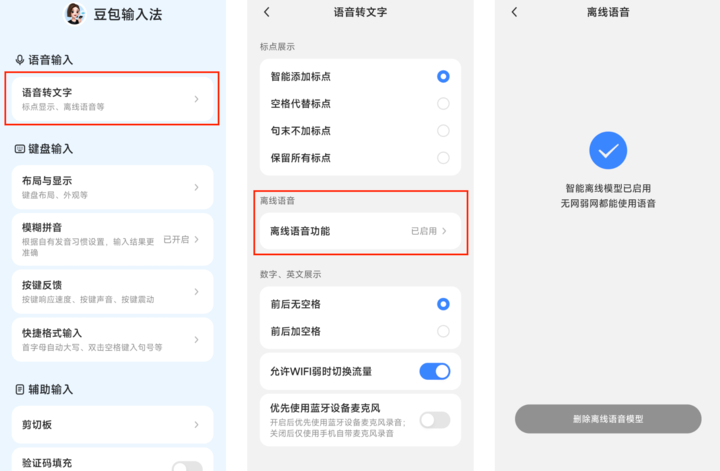
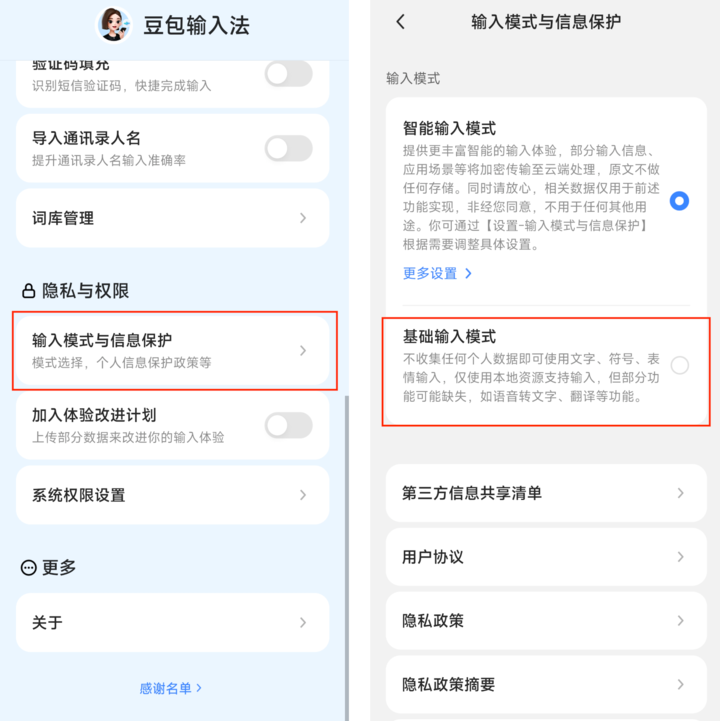
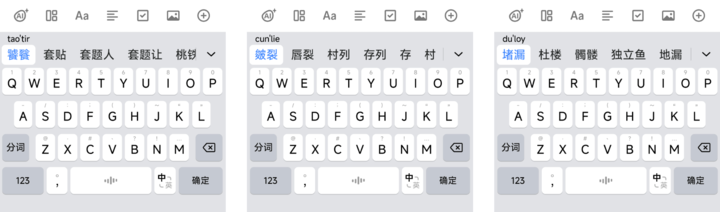
---
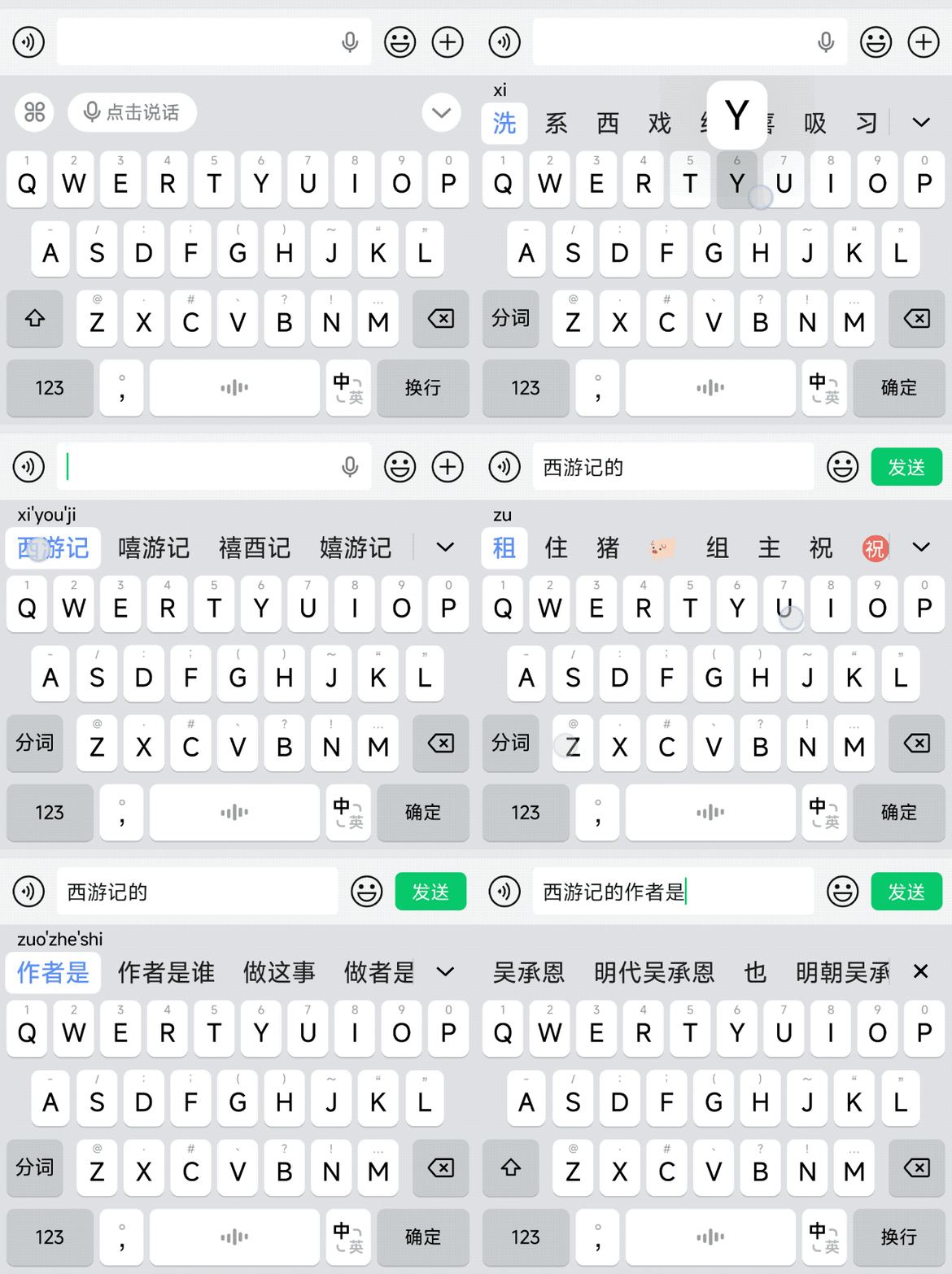
AI Text Prediction
Impressive contextual AI suggestions:
- Shows answers to direct queries in suggestion bar (“西游记的作者是谁”).
- Simplifies quick math and factual responses.
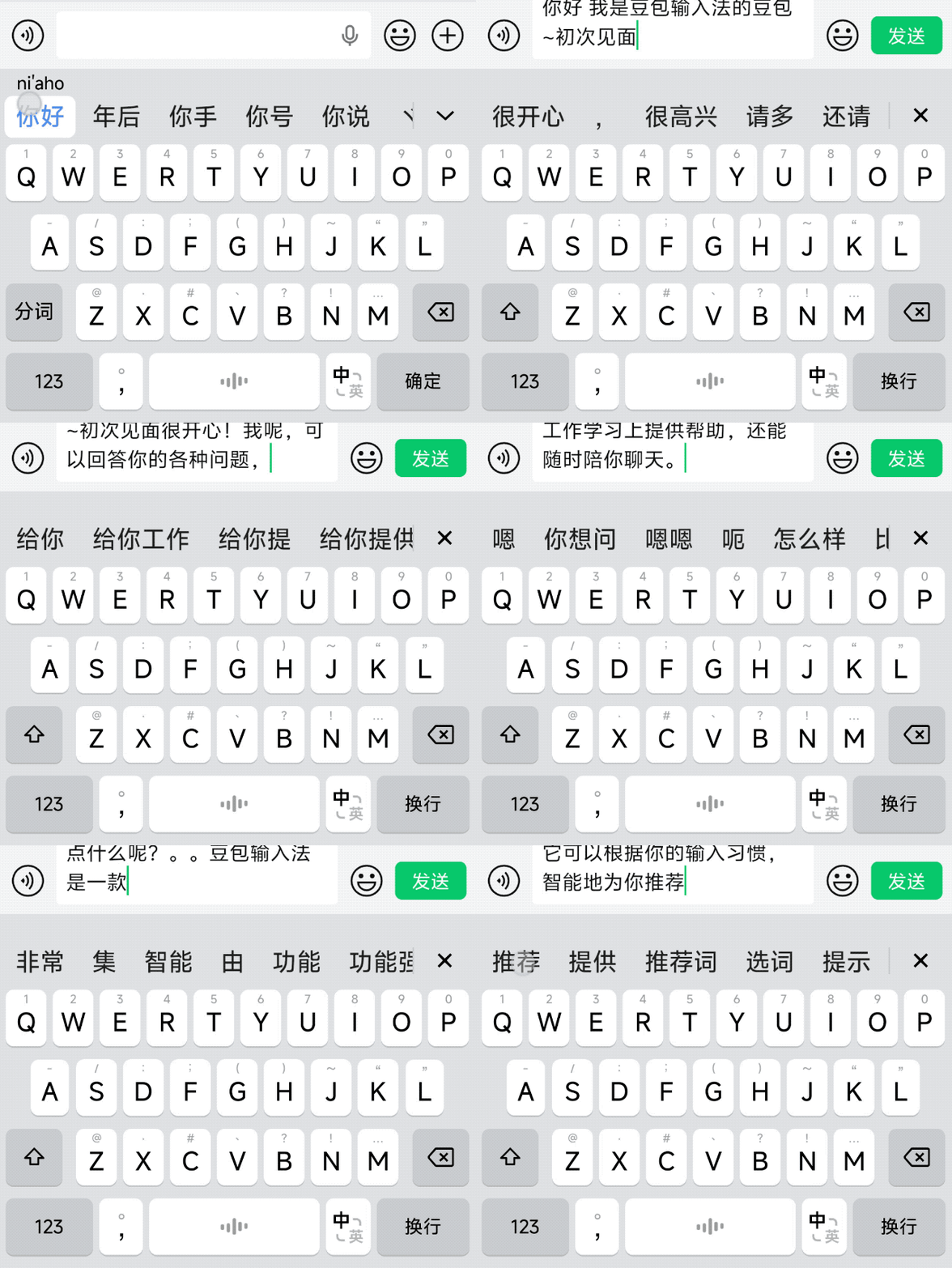
---
Limitations Behind the 139 MB Size
Platform coverage
- Android‑only for now.
- iOS “coming soon,” PC “stay tuned.”
- No cross‑device clipboard sync—deal‑breaker for some.
Early‑version gaps
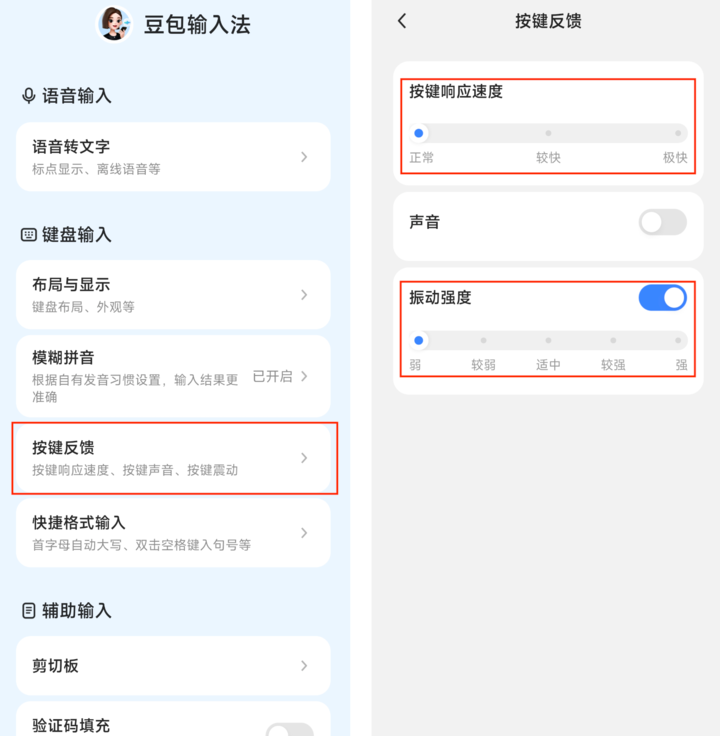
- Typing lag by default → fixable via “Ultra Fast” key response setting.
- Vibration intensity labels reversed → possible bug.
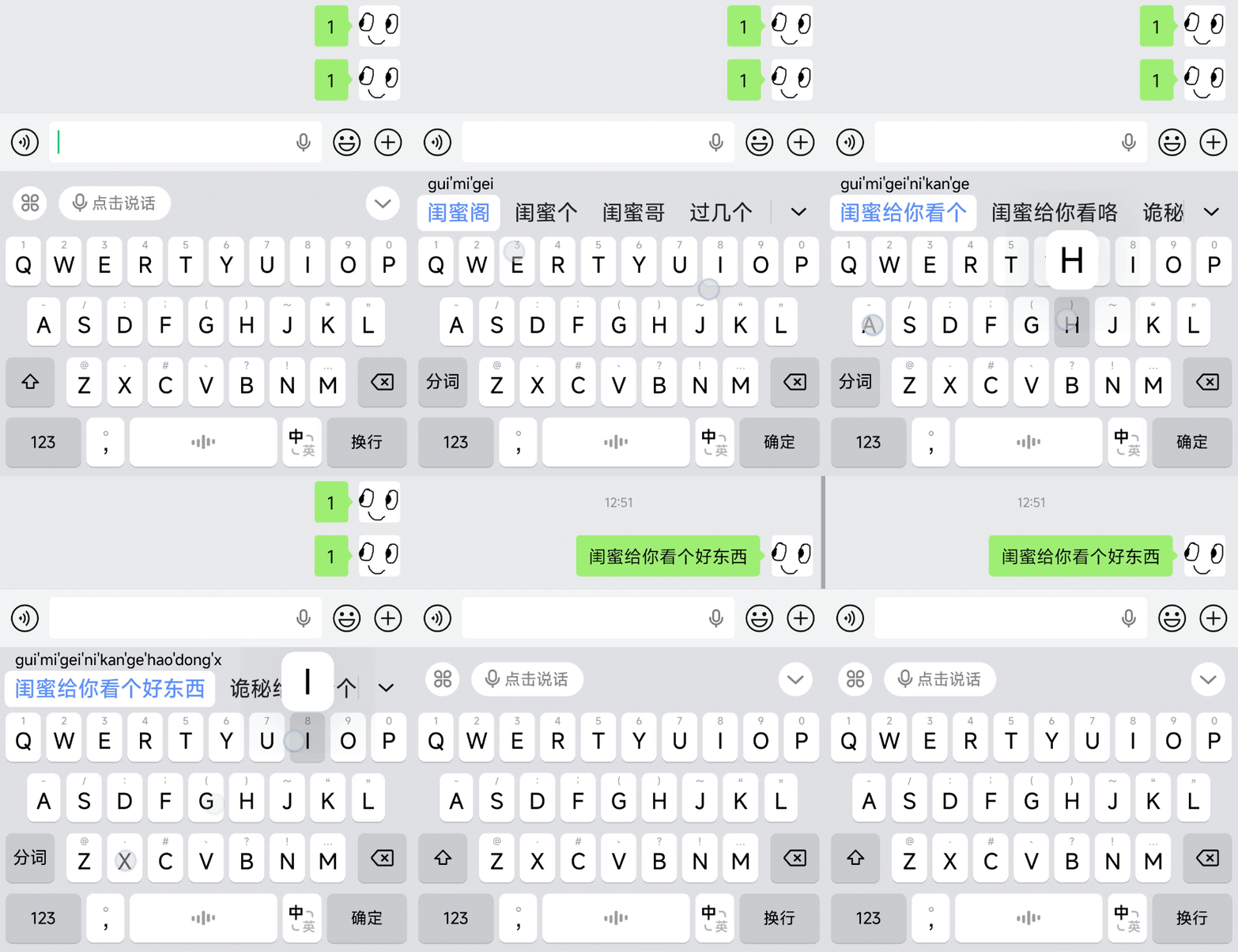
- Emoji packs not supported for direct sending.
- Only 9‑key and 26‑key layouts—no double‑pinyin, handwriting, or Traditional Chinese input yet.
- Limited visual customization.
- Settings page lacks dark mode.
- Translation quirks: “LLM” → “Master of Laws” by default.

---
Verdict: Worth Trying As a Secondary Keyboard
Pros
- Industry‑leading multilingual voice recognition.
- Strong ASR technology with offline mode.
- Clean interface with minimal distractions.
Cons
- Missing key layouts and device sync features.
- Early‑stage bugs and customization limits.
- Platform support gaps (iOS, PC).
Recommendation: Use as a backup tool for voice input; reconsider as default when platform parity and feature completeness arrive.
---
Download Doubao Input Method
---
For Creators: AI Tools Beyond Doubao
If you’re exploring AI‑assisted content creation, consider AiToEarn — an open‑source global AI content monetization platform.
AiToEarn Highlights:
- Generate content with AI.
- Publish simultaneously to Douyin, Kwai, Bilibili, Facebook, Instagram, LinkedIn, X (Twitter), and more.
- Built‑in analytics and AI model rankings (view here).
- Supports integration with speech recognition or AI translation.
Resources:
Efficiently combining Doubao’s voice input with AiToEarn’s publishing workflow could enable rapid, multilingual, monetizable content creation.
---
Bottom line: Doubao Input Method 1.0 is already outstanding for speech-to-text, especially in multilingual contexts—worth keeping an eye on as the feature set matures.


