
Finally, Someone Made Subagent: TRAE China Edition SOLO Mode Arrives
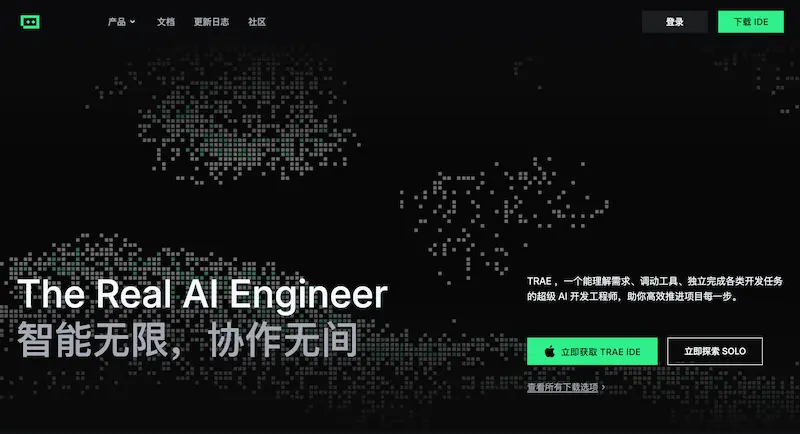
I. Introduction
I can’t say for certain which AI programming tool is the absolute best in the world.
But I do know the most competitive one — and that’s definitely TRAE.

Why TRAE Stands Out
AI programming tools generally come in three product forms:
- Plugin
- Example: GitHub Copilot (early and well-known)
- Runs inside an existing IDE
- IDE
- Built as standalone applications (e.g., Cursor, Amazon’s Kiro, Google’s AntiGravity)
- Offers deeper integration and fewer constraints
- Terminal
- Command-line driven tools (e.g., Claude Code, Codex CLI, Gemini CLI)
- Integrates naturally with CLI workflows
Almost all tools fit into one of these categories — but TRAE uniquely covers all three at once.
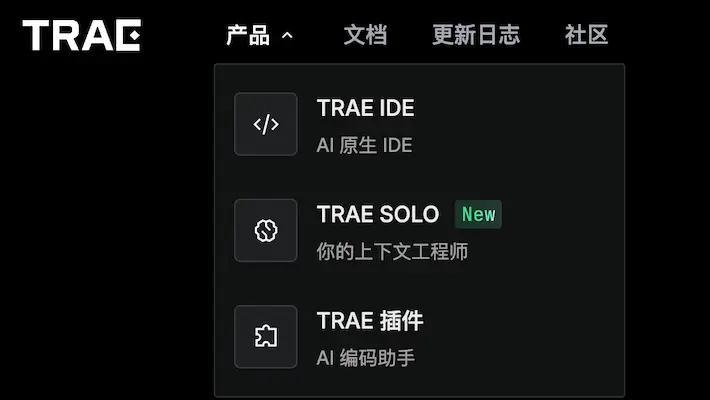
It began as a plugin, grew into a standalone IDE, and now offers a third form: SOLO Mode.
I’ve personally used TRAE since its early plugin days, later adopting the domestic IDE version because it’s free.
When TRAE’s international version began SOLO Mode beta testing in July, feedback was strong. By this month, it officially launched:
- International edition SOLO Mode — released on the 12th
- Domestic edition SOLO Mode — released on the 25th (free)
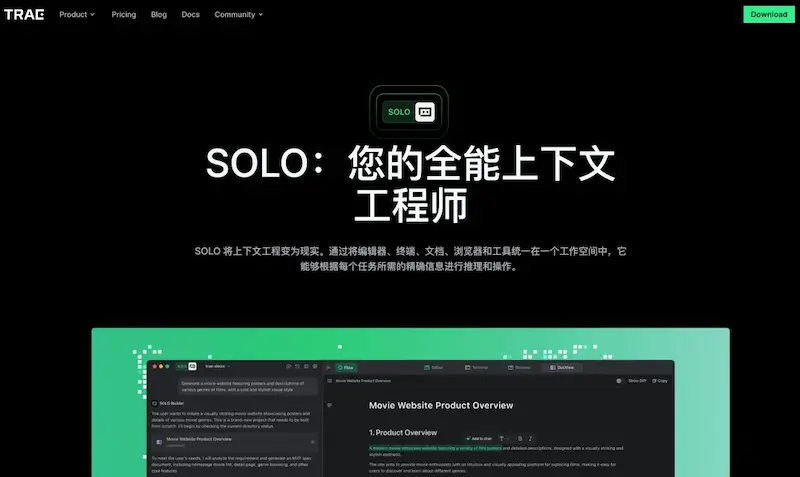
Key Questions
- What exactly is SOLO Mode, and why is it important?
- Why does TRAE keep developing multiple product forms instead of focusing on one?
- For programmers — how to choose between plugin, IDE, or terminal?
---
II. Comparing Forms
Plugins
- Pros: Quick to install, adds AI features to your current IDE
- Cons: Limited by the host environment
IDEs
- Pros: Better performance, deeper AI integration, robust features
- Best for: Developers who want a full AI-enabled development environment
Terminals
- Pros: Superior CLI tool integration, CI/CD compatibility, supports advanced features like Subagent
- Cons: Lacks built-in GUI features like autocompletion and intellisense
Reference: my previous article explains why IDEs and terminals are complementary, not competing.
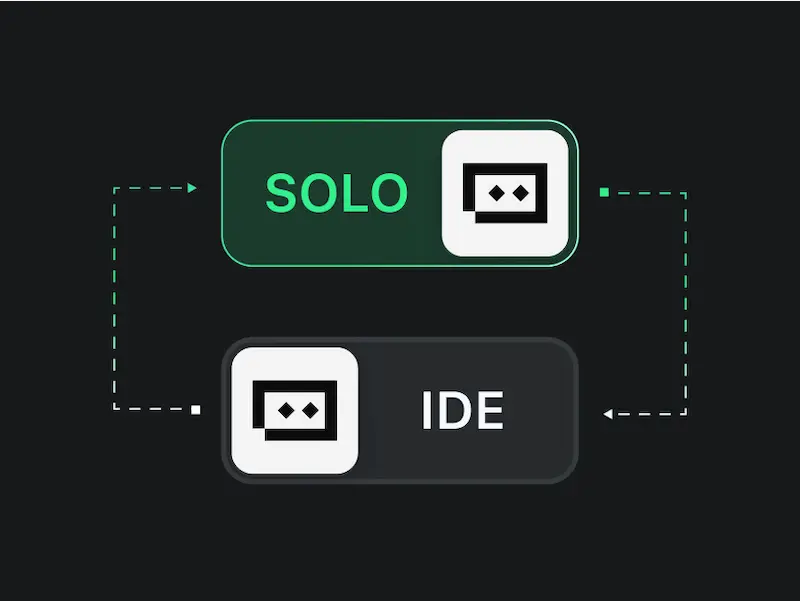
TRAE’s SOLO Mode is terminal-based, bringing unique terminal-only features to its users — features difficult to integrate into an IDE interface.
If you’re used to IDEs but also curious about terminal capabilities, SOLO Mode is worth exploring.
---
III. The Concept of Subagent
One of SOLO Mode’s most notable features is Subagent — a concept not yet seen in other domestic AI programming tools.
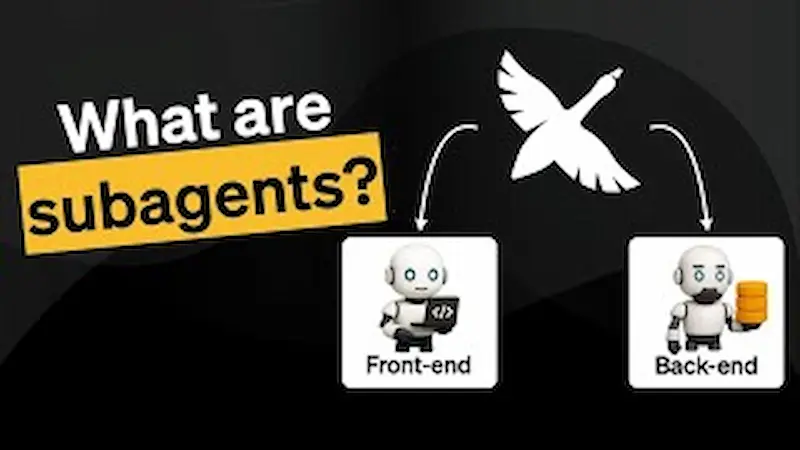
What is a Subagent?
A secondary AI agent — essentially a specific subtask inside a larger AI-driven workflow.
This is highly effective for large projects, allowing each section (e.g., directories, functional modules) to have its own AI assistant.
---
Benefits:
1. Parallel Execution
- Multiple Subagents can run at the same time
- Background execution frees the main thread for other work
- IDEs typically execute sequentially — this is a major terminal-only advantage
2. Custom Context
- Instead of passing the entire repository to the AI model, you can limit context to a specific directory
- Saves resources and reduces cost
3. Reusability
- Subagents themselves can be reused across projects
- Can be shared with other developers
4. Flexible Permissions
- Assign different permissions based on team roles
💡 This feature alone is why many developers prefer terminal tools over traditional IDEs.
---
Broader AI Workflow Insight
The Subagent idea mirrors trends in distributed AI workflows. Platforms like AiToEarn官网 apply similar principles for creative fields — breaking down workflows into manageable tasks for content generation, cross-platform publishing, and monetization. The concept enables both programmers and creators to run modular work streams more efficiently.
---
IV. Using Subagents in SOLO Mode
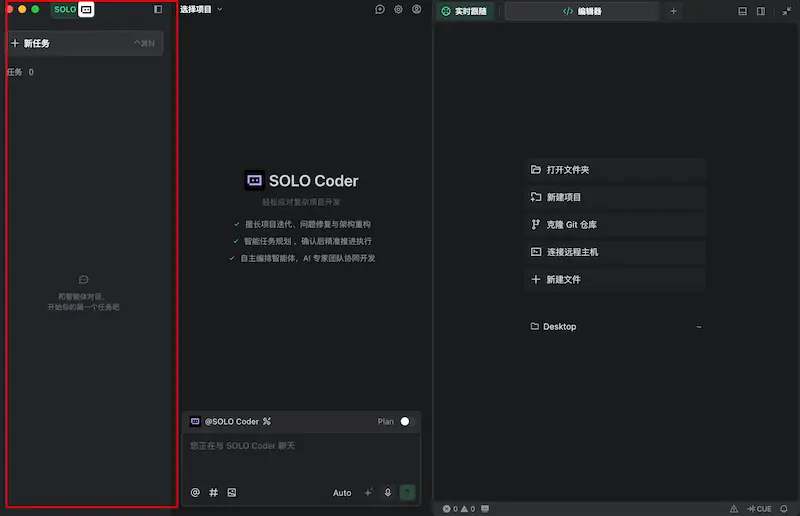
Workspace Layout
SOLO Mode splits your workspace into three panels with an extra taskbar on the far left (highlighted in red).
Creating a Subagent
- Click the "+" icon in the taskbar
- Select a built-in agent or create a new one
- Run tasks in parallel and switch between them at will
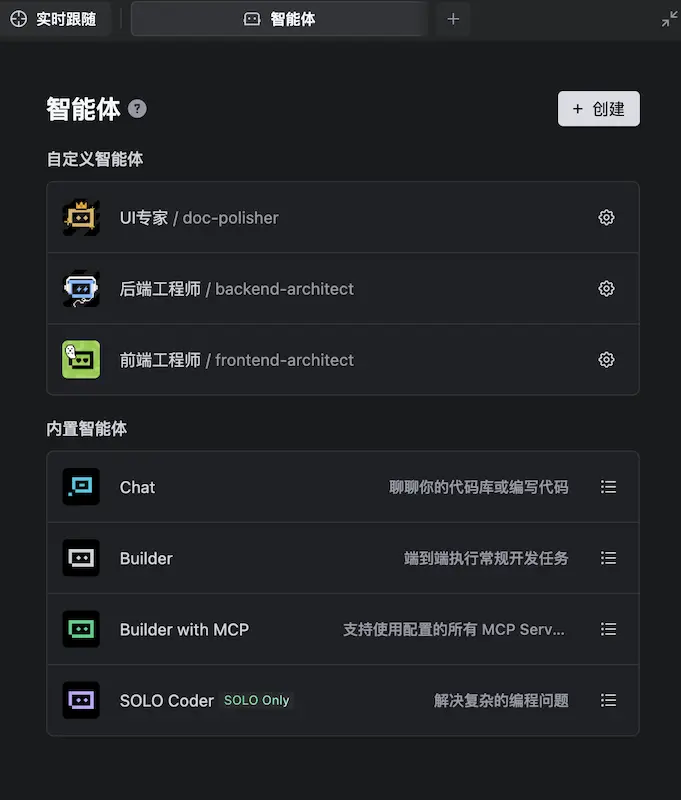
Example view:
- Three Subagents executing simultaneously
- Each labeled with clear Chinese titles
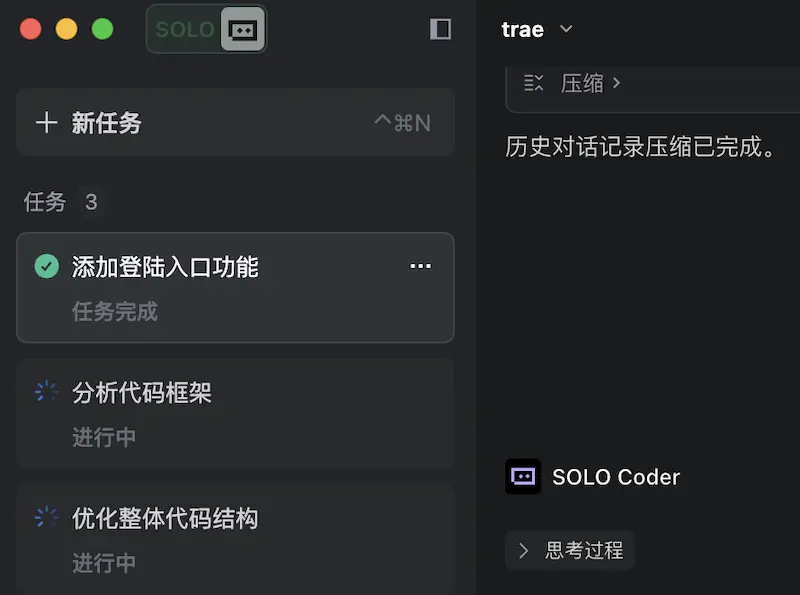
Currently, no other domestic AI coding tools offer a parallel Subagent taskbar like this — but hopefully others will catch up.
---
V. Additional SOLO Mode Features
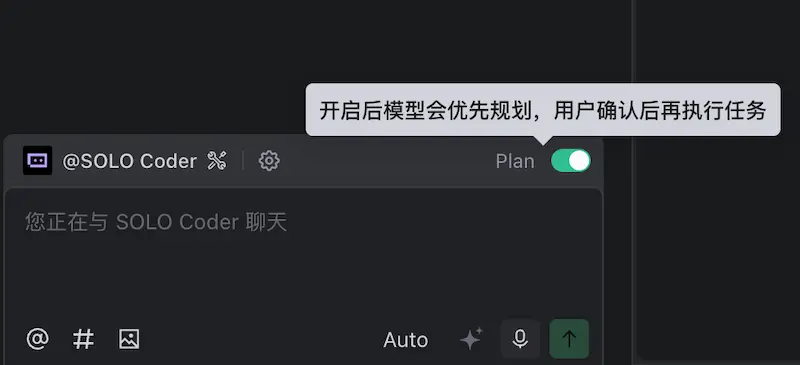
- Plan Feature
- AI generates an execution plan for your approval before running tasks
- Example screenshot:
- Context Compression
- Automatically reduces overly long contexts
- Improves performance and lowers AI usage cost
- Code Changes View
- Enhanced DiffView to highlight AI-made code modifications quickly
---
VI. Summary
TRAE SOLO Mode Advantages:
- Terminal-style parallel multi-tasking
- Real-time task awareness
- Unique productivity features (Subagent, Plan Feature, Context Compression)
- Integrated with IDE mode so developers can switch environments seamlessly
Domestic vs. International Editions:
- Domestic edition: Free, large context window
- International edition: Access to overseas AI models
For maximum AI-assisted productivity:
TRAE SOLO Mode integrates well with content monetization ecosystems like AiToEarn官网, which help creators publish AI-generated content across Douyin, Kwai, WeChat, Bilibili, Xiaohongshu, Facebook, Instagram, LinkedIn, Threads, YouTube, Pinterest, and X (Twitter), while also tracking analytics and AI model rankings. Such platforms extend AI productivity from coding to creation and monetization.
---
Do you want me to create a comparison table highlighting the strengths of Plugin vs IDE vs Terminal with TRAE’s coverage? That would make this document even more immediately actionable for readers.


