# 🚀 TRAE SOLO Official Release — Finally Here
In the **2025 AI coding arena**, **TRAE** stands out as the *domestic flagship* among AI IDEs.
Back on **July 21**, the launch of the **SOLO Beta** triggered huge buzz — community enthusiasm surged, and invite codes quickly became scarce.
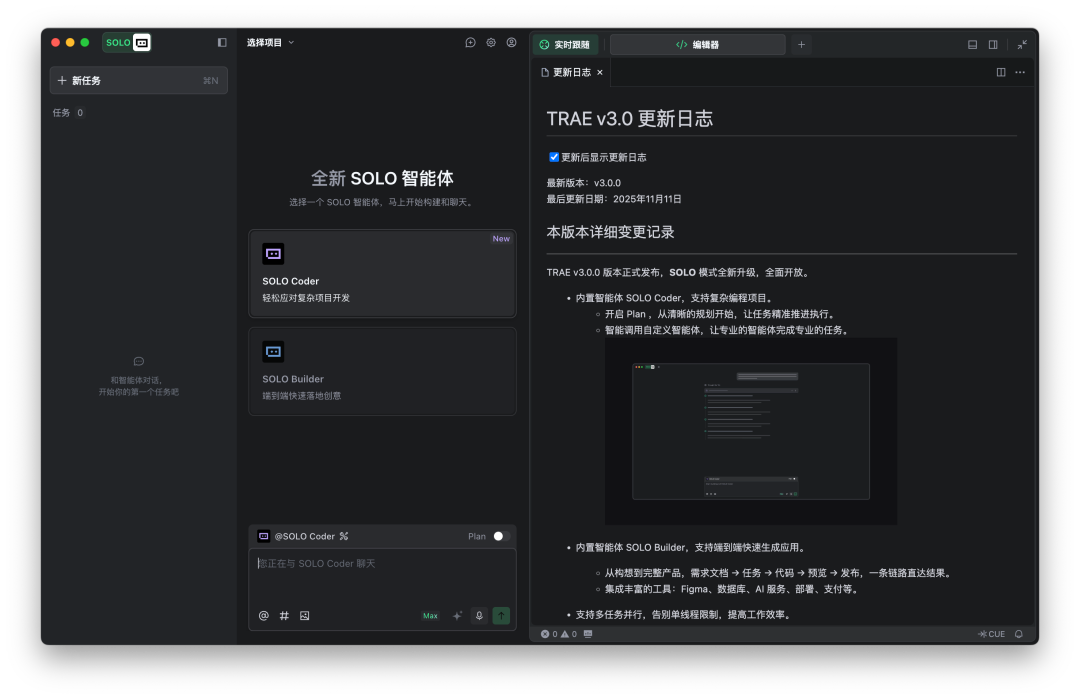
After **three months of development**, yesterday brought a surprise: **SOLO mode is now fully upgraded and officially rolled out to all users**.
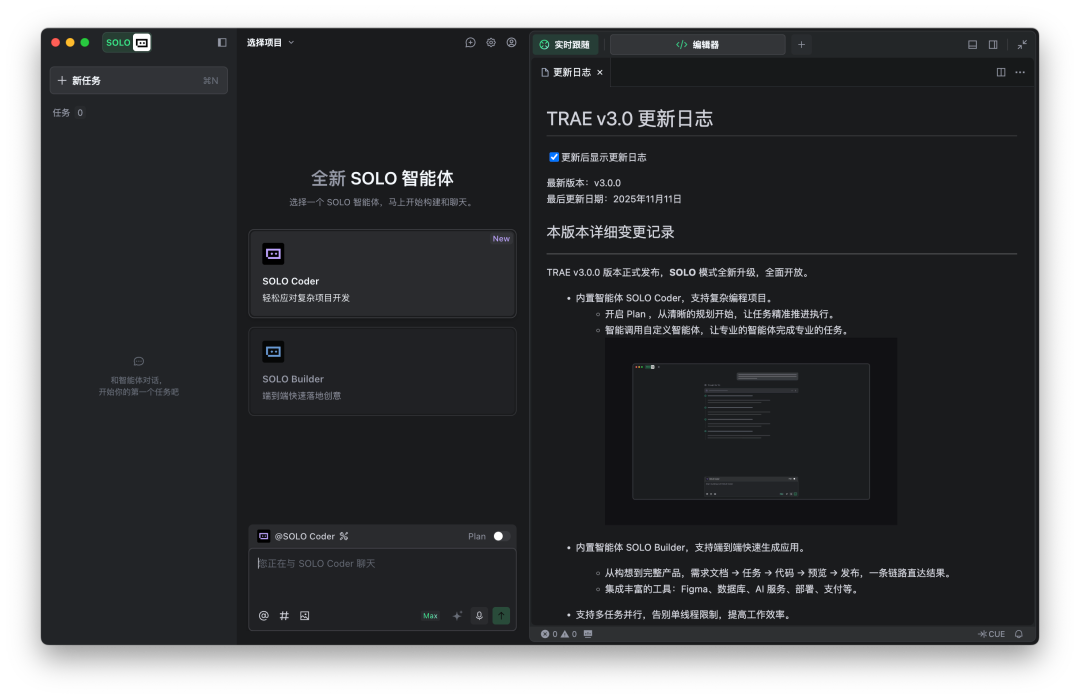
**Download:** [https://www.trae.ai/solo](https://www.trae.ai/solo)
Now, **any TRAE International Edition user** can access SOLO mode simply by upgrading to the latest version.
---
## 🔍 First Impressions
After hands-on testing, our team found that SOLO’s biggest leap is its **ability to handle complex, multi-layered project development**.
Key upgrades include:
- **Built-in intelligent agent:** **SOLO Coder**
- **Multi-task list management**
- **Context compression & tracking**
- **Code change tracking**
The Beta was marketed as *“the first AI development assistant based on Context Engineering”*.
The official version is now positioned as:
> **The Responsive Coding Agent** — *a programming intelligent agent with real-time awareness.*
---
As AI programming enters the **"human–AI co-creation"** phase in 2025, this approach aligns closely with **real production scenarios**.
**Bonus:** TRAE is offering a **limited-time free trial** for International Edition users until **November 15, 23:59**. You can try **SOLO Coder** and **SOLO Builder** *for free*.
---
## 🧠 What Is “The Responsive Coding Agent”?
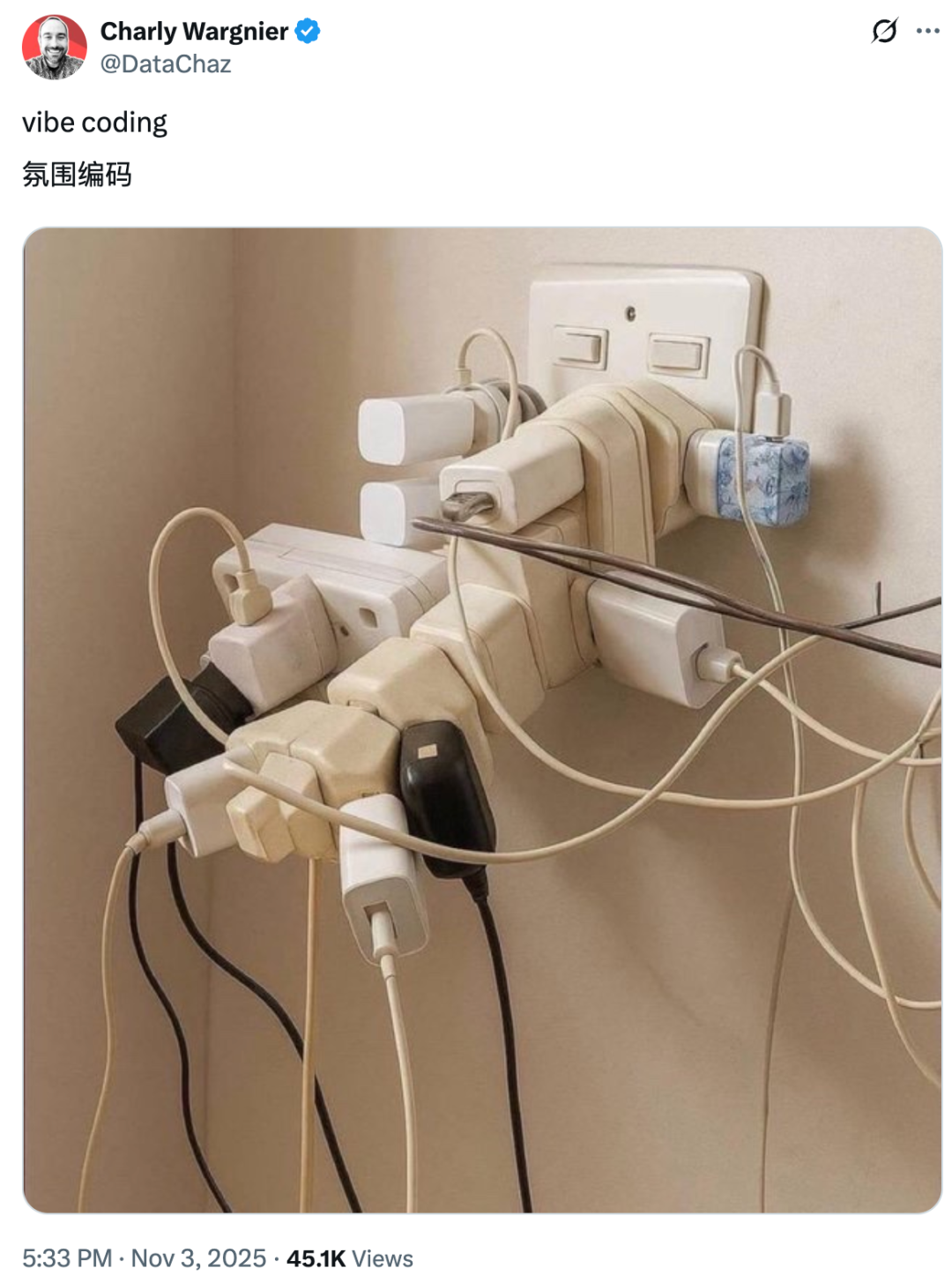
Traditional “ambient” coding with AI often means:
- AI adds bits of code without an overall design plan
- Context gets lost with tool switching
- Older requirements are forgotten
- Chaotic, “just make it run” structures emerge
**TRAE’s solution:** **The Responsive Coding Agent**, built on three pillars:
1. **Real-time awareness**
2. **Constant control (Responsive Context)**
3. **Parallel multitasking**
---
### 1️⃣ Constant Control — **Responsive Context**
**Problem:** Developers struggle to keep AI aligned with their intent. Context gaps lead to inconsistency, forgotten requirements, and inefficiency.
**Solution:** The official release’s **Responsive Context** provides:
- Trackable, retrievable, compressible context
- Conversation as the primary development workspace
- No need to switch editor, CLI, or documentation windows
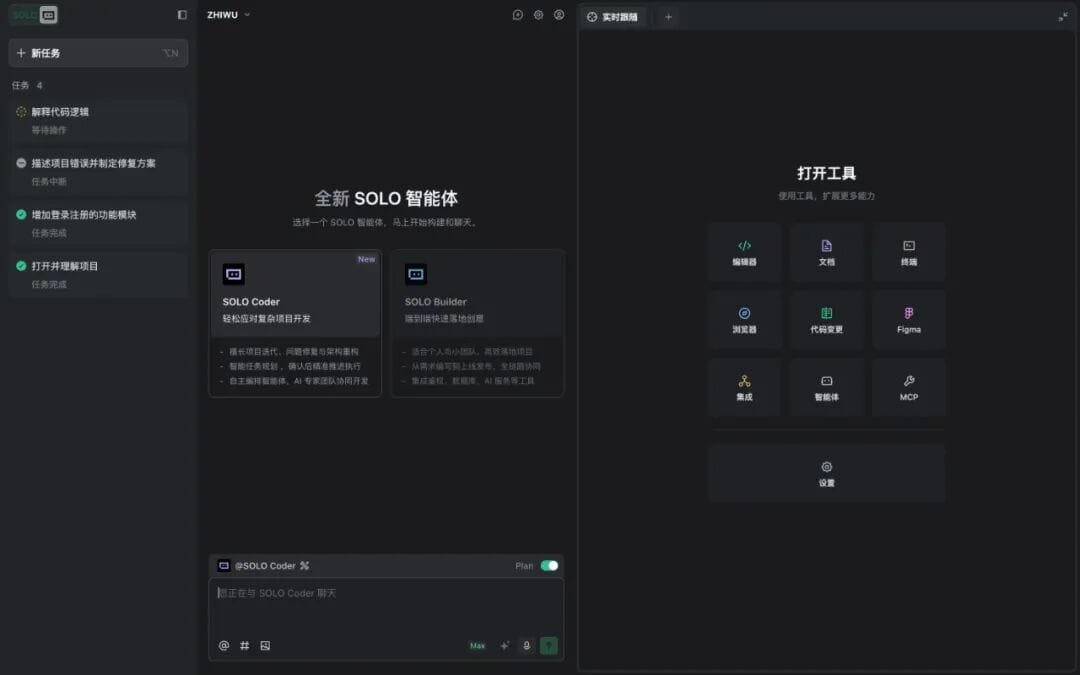
**Key Benefit:** Developers see the *entire project evolution* in one continuous dialogue thread — avoiding repeated re-explanations.
---
### 2️⃣ Responsive Review — **Visualized Development Collaboration**
**Problem:** AI executes tasks invisibly (“black-box coding”), making trust and synchronization hard.
**Solution:** SOLO introduces:
- **Auto-generated To-Do lists** for task tracking
- **Visual interface** showing all AI tool usage and file operations
- **Code change viewer** to inspect added/modified code before acceptance
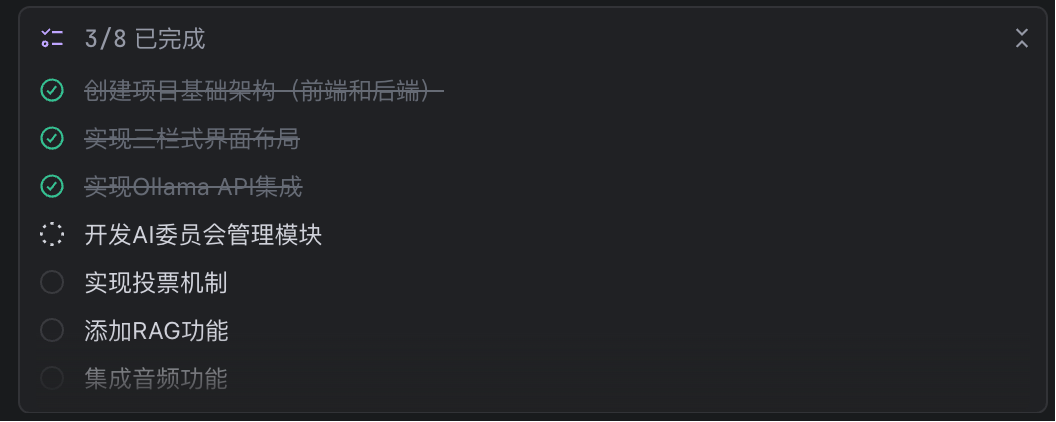
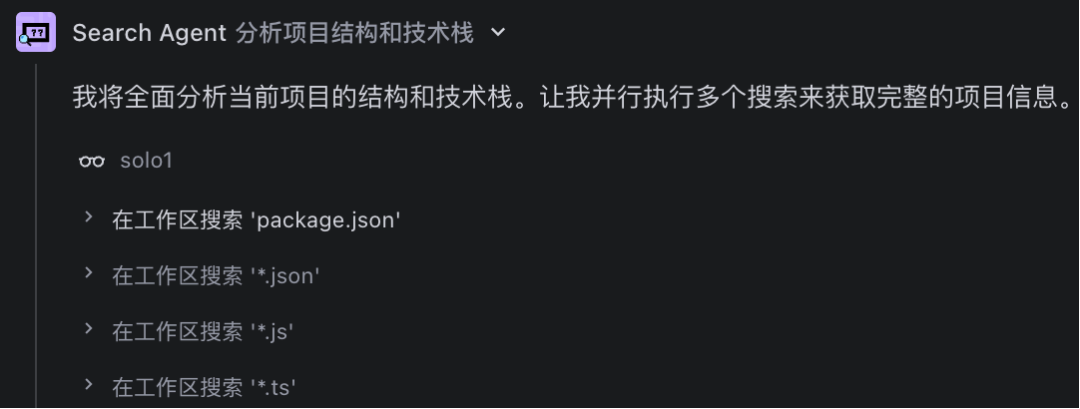
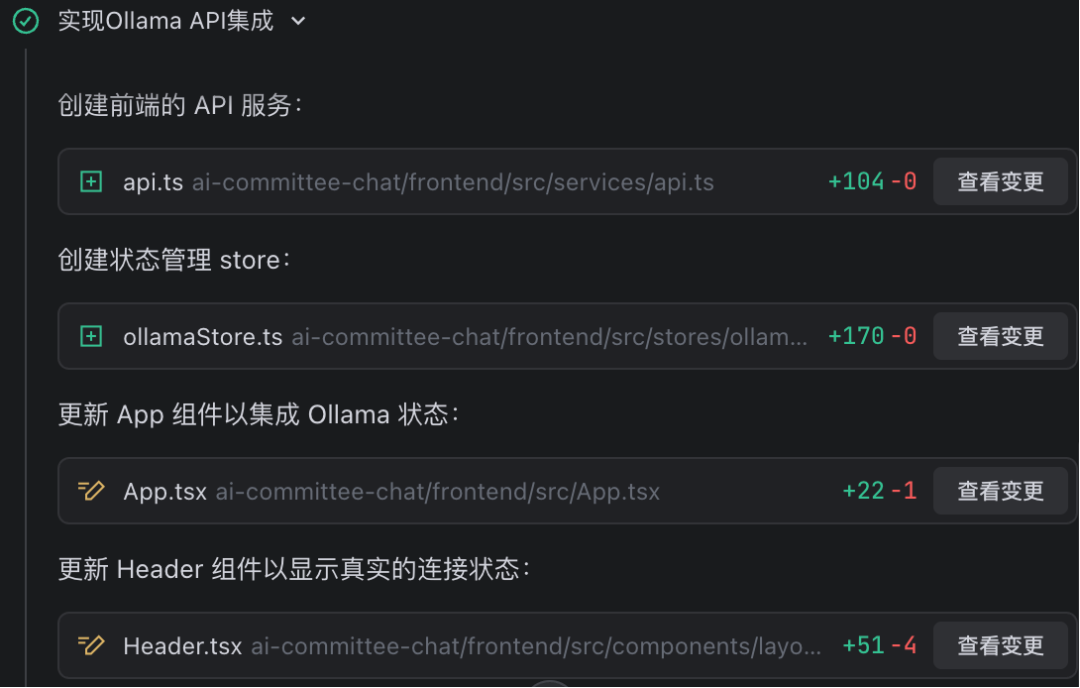
**Result:** Transparent AI collaboration — developers can always **see, follow, and control** what’s happening.
---
### 3️⃣ Responsive Multi-Agent — **Multi-threaded Work Without Waiting**
**Problem:** Most AI coding tools can handle only *one task at a time*, forcing developers to pause ongoing work to switch context.
**Solution:** SOLO now supports:
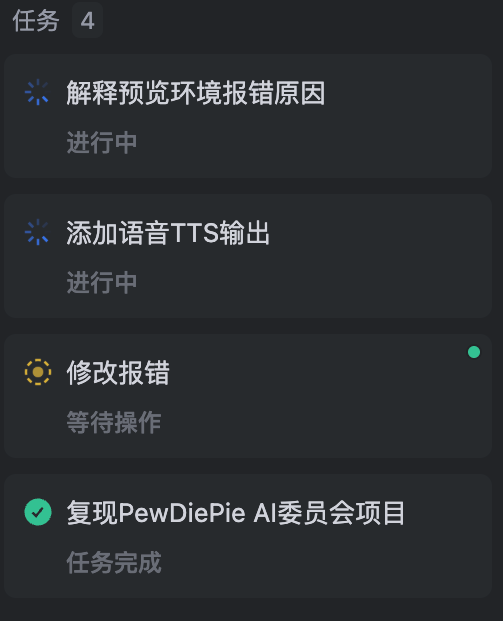
- Multiple **parallel tasks** with preserved context
- Fast switching without information loss
- **Built-in Sub-Agents** for tasks like search, review, or automated unit testing
---
## 🧪 Hands-on Test: Building an AI Think Tank
We tested SOLO in a **complex project scenario**: recreating the [PewDiePie AI Committee Chatbot](https://mp.weixin.qq.com/s?__biz=MzA3MzI4MjgzMw==&mid=2650999585&idx=1&sn=629b045951b3fd14e042bc36d4f819c4&scene=21#wechat_redirect).
### Stage 1 — **Plan Mode**
Before writing a single line of code:
1. We fed SOLO the project description + custom requirements
2. It analyzed details and generated a **full roadmap**
3. The plan was stored in Markdown for review and approval
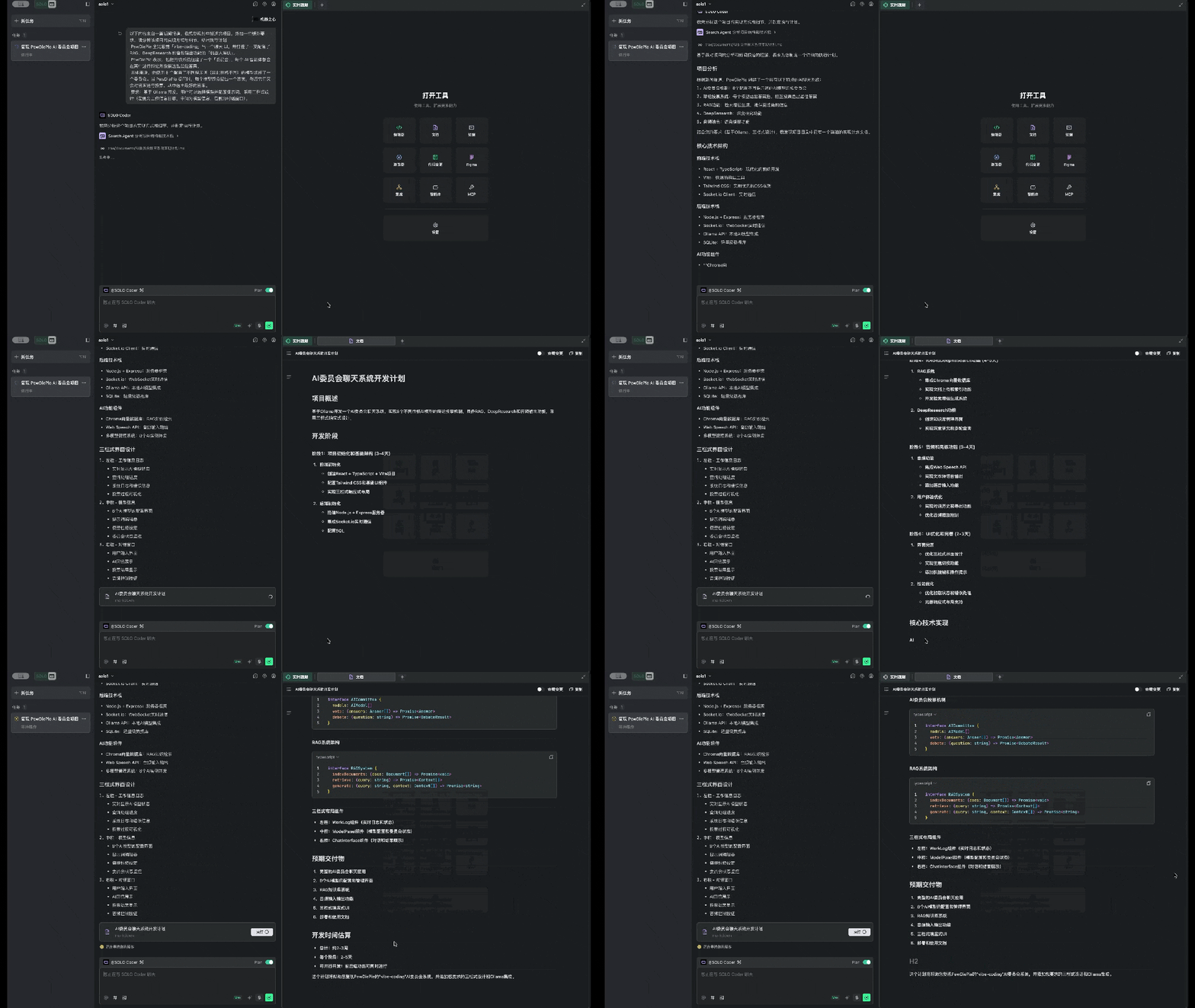
We edited and confirmed the plan, removing unnecessary sections before execution.
---
### Stage 2 — **Rapid Build**
Once approved:
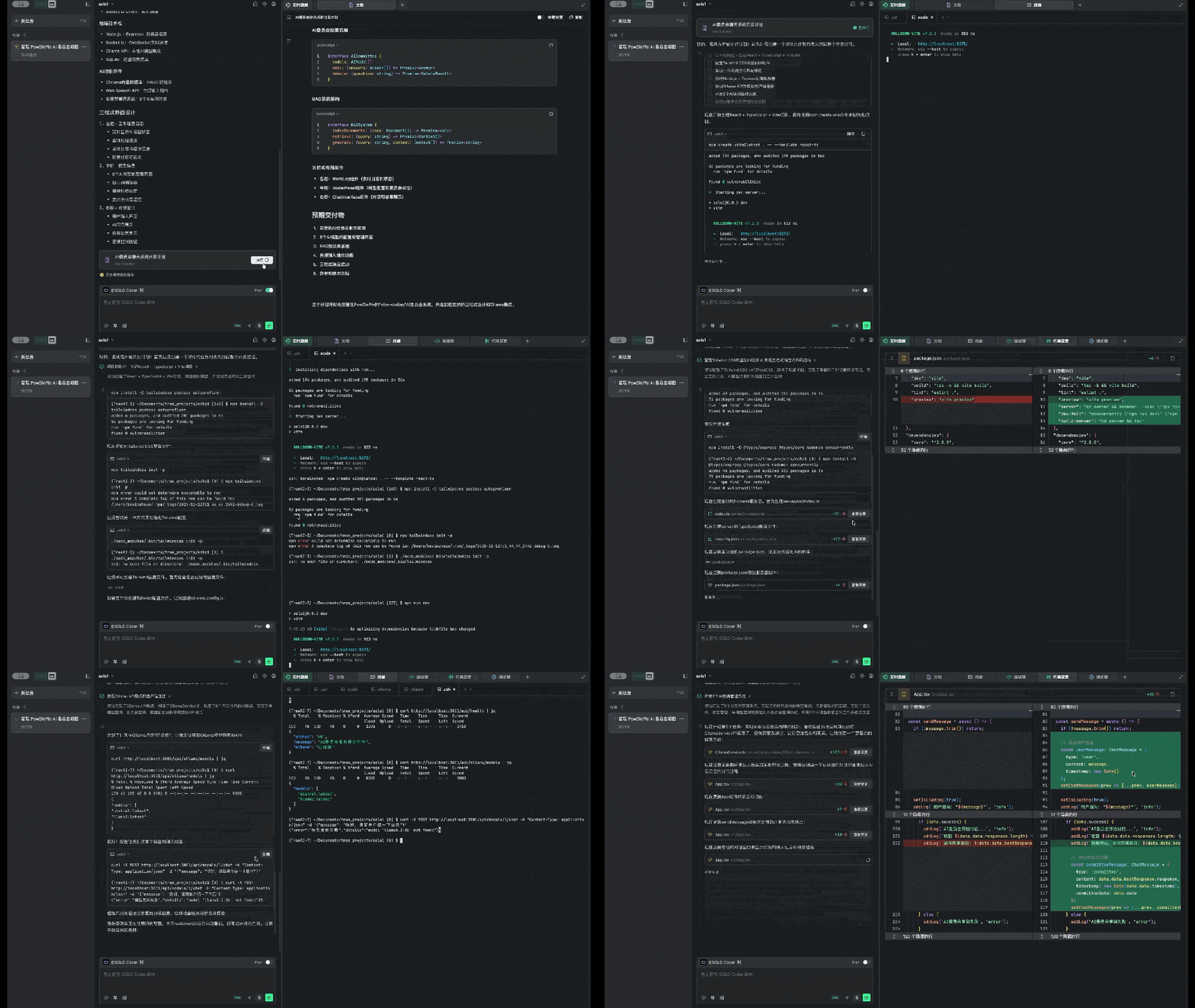
- SOLO installed dependencies, created configs, designed architecture
- Auto-tested modules and self-fixed errors
- Delivered **version 1** in under 15 minutes
---
### Stage 3 — **Iterate From 1 → N**
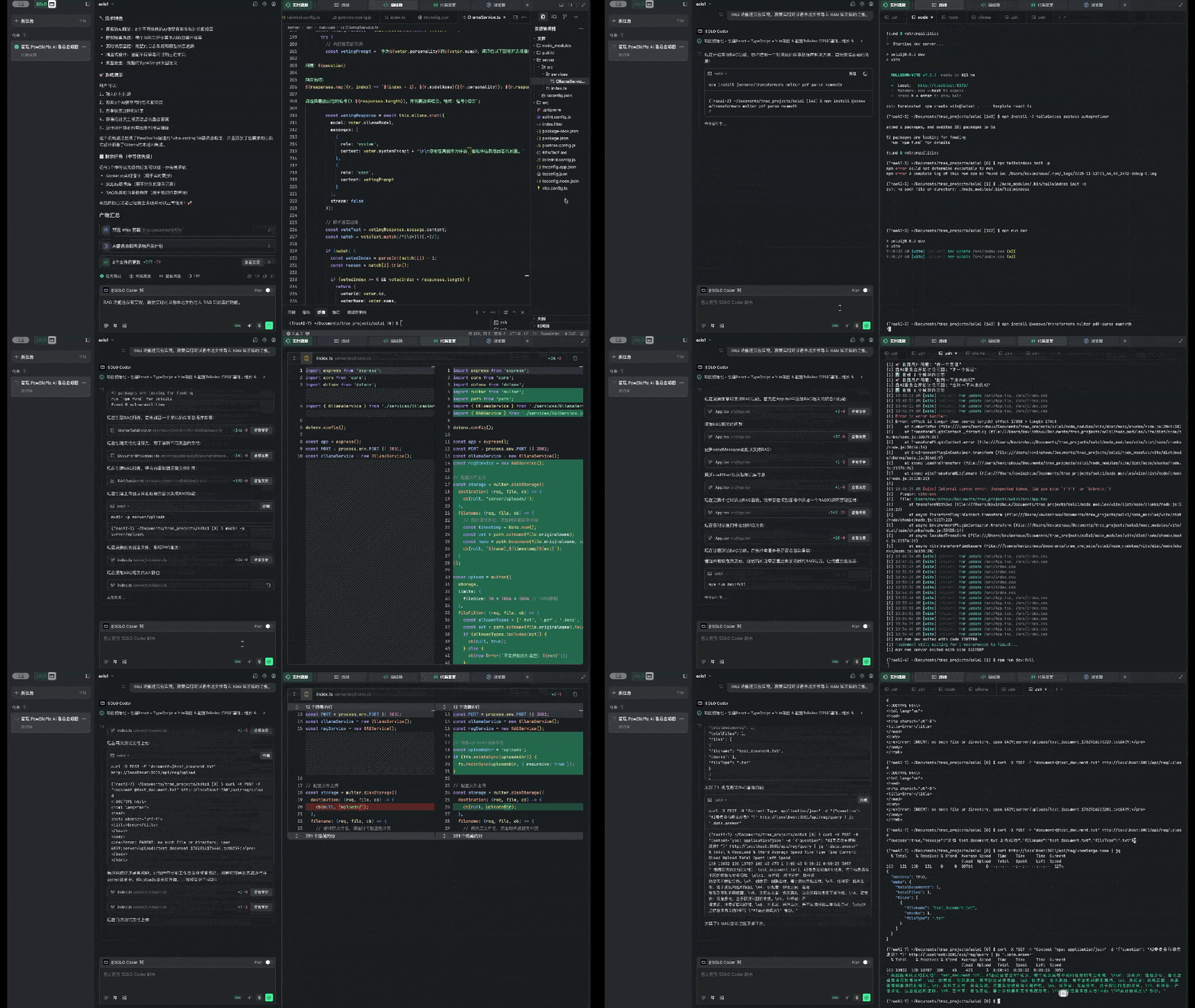
We then asked SOLO to implement:
- **RAG document import**
- **Audio/TTS output**
- **Committee voting summaries based on RAG content**
Each requirement was met with autonomous problem-solving and minimal developer input.
---
## ⚡ Why This Matters
The **official TRAE SOLO release** is more than just fast prototyping — it **iterates, fixes, and upgrades** projects reliably.
**Advantages:**
- Transparent AI activity (Responsive Review)
- Persistent, adaptive context (Responsive Context)
- Parallel tasks via Sub-Agents
- Strong autonomous error correction
---
## 📈 The Bigger Picture: AI IDE Evolution
**TRAE’s journey:**
1. **2024:** IDE plugin phase (Doubao MarsCode, embedded in VS Code / JetBrains)
2. **Jan 2025:** International TRAE IDE — AI-native IDE
3. **Mar 2025:** Domestic version for complex tasks
4. **SOLO Beta:** From "AI in IDE" to "AI integrating context"
5. **SOLO Official:** Defined concept — **The Responsive Coding Agent**
---
### 📌 Takeaways
- Intelligent agents are now tackling **full project workflows**
- Developer focus shifts from “writing code” to **architecting systems**
- Context continuity + transparency are **critical features**
- AI IDEs are evolving toward **agent-centric development**
---
**As TRAE’s official site says:**
> **SOLO is All You Need.**

---
This release positions TRAE as a **bridge to next-gen human–AI collaboration**, where AI can be an “all-in-one development team” — and developers become architects guiding AI toward meaningful outcomes.
---