> **Editor’s Note**
> This article is a curated selection from Matrix, chosen for its authentic user experiences and perspectives. The views expressed are solely those of the author; our editorial team has only refined the title and formatting.
---
## Preface — A Decade of Laptop Choices
My laptop journey began in **2014** as a freshman with a **ThinkPad L14** (2014 edition).
In **2017**, I upgraded to the **Intel 16-inch MacBook Pro**, then in **2021** to the **14-inch MacBook Pro M1**, experiencing the dramatic leap of Apple silicon.
Fast-forward to:
- **Oct 2024** — ThinkPad T14p Gen 2 (Ultra 9, integrated graphics) under a national subsidy program.
- **May 2025** — MacBook Air 15" M4.
- **Oct 2025** — Surface Pro 11 X Plus, beginning my ARM-based Windows exploration.
Over ten years, my laptops have evolved alongside my studies, work, lifestyle, and the technology landscape — reflecting shifts in both personal needs and industry trends.
---
## Windows Ecosystem — Advantages & Limitations
**Strengths:**
- **Office Suite** on Windows: unmatched performance and compatibility.
- **Expandability**: dual-channel RAM, dual M.2 slots, and versatile desktop builds (Intel NUC → mATX i7-11700 → HP i7-12700 workstation).
- **Stability**: Windows 10 ran for years without reinstalls.
**Limitations:**
- **Forced updates & restarts**: sudden loss of work context.
- **Portability gaps**: heavy workloads drain battery fast compared to MacBooks.
- **Lifestyle mismatch**: frequent travel demands desktop-like performance in portable form.
**Purchase Decision (Oct 2024):**
- Went straight for the ThinkPad T14p Gen 2, prioritizing **performance** over gaming features or extreme portability.
- Expanded RAM/storage flexibly.
- Believed anecdotal battery-life claims... only to discover the **Mac M-series vs x86 Windows** gap is *era-level* — in power management, endurance, and standby behavior.
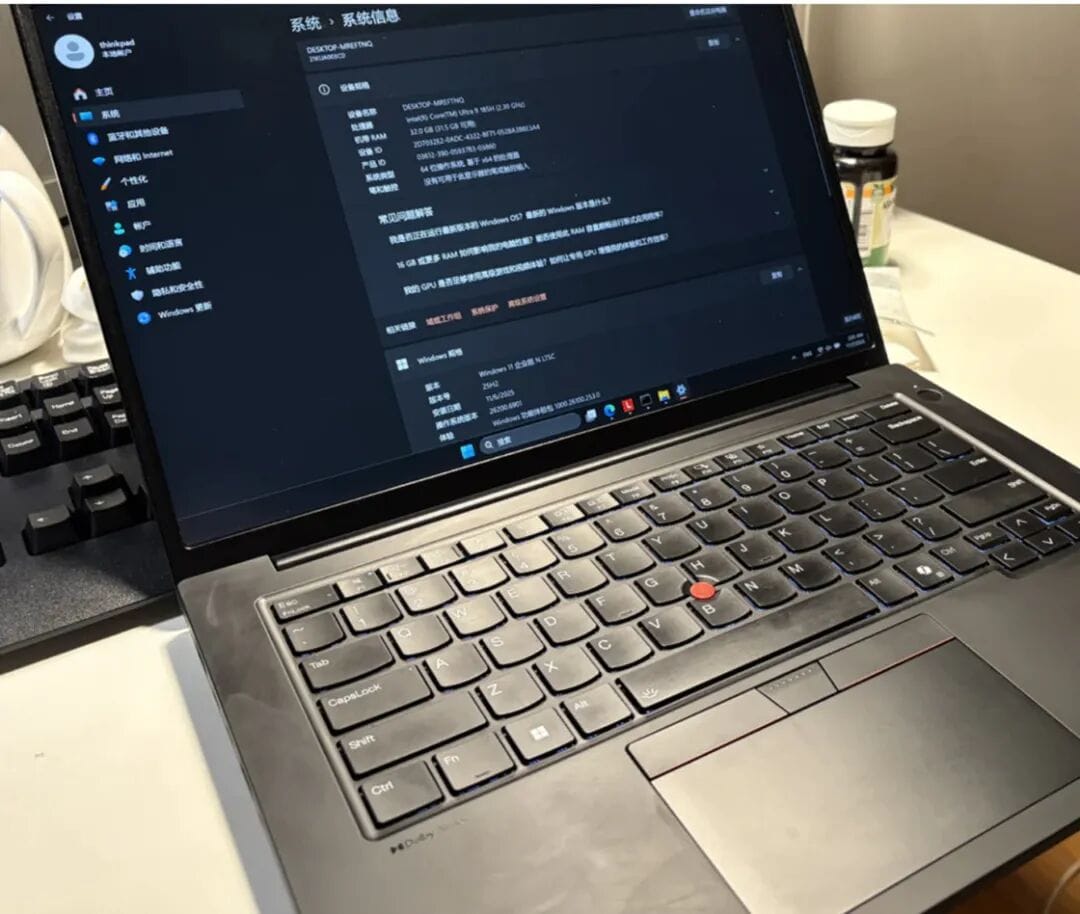
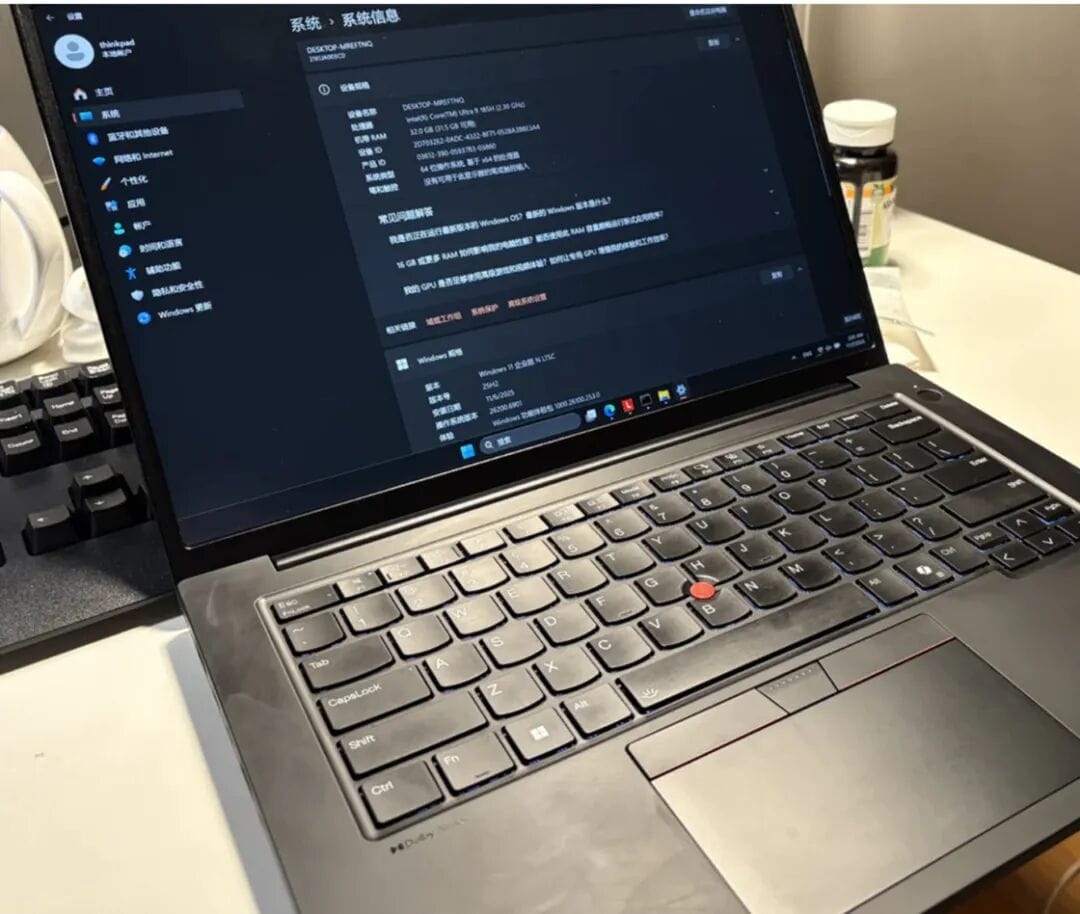
*ThinkPad T14p 2024*
---
## Standby & Battery — Real-world Insights
### macOS — Seamless Standby
Close lid → sleep for days/weeks without battery drain.
Open lid → instant wake, restored work environment.
### Windows — Modern Standby (S1) Pitfalls
- Possible *background wake-ups* — updates, patch downloads, maintenance tasks.
- Loss of traditional **S3 sleep mode** in modern models like ThinkPads.
- Susceptible to battery drain and heat in bags.
- **Productivity disruption**: hibernation or shutdown clears open apps & tabs.
---
## Battery Life — Myth vs Reality
**Common Issues with Online Battery Tests:**
- Unrealistic scenarios (low-brightness video playback, single doc open).
- Marketing claims misaligned with **multitasking reality**.
**My T14p Ultra 9 Experience:**
- 80W peak / 50W sustained → quickly limited to ~20W in Best Energy Efficiency mode.
- Typical **3 hours** runtime at 23.6W draw (75Wh battery).
- In balanced/performance mode → **<2 hours** runtime; increased heat and fan noise.
- Noticeable **keyboard heat** in summer.
**MacBook Air M4 (15") Comparison:**
- **3–6W** draw with more background processes, smooth responsiveness.
- **10 hours** true productive work time (66.5Wh battery).
- Fanless, cool palm rest, consistent on-battery performance.
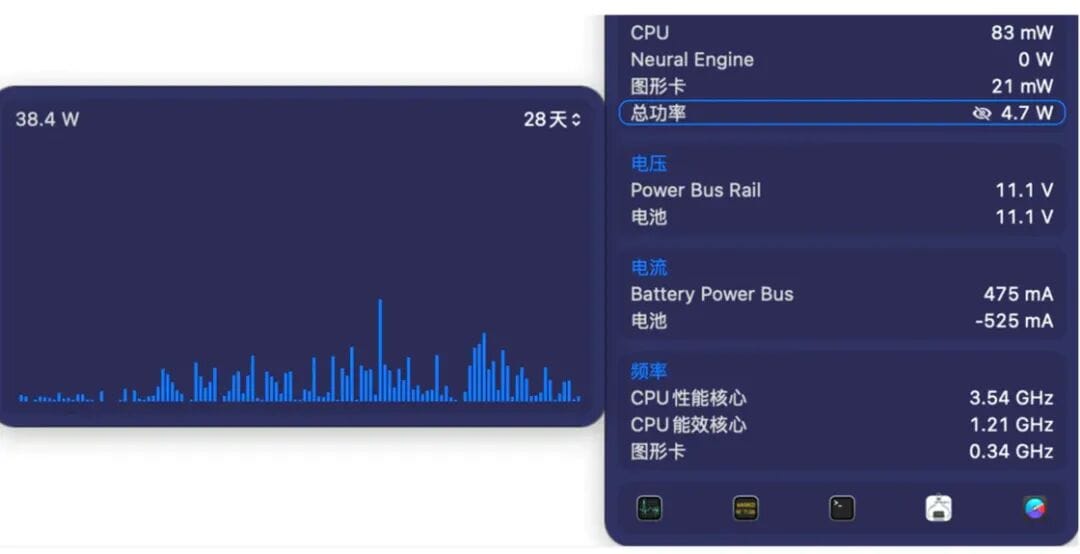
*MacBook Air M4 daily usage power consumption*
---
## Portability & Peripherals — The True Weight of Windows
### Extra Carry Requirements:
1. **100W brick adapter** (65W GaN insufficient for full performance).
2. **External mouse** (trackpad precision lags behind MacBook).
3. **Tolerance for keyboard heat** (especially on ThinkPad T14p).
---
## Compromise — Combining Desktop & Ultrabook
Realization: No single laptop meets *all* needs.
Solution adopted: **Mini‑ITX PC + ultrabook**
Example:
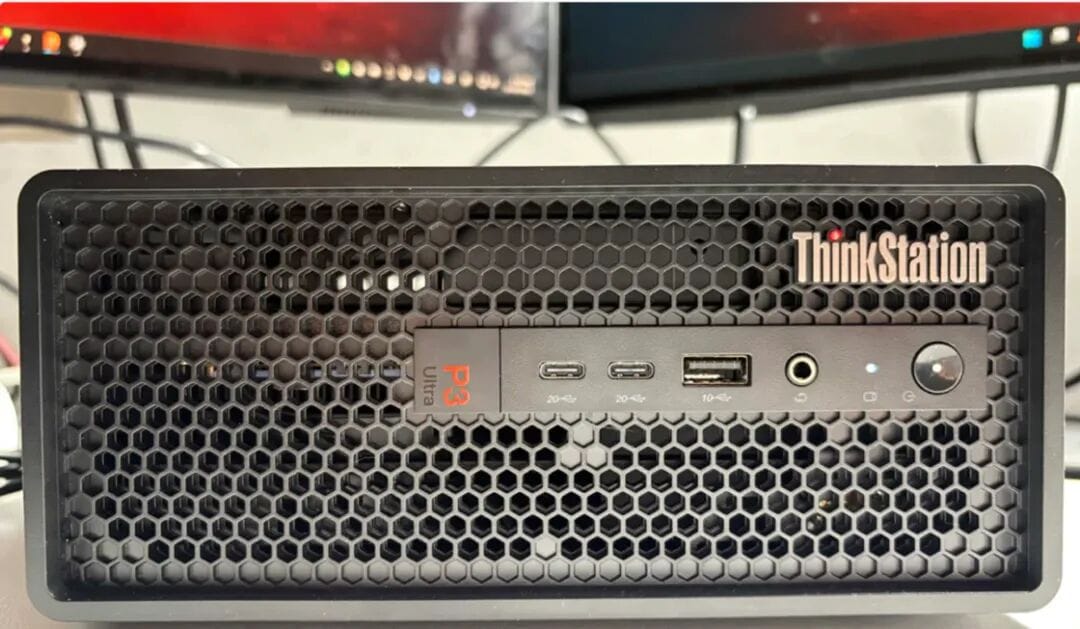
- **ThinkStation P3 Ultra Gen2** — portable yet powerful, fits 20L suitcase, usable without external monitor.
- Moonlight remote streaming delivers near-desktop experience anywhere.
---
## Exploring ARM-Based Windows — Surface Pro 11 X Plus
### Why ARM over Lunar Lake?
- Price difference: X Plus at ~$400 vs Lunar Lake at $1,500.
- My workloads (Office suite, PDFs) are native ARM.
- Qualcomm’s 4 nm process excels at **low-power performance**.
### Observations:
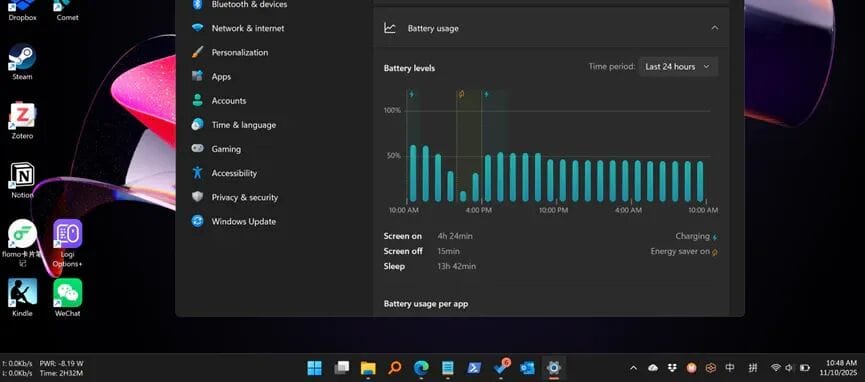
- **Modern standby consumption**: ~0.1 Wh.
- Daily workflow: **6–8W** consumption; battery saver keeps it under **5W** smoothly.
- No overheating; detachable keyboard avoids heat issues.

**Snapdragon X Plus Advantages:**
- Quiet, cool, efficient.
- Real obstacle: high introductory pricing.
- Potential for broader acceptance at **CNY 4,000–5,000 price point**.
- ARM’s balance of performance, efficiency, and UX feels more refined than Intel’s.
---
## Summary & Outlook
**Key Lessons from 10 Years:**
- **Perfect laptop = non-existent (for now)**.
- Define *your* needs — avoid chasing "can-do-everything" devices.
**Platform Realities:**
- Windows + x86 unlikely to fully solve power/battery issues without hardware-software synergy.
- ARM laptops show promise: ultra-low standby draw, smooth responsiveness, quiet operation.
**Future Wish:**
- Transparent battery tests reflecting *real workflows*, using tools like **Traffic Monitor** for continuous consumption logging.
---
**Original Article:**
[https://sspai.com/post/103693?utm_source=wechat&utm_medium=social](https://sspai.com/post/103693?utm_source=wechat&utm_medium=social)