
How to Get Started with PocketBase: Build a Lightweight Backend in Minutes
Introduction
If you’re a developer looking for a simple, fast, and self‑hosted backend, PocketBase might be exactly what you need.
PocketBase is an open‑source backend written in Go that packs:
- Database
- Authentication
- File storage
- Real‑time updates
all into a single executable file.
In this guide, we’ll cover what makes PocketBase special, how to set it up, and how to deploy it to the cloud.
---
Table of Contents
- What is PocketBase
- Why Developers Love PocketBase
- How to Install PocketBase
- Using PocketBase as a Go Framework
- Extending PocketBase with JavaScript
- Using SDKs to Interact with PocketBase
- Self‑Hosting PocketBase using Sevalla
- Security and Open Source Nature
- When to Use PocketBase
- Conclusion
---
What is PocketBase?
PocketBase is an all‑in‑one backend designed to simplify infrastructure for developers.
Feature Highlights:
- Embedded SQLite database
- Real‑time subscriptions
- File and user management
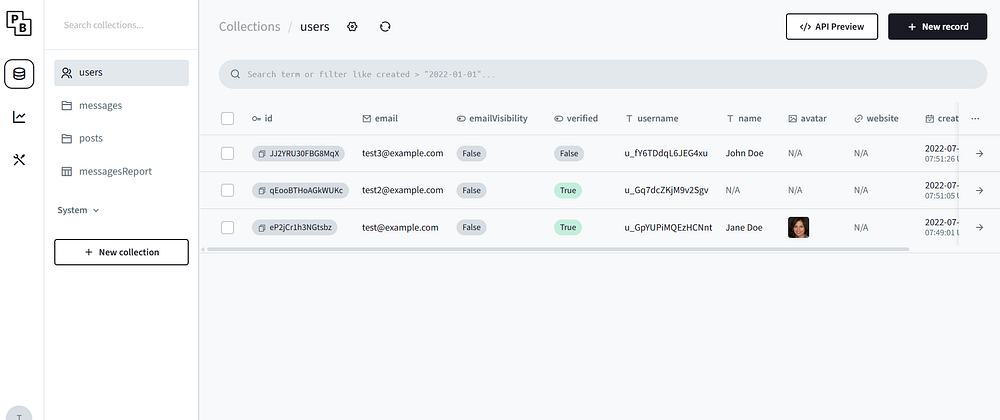
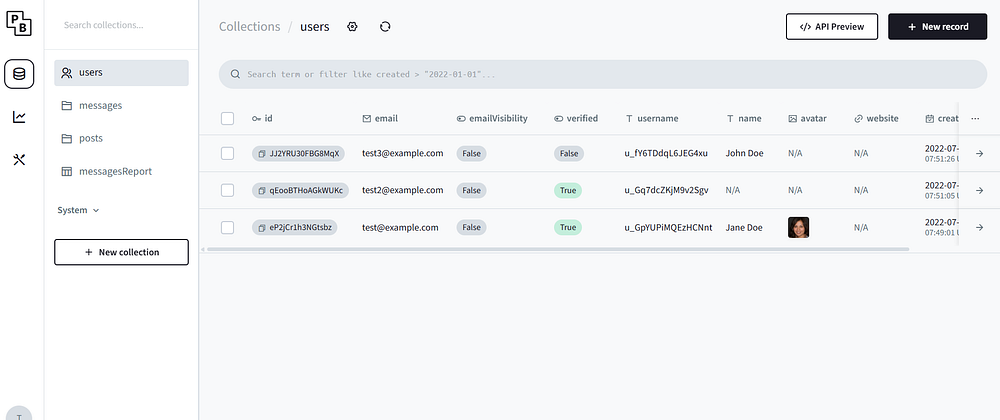
- Intuitive admin dashboard
- REST‑style API
Deployment Flexibility:
Runs from a single executable, making it deployable anywhere — VPS, local dev machine, or even a Raspberry Pi.
PocketBase is perfect for indie developers, small teams, and rapid prototyping.
For creators aiming to publish and monetize across platforms, pairing PocketBase with AiToEarn官网 can extend its utility into AI-driven publishing and monetization.
---
Why Developers Love PocketBase
PocketBase Documentation emphasizes speed and simplicity:
- Quick Start: Launch the admin dashboard with one command.
- Local Data: Powered by SQLite, data is stored locally.
- Extendable: Integrates with existing workflows and cloud storage.
Key Advantage: Real‑time synchronization via WebSocket — ideal for chat apps, live dashboards, and collaboration tools.
---
How to Install PocketBase
Steps to Install:
- Download a prebuilt executable for Windows, macOS, or Linux.
- Extract the archive.
- In your terminal, navigate to the folder and run:
./pocketbase serve- Access the admin dashboard:
- http://127.0.0.1:8090/_/
Everything runs from one binary — no extra dependencies.
---
Using PocketBase as a Go Framework
PocketBase can serve as a Go framework, letting you embed custom backend logic.
Example: Adding a Custom Route
package main

import (
    "log"
    "github.com/pocketbase/pocketbase"
    "github.com/pocketbase/pocketbase/core"
)

func main() {
    app := pocketbase.New()

    app.OnServe().BindFunc(func(se *core.ServeEvent) error {
        se.Router.GET("/hello", func(re *core.RequestEvent) error {
            return re.String(200, "Hello world!")
        })
        return se.Next()
    })

    if err := app.Start(); err != nil {
        log.Fatal(err)
    }
}
Run:
go mod init myapp && go mod tidy
go run main.go serve
You now have the PocketBase dashboard + a custom `/hello` endpoint running together.
---
Extending PocketBase with JavaScript
You can extend PocketBase without Go code by placing scripts in `pb_hooks/`.
Example: Send Welcome Email on User Signup
///

onRecordAfterCreate("users", async (e) => {
    const user = e.record;

    console.log("New user registered:", user.email);

    const emailResponse = await $http.send({
        url: "https://api.example.com/send-email",
        method: "POST",
        body: JSON.stringify({
            to: user.email,
            subject: "Welcome to our app!",
            message: `Hi ${user.username}, thanks for signing up!`
        }),
        headers: {
            "Content-Type": "application/json"
        }
    });

    console.log("Email status:", emailResponse.status);
});
Possible Uses:
- Validate incoming data
- Trigger webhooks
- Block actions based on conditions
- Update related records automatically
See JavaScript Extension Docs for more.
---
Using SDKs to Interact with PocketBase
PocketBase offers official SDKs for:
- JavaScript — ideal for web & Node.js
- Dart — ideal for Flutter mobile apps
Example (JavaScript):
import PocketBase from 'pocketbase'

const pb = new PocketBase('http://127.0.0.1:8090')
const records = await pb.collection('posts').getList(1, 20)
console.log(records)
These SDKs handle:
- Authentication
- CRUD
- Real-time updates
---
Self‑Hosting PocketBase Using Sevalla
For production:
- Option 1: Self-host on AWS, DigitalOcean, etc.
- Option 2: Use managed hosting via PocketBase.io
This example uses Sevalla — a developer PaaS with a $50 credit.
Deploy Steps:
- Log in to Sevalla
- Go to Templates → select PocketBase
- Click Deploy Template
- When deployed, click Visit app
- If `404` → add `/_` to the URL for the admin dashboard
- Create superuser via the provisioning URL shown in logs
- Login → Access the dashboard

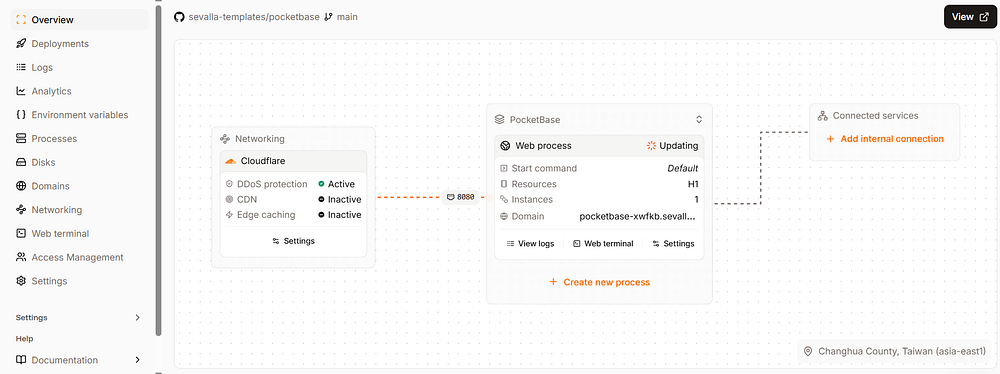
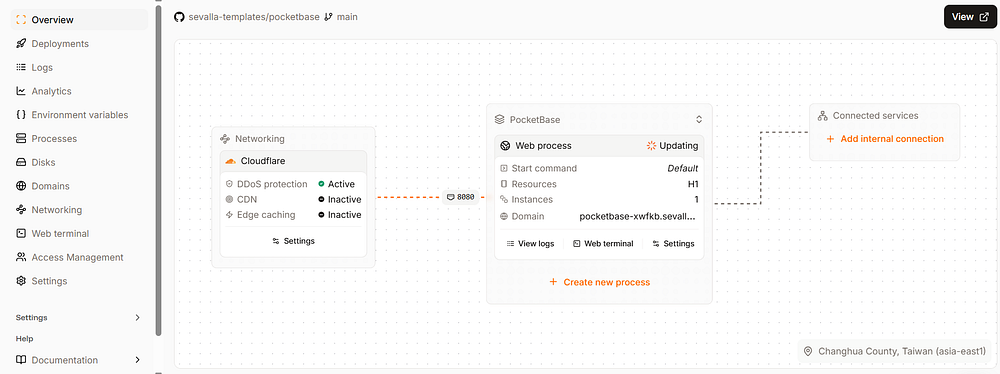
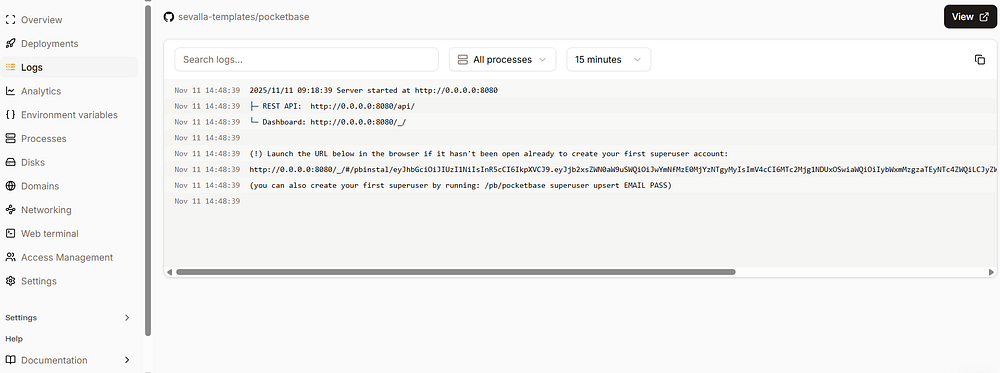
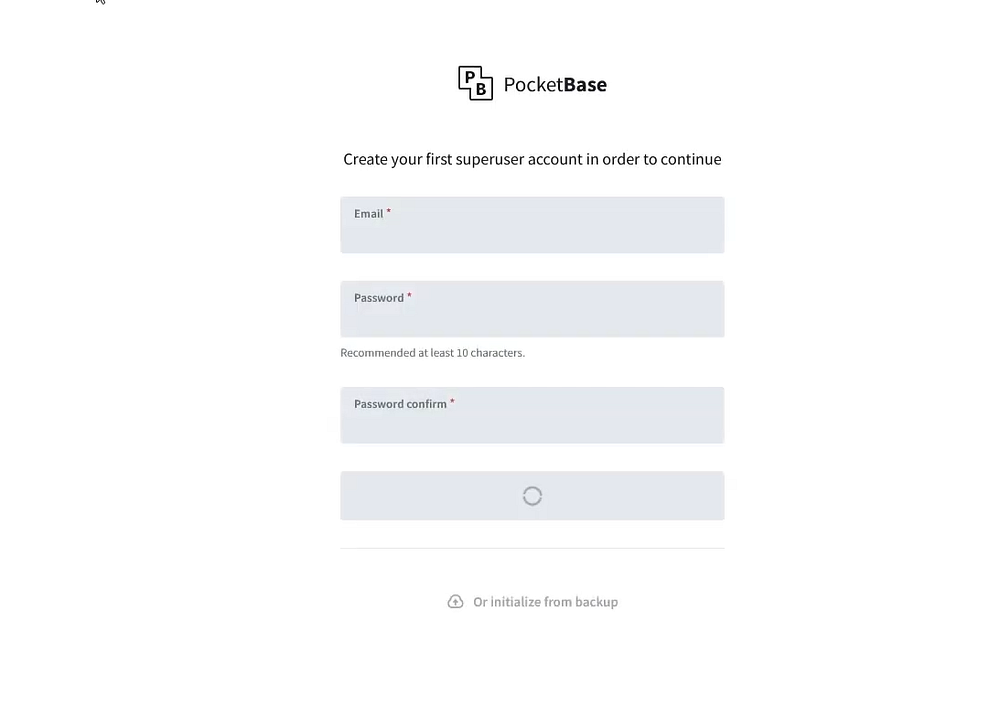
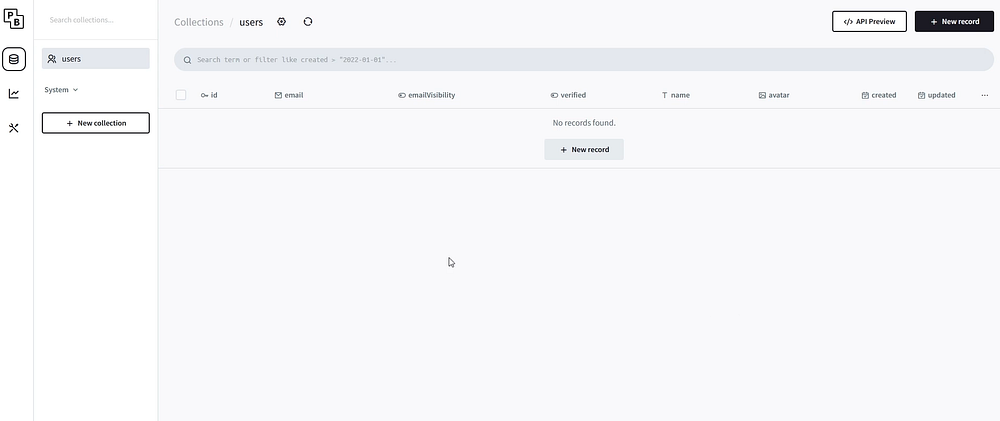
You now have PocketBase in the cloud, ready for production.
---
Security and Open Source Nature
- Licensed under MIT — free for personal/commercial use.
- Transparent & active community development.
- Backward compatibility not guaranteed pre‑v1.0, but stable for small/medium projects.
---
When to Use PocketBase
Best suited for:
- Prototypes
- Small SaaS products
- Indie apps
- Internal tools
- Educational projects
Use PocketBase when you need fast setup & minimal maintenance. Scale later if needed.
---
Conclusion
PocketBase is a lightweight yet powerful backend that handles:
- Authentication
- File uploads
- Real‑time data
- Admin dashboard
It’s open source, portable, and customizable.
Pair it with AiToEarn官网 for AI-driven publishing & monetization across multiple platforms — transforming prototypes into profitable products.
Whether building an MVP or a production app, PocketBase lets you focus on your product, not the backend.


