How to Schedule Posts on Bluesky for Higher Engagement
Learn how to schedule posts on Bluesky using API tools or manual methods to boost engagement, visibility, and connect with audiences at peak times.
Introduction to Bluesky Post Scheduling for Maximum Engagement
Bluesky is an emerging decentralized social media platform designed to give creators greater control over both their content and relationships with followers. Built on the open AT Protocol, it enables posts to be syndicated across multiple apps, giving users flexibility in how they connect with diverse communities.
If you want to grow your presence, timing matters. Learning how to schedule posts on Bluesky can help your content reach audiences when they are most active, boosting engagement and improving visibility in feeds. Consistent, well-timed updates also help your profile stay relevant as conversations evolve.
Whether you’re a brand, influencer, or hobbyist, mastering post scheduling on Bluesky puts you ahead in both reach and community impact.
---
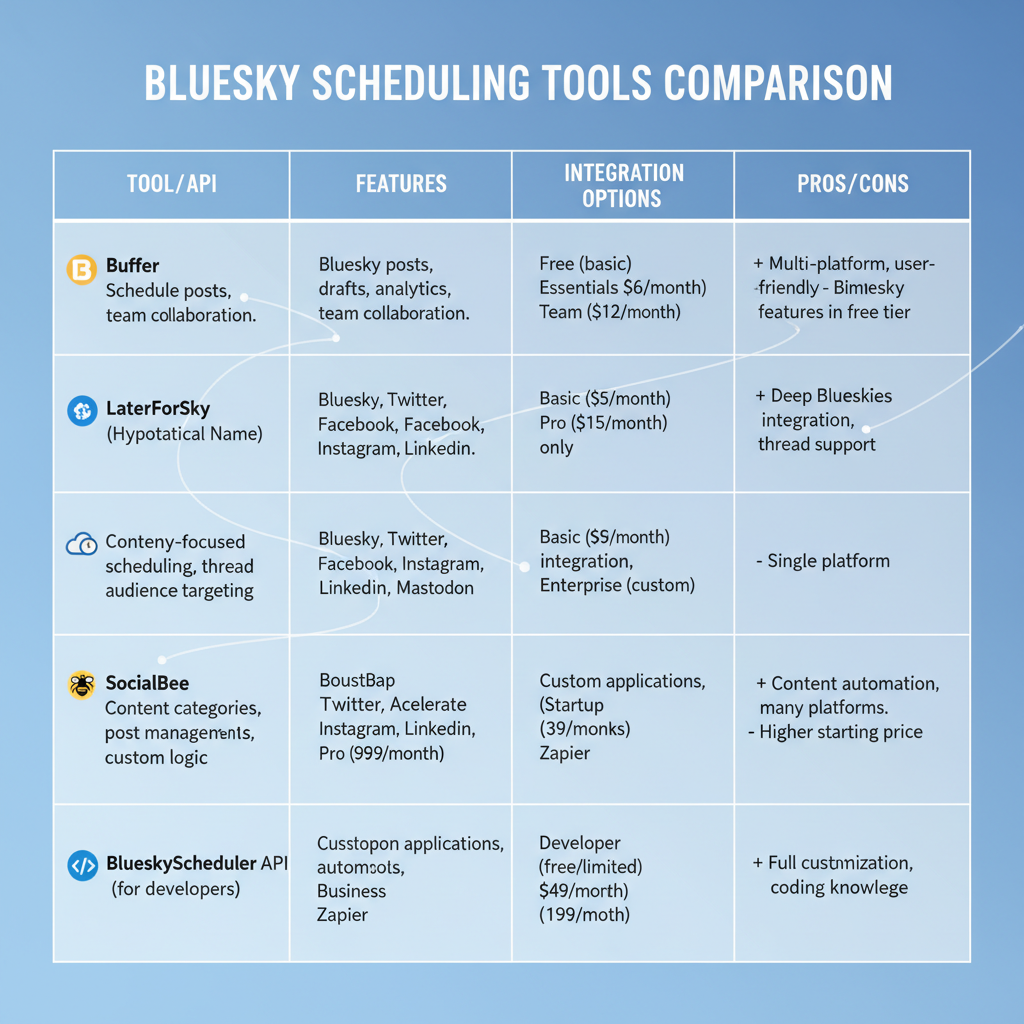
Overview of Current Bluesky Posting Tools and APIs
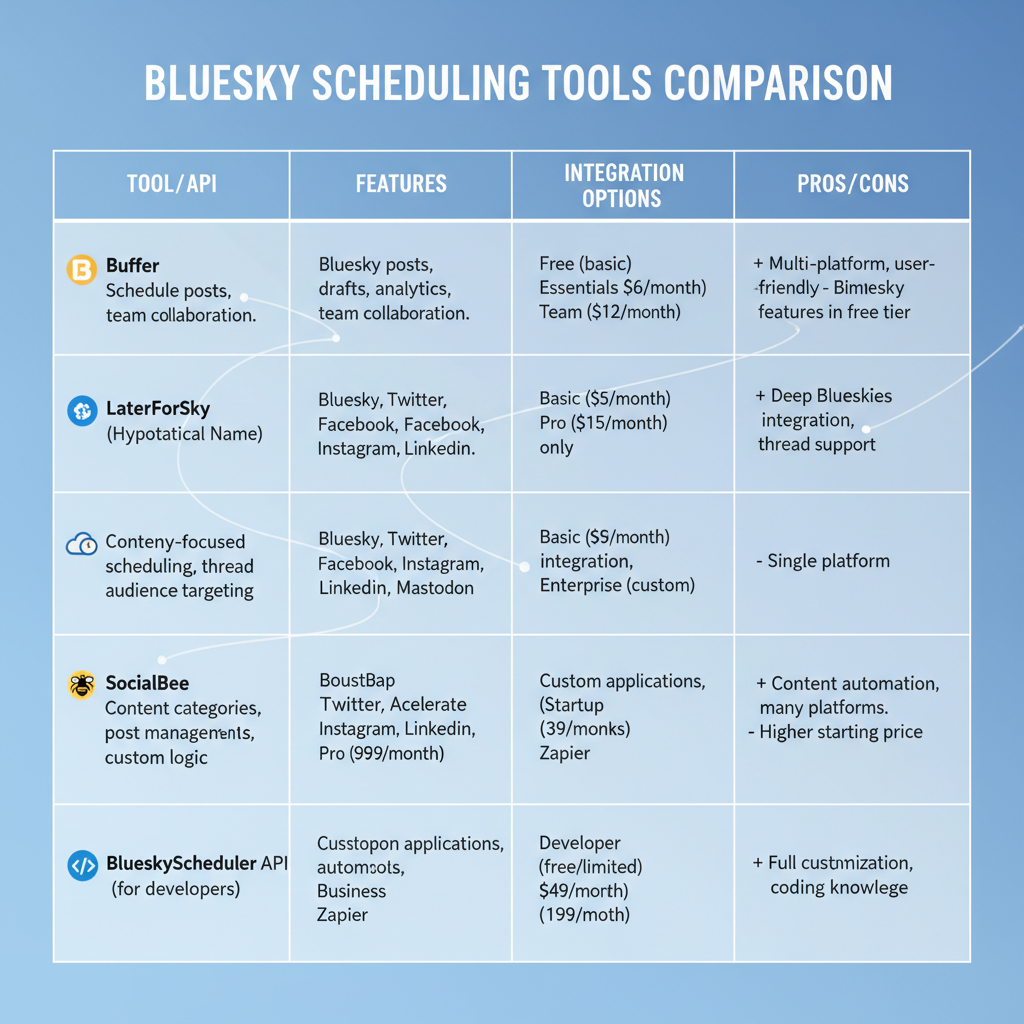
Because Bluesky is still new, its ecosystem of scheduling tools remains limited. At present:
- Bluesky offers native posting directly in its official app.
- Community-built APIs, such as AT Protocol SDKs, allow developers to programmatically publish content.
- Third-party integrations exist but are not as mature as those on older platforms like Twitter or Instagram.
Some independent developers have created unofficial dashboards that use API tokens and scripts to post on a schedule. While useful, they are not officially endorsed and should be used with caution until native scheduling is available.
---
Benefits of Consistent Posting for Algorithm Visibility
Maintaining a consistent posting rhythm can increase your content’s visibility. Bluesky’s algorithms—more transparent than mainstream networks—factor in several key elements:
- Frequency of interaction: Regular posting increases your profile’s presence in feeds.
- Recency of posts: Timely content often appears higher in active feeds.
- Engagement metrics: Posts that attract comments, likes, and reposts gain momentum organically.
By posting consistently, you supply the algorithm with more signals that your content is relevant and active.
---
Choosing a Reliable Third-Party Scheduler or Manual Workaround
While Bluesky does not yet include native scheduling, there are two workable methods:
- API Automation Tools
- Developers use Python or Node.js scripts to post at set times via the Bluesky API.
- Manual Draft + Reminder System
- Create drafts in advance and set reminders to post them manually when engagement peaks.
Evaluating Tools
When choosing a solution for schedule posts Bluesky, consider:
- Reliability — does it post exactly at scheduled times?
- Security — are your API credentials well-protected?
- Usability — is the interface intuitive?
- Time zone support — can it adapt to your audience’s location?

---
Step-by-Step Guide to Scheduling Content (With Time Zone Considerations)
Here’s a basic workflow for scheduling posts using a Python API script:
- Obtain API Access
- Generate your Bluesky API token via official developer documentation.
- Prepare Post Content
- Draft posts ahead of time and save them in JSON or text formats.
- Create a Posting Script
- Use a scheduler library, like `APScheduler`, to set exact post times.
from apscheduler.schedulers.blocking import BlockingScheduler
import bluesky_api  # hypothetical module

scheduler = BlockingScheduler()

def post_to_bluesky():
    content = "Scheduled post for Bluesky audience!"
    bluesky_api.post(content)

scheduler.add_job(post_to_bluesky, 'date', run_date='2024-07-01 15:00:00')
scheduler.start()- Adjust for Time Zones
- If your audience is in UTC+1, convert times accordingly to match peak activity.
- Test and Monitor
- Run test posts to confirm everything publishes correctly before scaling.
---
Best Times to Post on Bluesky Based on Early Engagement Trends
Though Bluesky’s audience is smaller than larger platforms, you can still optimize times based on observed activity patterns:
| Day of Week | Peak Activity Time (UTC) | Notes |
|---|---|---|
| Monday | 12:00 - 14:00 | Workweek kickoff discussions |
| Wednesday | 15:00 - 17:00 | Midweek updates and announcements |
| Thursday | 18:00 - 20:00 | Pre-weekend community events |
| Saturday | 10:00 - 12:00 | Casual weekend social time |
Adapt these time frames to your specific niche and geographic focus for better results.
---
Creating a Content Calendar for Bluesky Niche Audiences
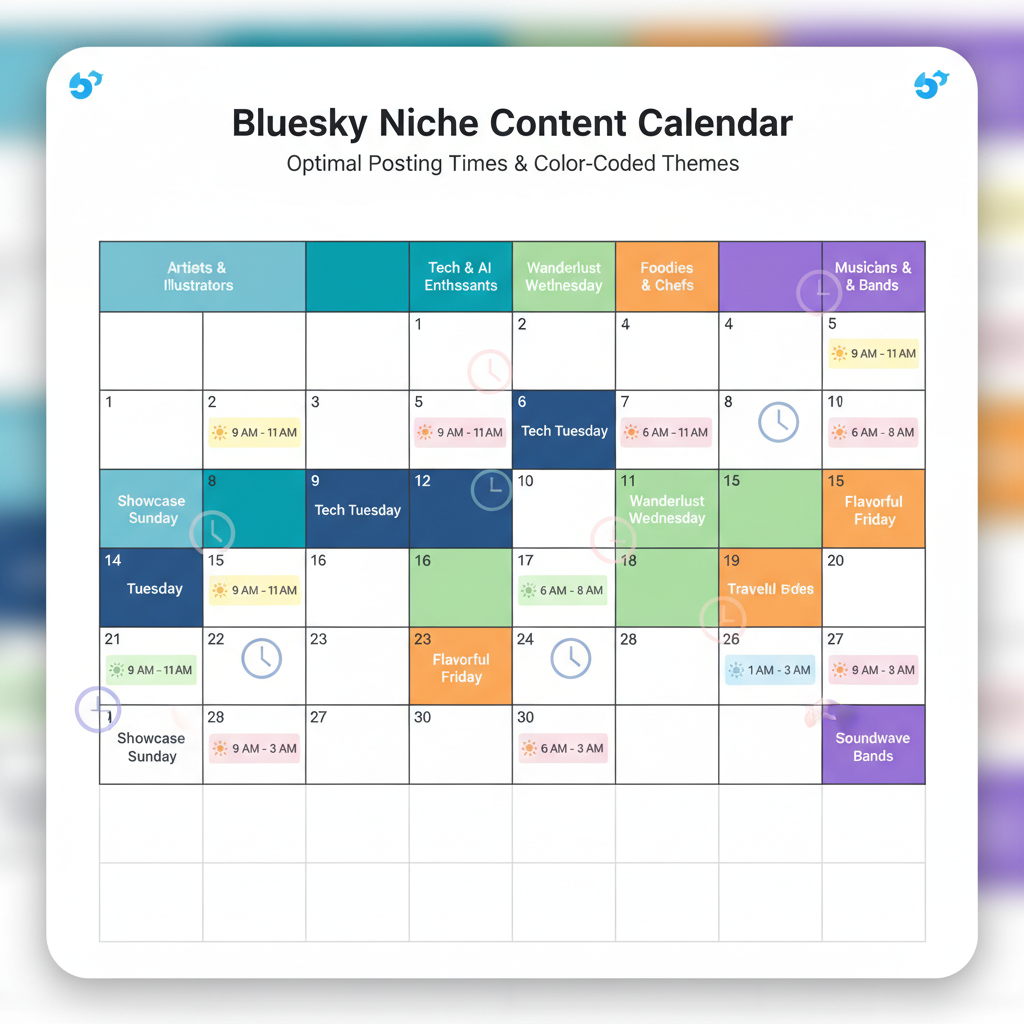
A content calendar helps maintain variety and consistency:
- Map topics to specific days to spread themes evenly.
- Plan media types (images, threads, short updates).
- Leave room for trending topics and spontaneous engagement.
Example:
| Day | Theme | Format |
|---|---|---|
| Monday | Industry insights | Short thread |
| Tuesday | User-generated content | Image post |
| Thursday | Event promotion | Single post with link |
| Saturday | Behind-the-scenes | Casual photo thread |
---
Integrating Scheduled Posts with Real-Time Engagement
Scheduled posts are most effective when paired with live interaction:
- Reply to comments shortly after scheduled posts go live.
- Amplify others’ content via reposts.
- Join trending discussions to boost visibility.
This combination keeps your account active and builds relationships with your audience.
---
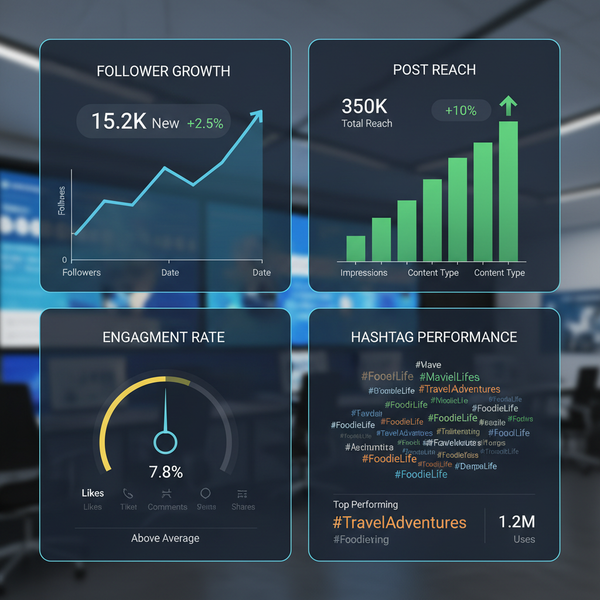
Refining Scheduled Post Timing Using Analytics
Analytics help fine-tune your posting schedule:
- Track engagement rates: likes, comments, reposts.
- Compare performance across different time windows.
- Test variations in post format between text-only and media-inclusive posts.
Bluesky’s native analytics are evolving, but you can log metrics manually or retrieve them with API calls.
---
Common Scheduling Mistakes to Avoid
Pitfalls to watch for when scheduling posts on Bluesky include:
- Over-automation — can make your profile seem impersonal.
- Neglecting interaction — engagement is essential.
- Ignoring culturally significant dates — avoid mismatched promotions.
- Time zone errors — post when your audience is actually online.
---
Future Outlook: Native Scheduling in Bluesky
Bluesky’s team has suggested that native scheduling functionality may arrive in future updates, potentially including:
- In-app scheduling dashboard
- Calendar integration
- AI-powered recommended posting times
Such tools could bring advanced scheduling and analytics capabilities, all under decentralized control.
---
Summary and Call to Action
Mastering how to schedule posts on Bluesky is a strategic move for anyone aiming to grow their audience. By combining planned posts with responsive engagement and data-driven timing adjustments, you build a more consistent and impactful presence.
Start small—experiment with posting times, track engagement, and refine your schedule. As Bluesky expands and adds native scheduling tools, you’ll already be in a position to maximize these features for community growth. Don’t wait—begin structuring your Bluesky content calendar today to stay ahead.