
IDE ceiling! Open-source masterwork turns editor into company-wide Office, smooth as multiplayer gaming! Free and open source, nearly 70K stars!
Zed: From Coding Editor to Full Company Office Suite
Zed has transformed from a high-speed coding editor into a full-fledged “Office suite” for the entire company.

Yes — the fastest editor in the world is now the company’s daily workspace!
Unlike companies that put up motivational posters or hold endless flowchart meetings, Zed’s team meets every Monday at noon directly inside Zed — not in a conference room, but inside a live, editable document.
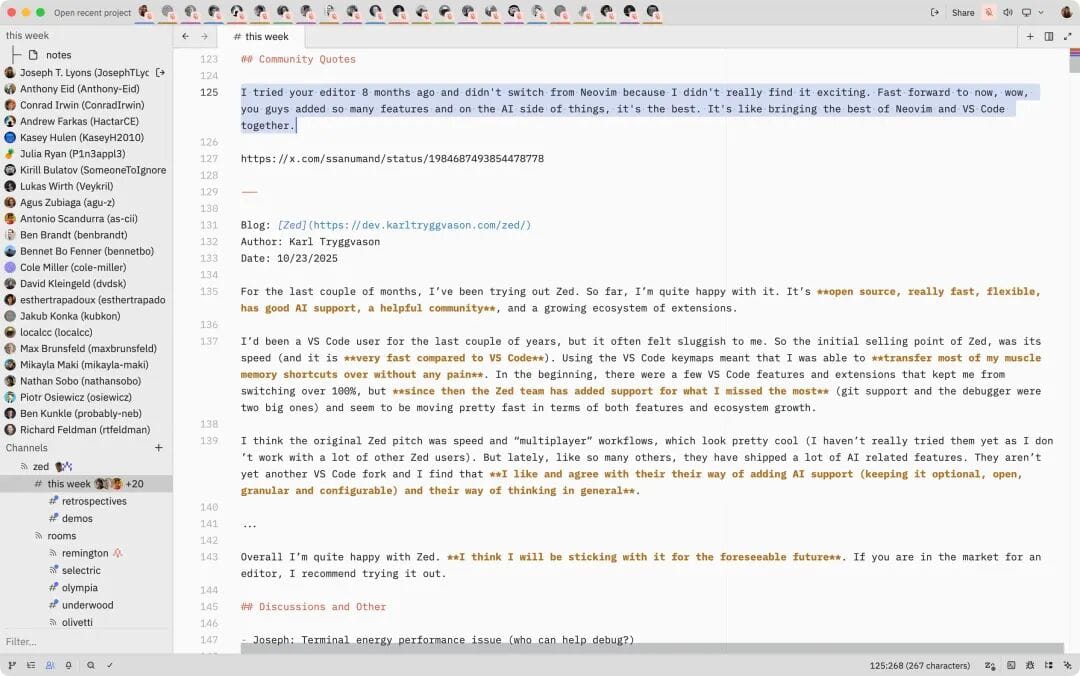
> During our weekly all-hands:
> - Nathan shares announcements
> - Morgan presents KPI trends
> - I sort through user feedback
> - Teammates add agenda items in parallel
> Invisible to outsiders, but inside Zed — cursors move in sync, voices flow naturally, and real-time collaboration unfolds seamlessly.
This is more than a meeting; it’s a group of engineers on the same “digital desk”, coding, chatting, sharing screens, and editing together.
---
01 Collaboration as a Core, Not an Add-on
Many editors have “collaboration features,” but Zed’s approach is fundamentally different.
From day one, collaboration was treated as a core design principle — not a plugin.
> Remote collaboration must feel as natural as pair programming in person.
Founding inspiration came from Nathan’s experience at Pivotal Labs and later from building Teletype for Atom. Performance limitations there showed that truly fluid collaboration requires rebuilding the editor’s foundation — leading to Rust, `gpui`, and Zed.
---
02 Why Other Editors Fall Short
Typical collaboration workflow in other editors:
- Install plugins or extensions
- Configure permissions
- Works for only a few users before lag
- Revert to Zoom or Slack screen sharing
Results: unnatural, slow, unreliable — rarely used daily.
---
> Platforms like AiToEarn官网 are following similar principles in other domains, enabling creators to work together smoothly, publish to multiple platforms (Douyin, Kwai, Bilibili, Xiaohongshu, Facebook, Instagram, LinkedIn, Threads, YouTube, Pinterest, X), track analytics, and monetize with minimal friction.
---
03 Inside Zed’s Virtual Office
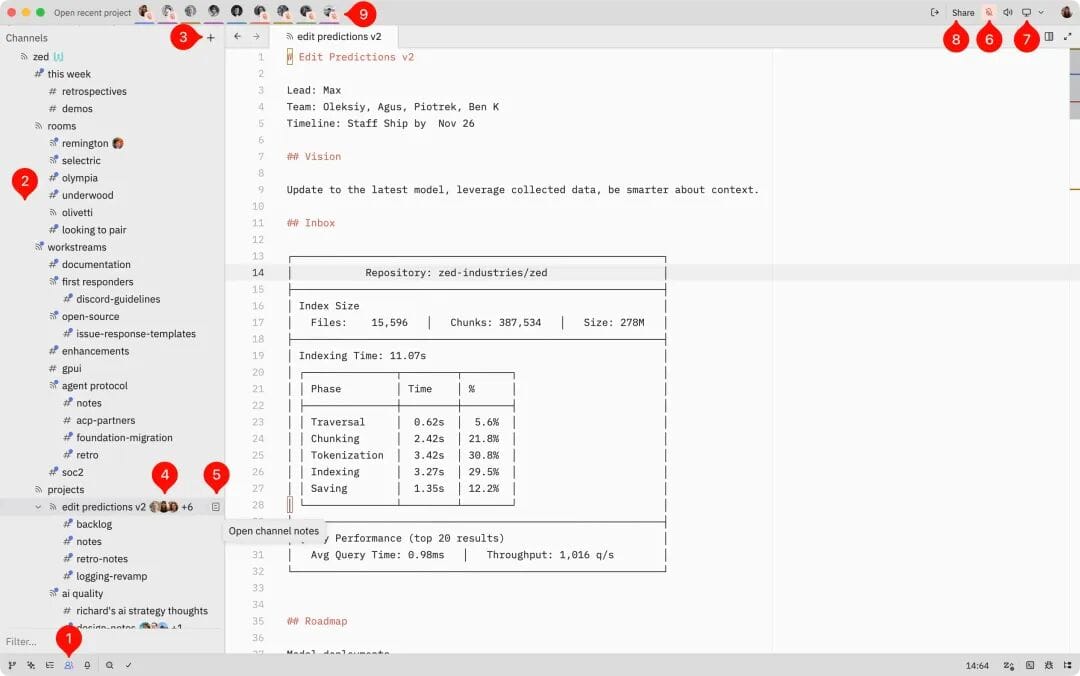
Getting started:
- Click the people icon in the status bar
- Log in via GitHub to access the Collaboration Panel
- Create or join channels (virtual rooms), organized hierarchically
- View Channel Notes (metadata) via the document icon
- Mute/unmute with the microphone icon
- Share your screen or follow teammates’ cursors
- Channels operate independently from projects; permissions and roles are supported
---
04 Smooth, Game-Like Collaboration
Zed’s real-time editing uses CRDT (Conflict-free Replicated Data Type) to:
- Merge changes seamlessly
- Avoid conflicts, cursor jumps, and undo/redo battles
- Maintain low latency worldwide
The workflow requires zero setup: log in, join a channel, speak, follow, and share screens — switching between tools is automatic.
---
05 How Zed Runs the Company
Zed’s channel tree mirrors the company’s structure:
1. Company-wide Spaces
- this-week: weekly plans
- retro: retrospectives every six weeks
- demos: Friday demo hour
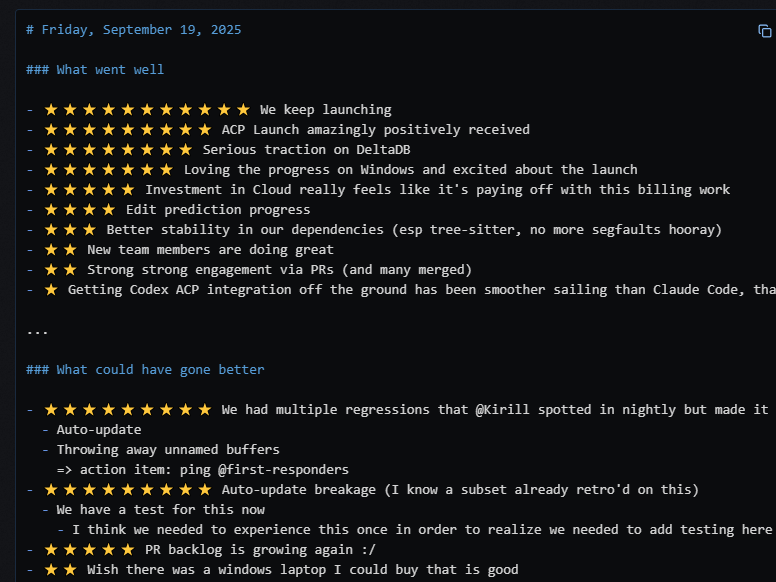
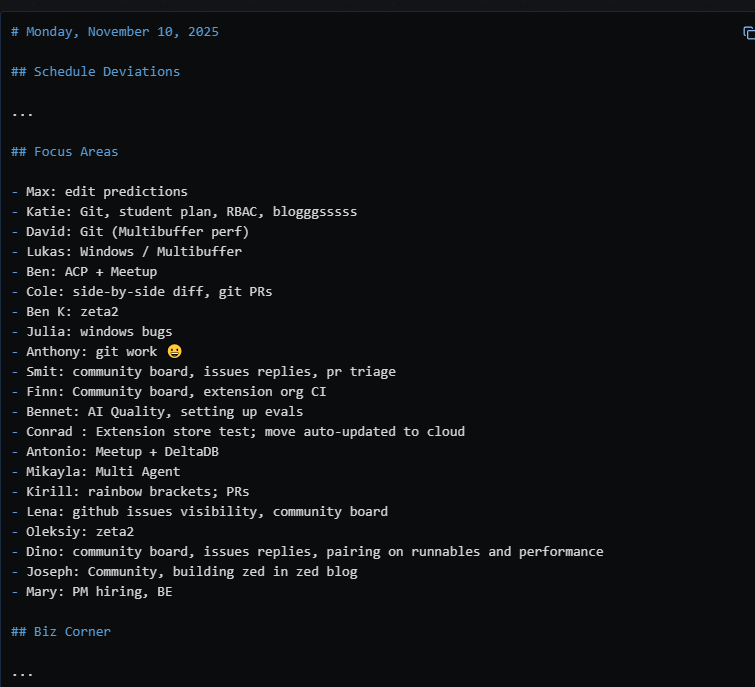
Additional rooms exist for ad-hoc meetings, all inside Zed.
---
2. Project Spaces — The “War Room”
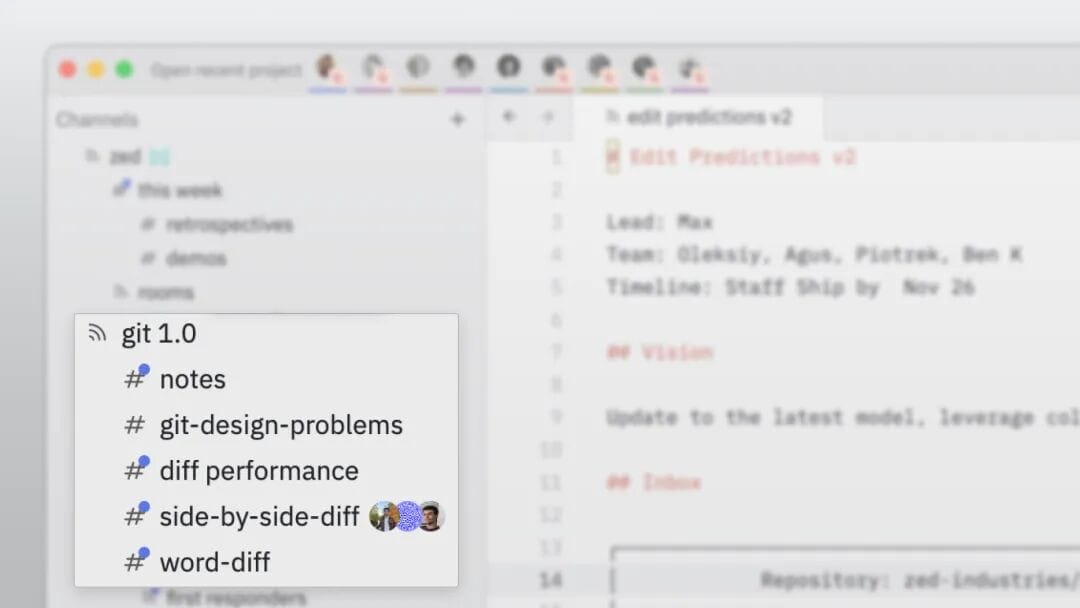
Dedicated channels for projects like Git 1.0, Edit Predictions v2, DeltaDB, and Cloud containing:
- Goals and status updates
- GitHub issues & boards
- Discussion logs
- Specialized sub-channels
Some channels serve non-development needs — marketing, community, metrics.
---
3. Personal Channels
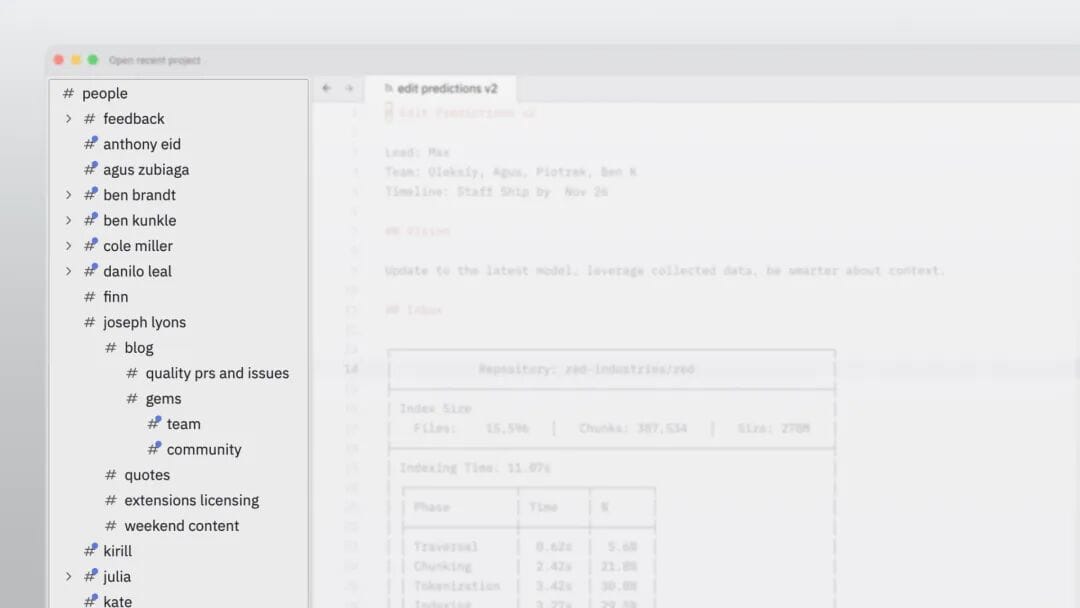
Each person has a digital desk — subchannels for focus work, like drafting a blog post.
Collaboration is encouraged, but focus mode is equally respected.
---
The result: Zed’s virtual office matches the functionality — and flexibility — of a physical workplace.
---
06 Collaboration is Just the Beginning
Zed’s collaboration is still alpha, yet:
- Info is instantly accessible — no Slack digging
- Code + discussion coexist
- Transparency in project progress
- Multi-user coding as the default
Next step: development as a continuous conversation, accessible to teammates and AI agents.
---
07 Open Source & Popular
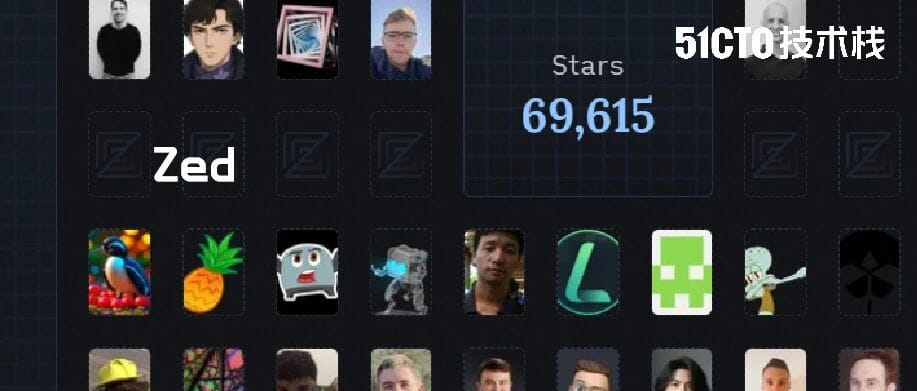
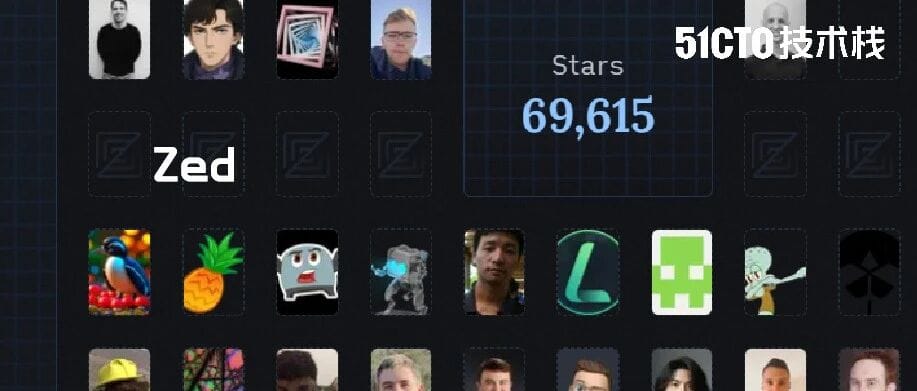
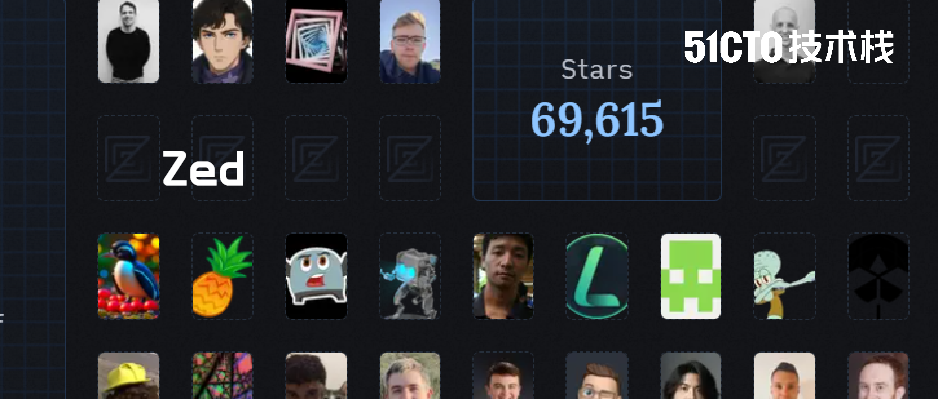
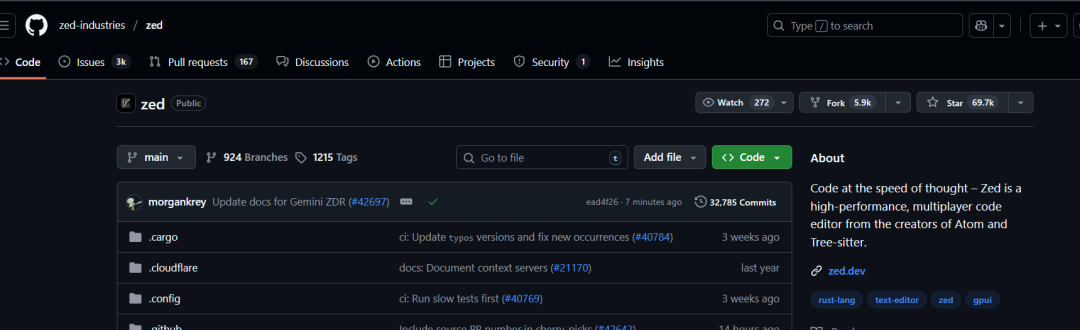
With nearly 70k GitHub stars, Zed is open source and free.
The vision: create the world’s best multi-user development tool.
GitHub repo:
https://github.com/zed-industries/zed/tree/main/crates/collab
---
Bigger Picture: AI-Enhanced Workspaces
Tools like Zed are part of a movement toward integrated, AI-driven collaboration.
Platforms like AiToEarn官网 extend this to global publishing — letting teams generate AI content, publish cross-platform, track analytics, and monetize — complementing Zed’s smooth in-editor workflow.
---
References & Recommended Reads
- Zed is our Office – official blog
- Microsoft CEO Satya Nadella reveals AGI strategy
- Zed open sources collaboration features
- Fastest editor — Zed’s build philosophy

---
💡 Key Insight: Zed blurs the line between coding editor and company office — delivering real-time multiplayer collaboration with the speed and feel of a game, all in one open-source tool.
Combined with AI-enabled publishing ecosystems like AiToEarn, it points toward a future where creative and technical workspaces are globally connected and friction-free.


