# Datawhale Essentials
**Tutorial: Nano-Banana Pro — Official Google Guide**
---
Today, Google’s **Generative AI team** released the first official tutorial for **Nano-Banana Pro**:
*The Complete Guide to Nano-Banana Pro — 10 Tips for Professional Asset Production*.
## Purpose
Learn how to use Nano-Banana Pro for **professional-grade asset creation**, transitioning from “fun” image generation to **practical production workflows**.
**Nano-Banana Pro** excels in:
- Text rendering
- Character consistency
- Visual composition
- World knowledge (via Search)
- High-resolution (up to 4K) output
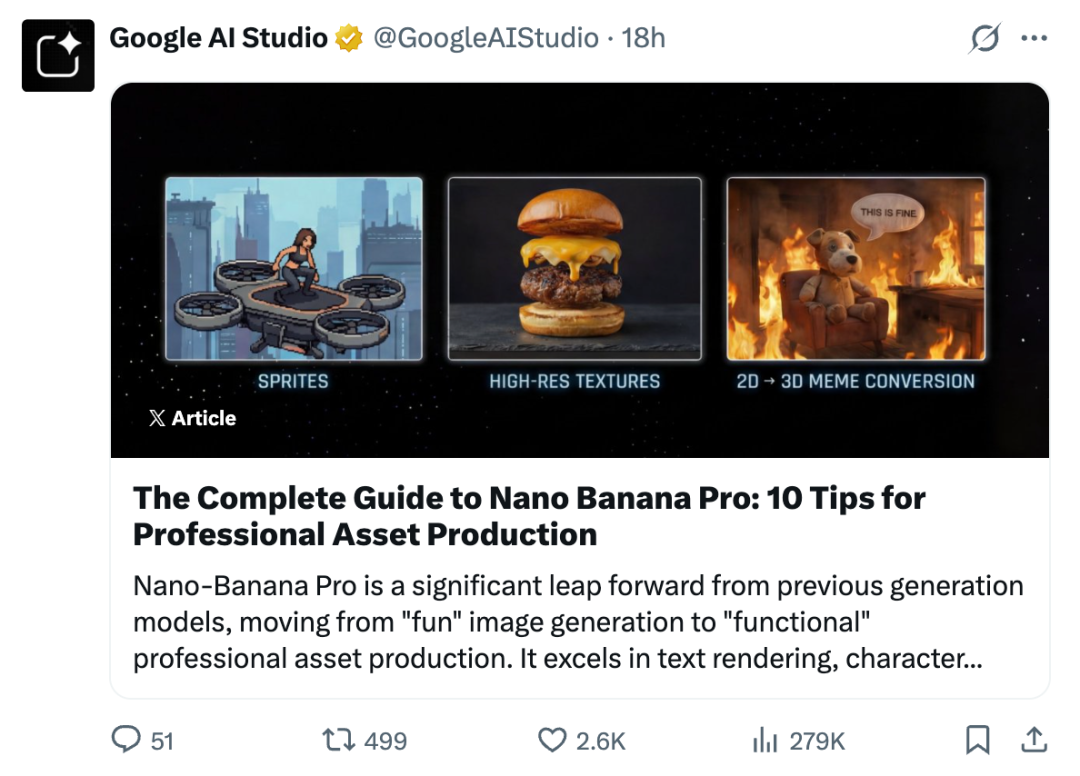
### Official Tutorial Link
[https://x.com/GoogleAIStudio/status/1994480371061469306](https://x.com/GoogleAIStudio/status/1994480371061469306)
---
## **Guide Overview**
1. Golden Rules for Prompting
2. Text Rendering, Infographics, and Visual Composition
3. Character Consistency and Eye-Catching Thumbnails
4. Reality Anchoring via Google Search
5. Advanced Editing, Inpainting, and Colorization
6. Dimension Conversion (2D ↔ 3D)
7. High Resolution and Texture Control
8. Reasoning and Ideation
9. Single-Pass Storyboarding & Concept Art
10. Structure Control and Layout Guidance
---
## 1. Golden Rules for Prompting
Nano-Banana Pro is a **thinking model** — it understands context, physics, and composition.
For the best results, **stop “tag stacking”** and instead **give detailed, natural instructions** like a creative director.
**Key Principles:**
1. **Edit, Don’t Regenerate**
- Make precise changes instead of starting over.
- Example: “Change the lighting to sunset and make the text neon blue.”
2. **Use Natural Language & Sentences**
- Speak clearly, as if briefing a human artist.
- ✅ Good: “A cinematic shot of a futuristic sports car in rainy Tokyo streets, neon reflections on wet pavement.”
- ❌ Bad: “Cool car, neon, city, night, 8k.”
3. **Be Specific & Descriptive**
- Define subject, location, materials, textures, lighting, and mood.
- Example: “An elegant elderly lady in a vintage Chanel suit, matte velvet upholstery surroundings.”
4. **Provide Context**
- Explain purpose or target audience.
- Example: “Sandwich image for a luxury Brazilian cookbook.”
---
## 2. Text Rendering & Visual Composition
Nano-Banana Pro produces **clear, stylized text** and effective infographics.
**Best Practices:**
- **Condense Data**: Turn dense PDFs or reports into visual form.
- **Define Style**: e.g., “Sophisticated editorial,” “Hand-drawn illustration.”
- **Use Quotation Marks**: To specify exact text.
**Prompt Examples:**
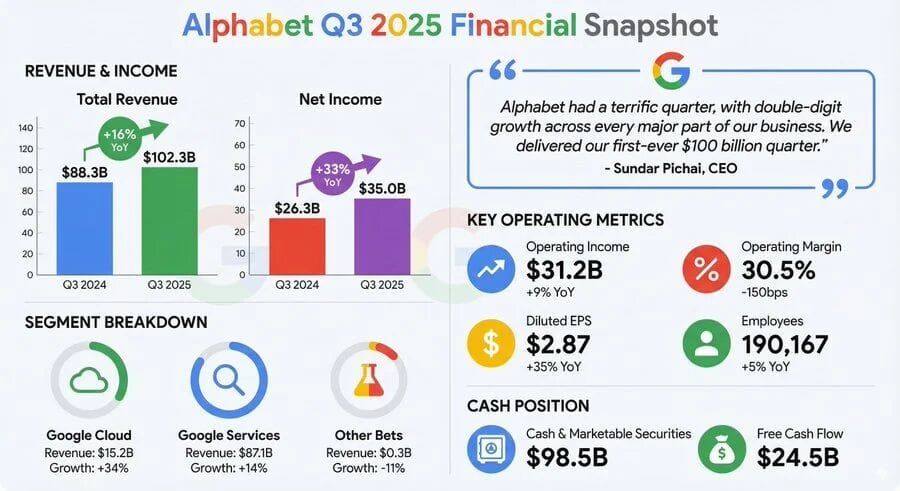
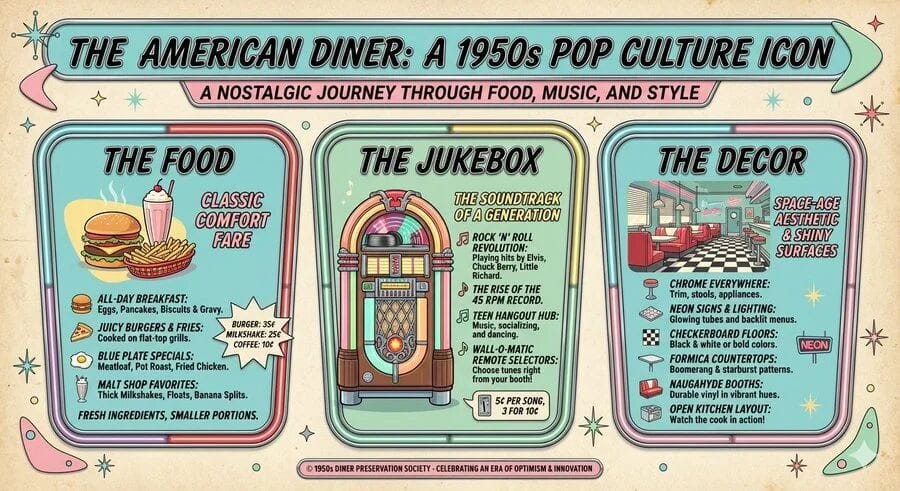
- **Financial Report Infographic:** Summarize key metrics into clean layouts.
- **Retro Infographic:** Capture historical themes with era-specific design.
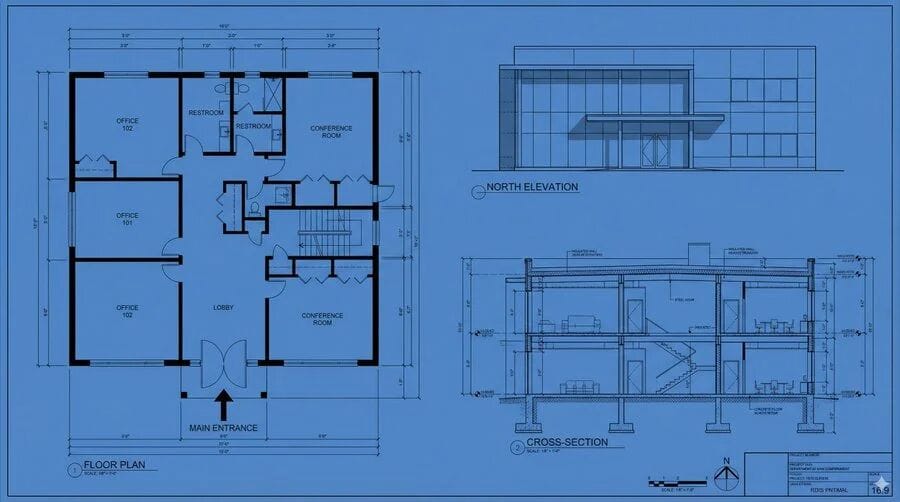
- **Technical Diagram:** Orthographic architectural schematics.
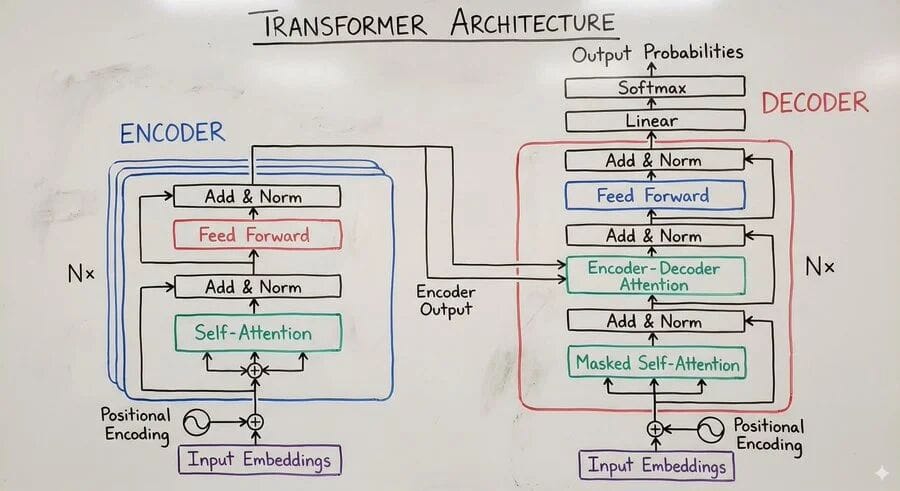
- **Whiteboard Summary:** Educational, color-coded diagrams.
---
## 3. Character Consistency & Thumbnails
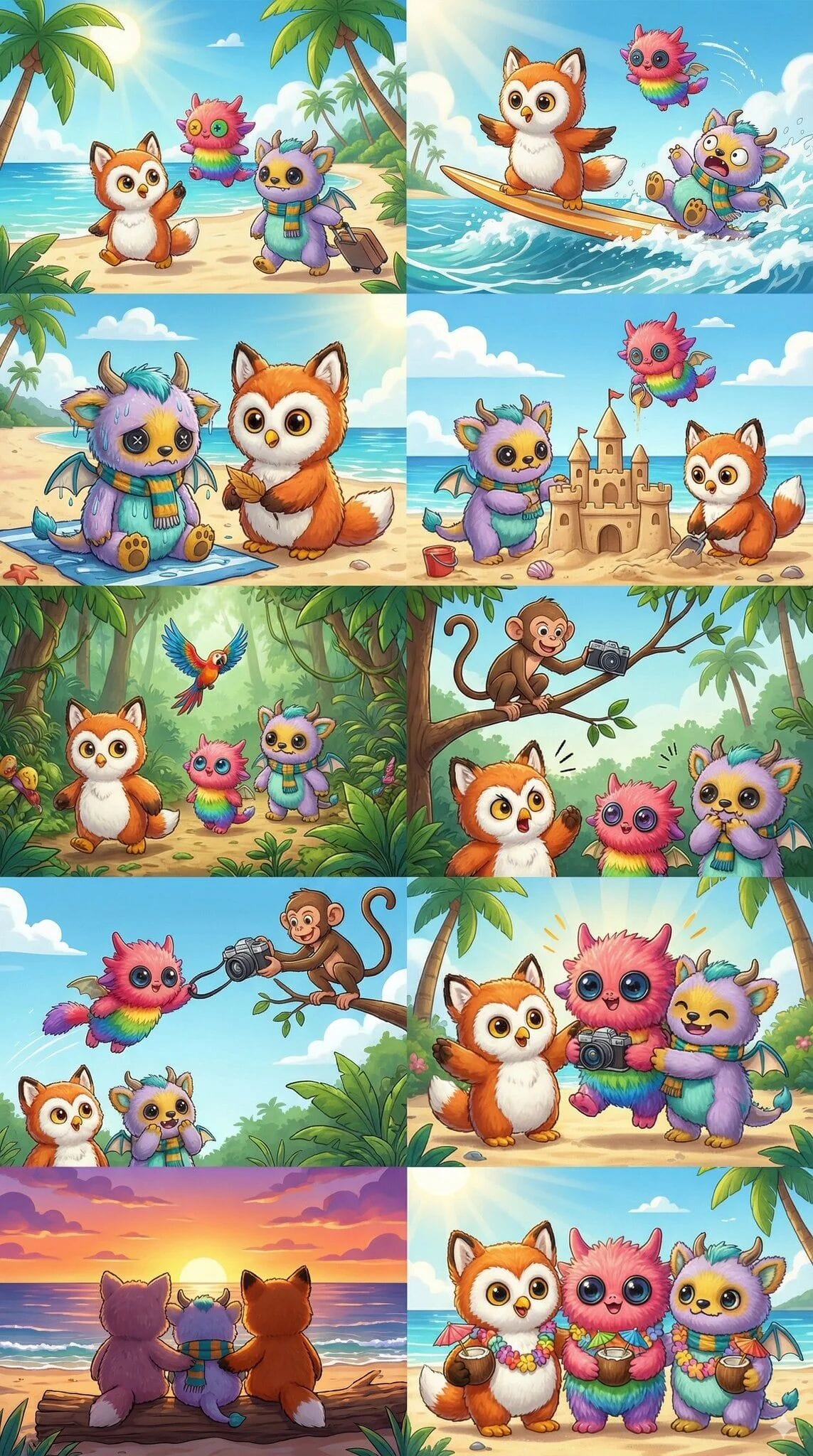
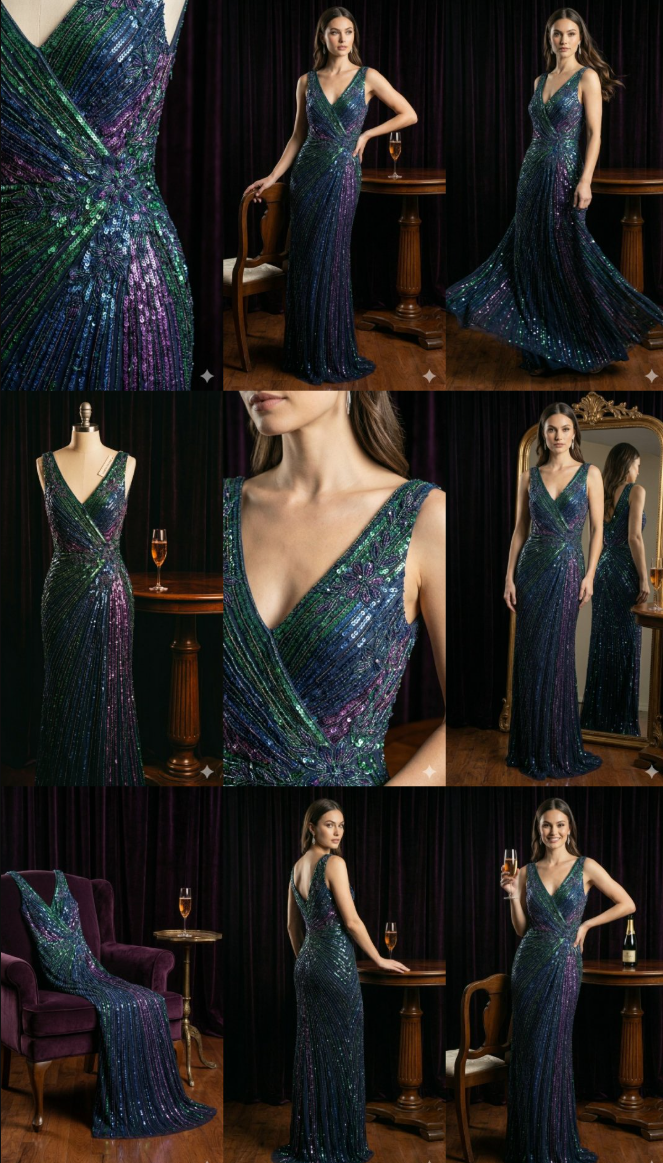
Keep identity consistent across images using **reference imports**.
**Best Practices:**
- Use explicit identity instructions (“Match facial features to image 1”).
- Modify expression or pose without altering identity.
- Combine subject + impactful graphic elements.
**Examples:**
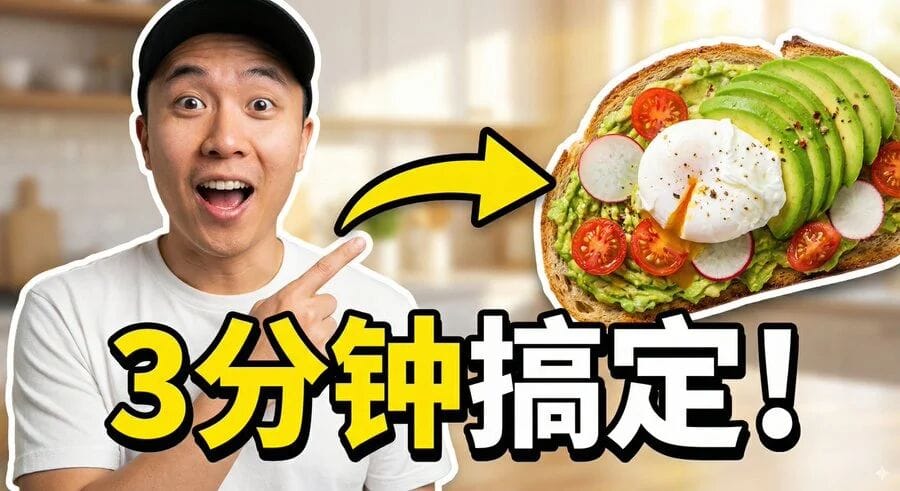
- Viral thumbnails:
- Story sequences with multiple characters:
- Brand asset sets:
---
## 4. Reality Anchoring via Google Search
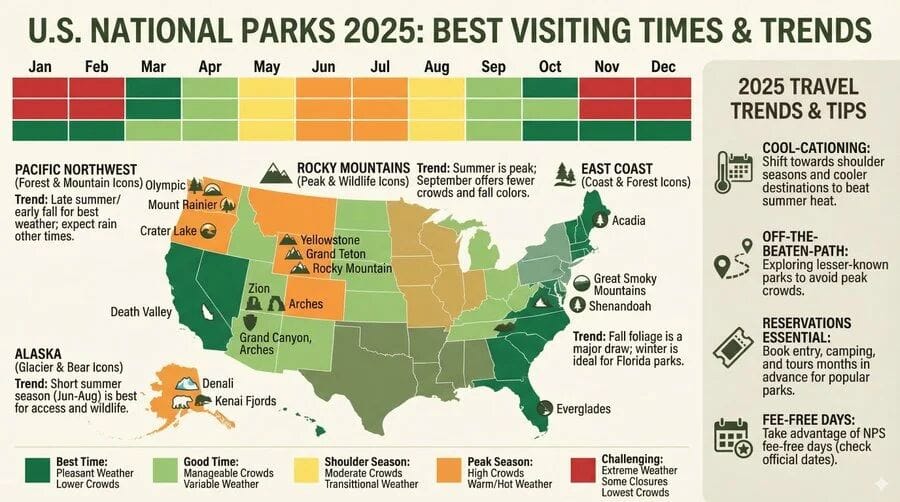
Integrate **real-time facts** for accurate, grounded visuals.
**Best Practices:**
- Request current data-driven visuals.
- Ask model to reason over retrieved info.
**Example Prompt:**
- “Infographic showing best times to visit U.S. National Parks in 2025.”
---
## 5. Advanced Editing, Inpainting & Colorization
Perform complex edits naturally via conversation.
**Applications:**
- Object removal & background fill
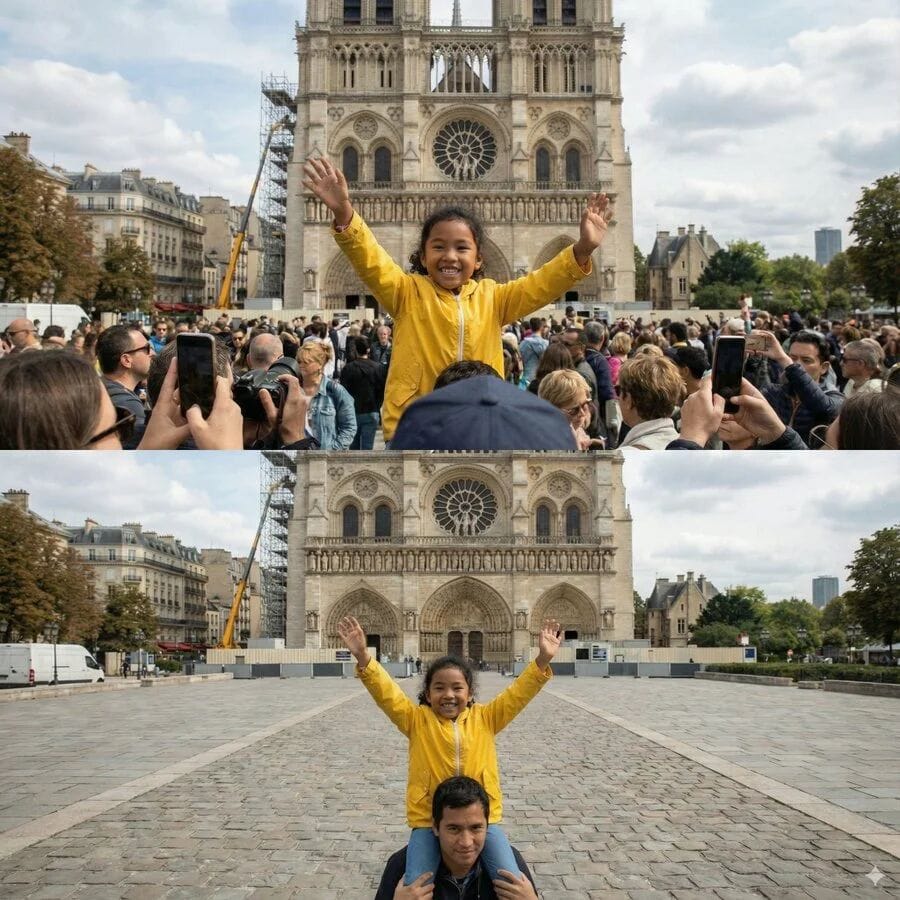
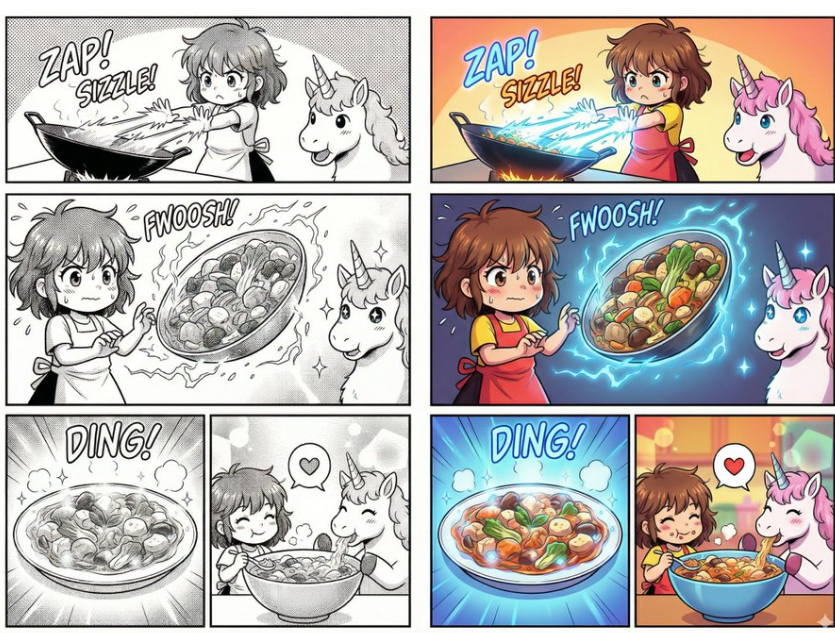
- Comic colorization
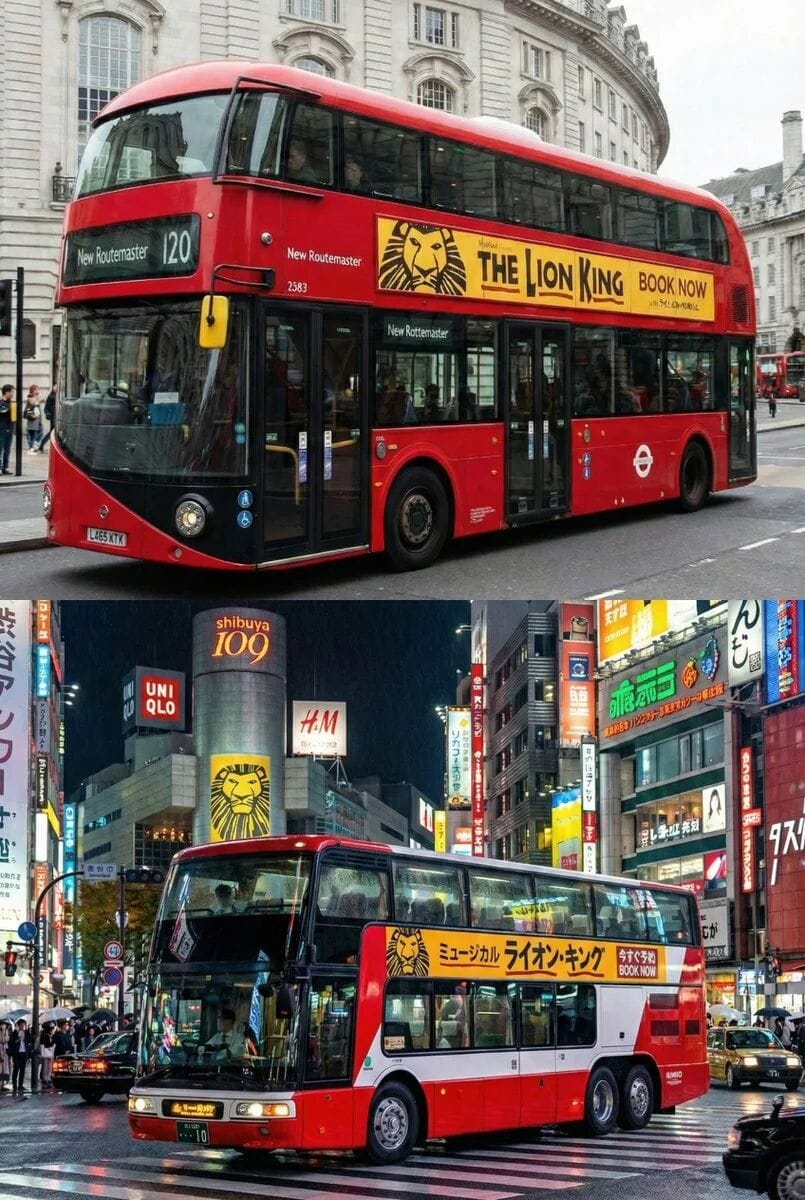
- Cultural localization
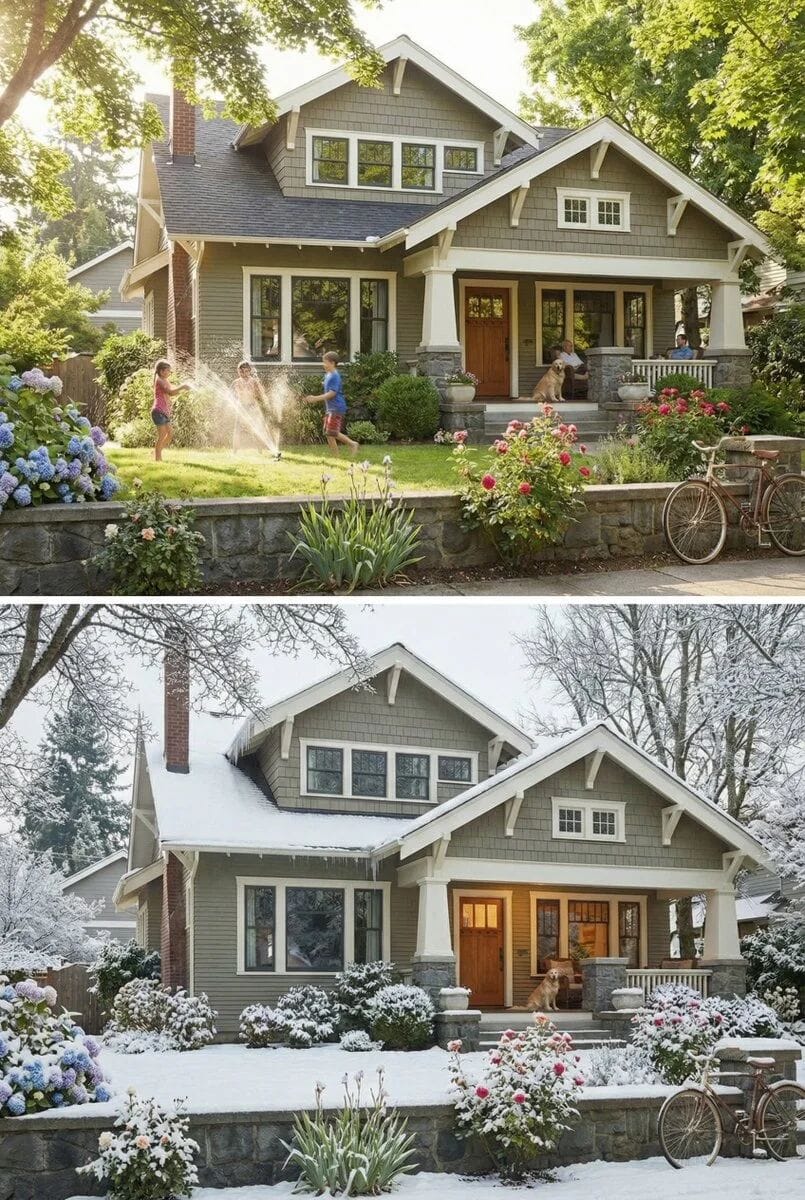
- Seasonal/Lighting control
---
## 6. Dimension Conversion (2D ↔ 3D)
Transform designs between formats — ideal for architecture, interior design, or memes.
**Examples:**
- 2D floor plan → 3D concept board

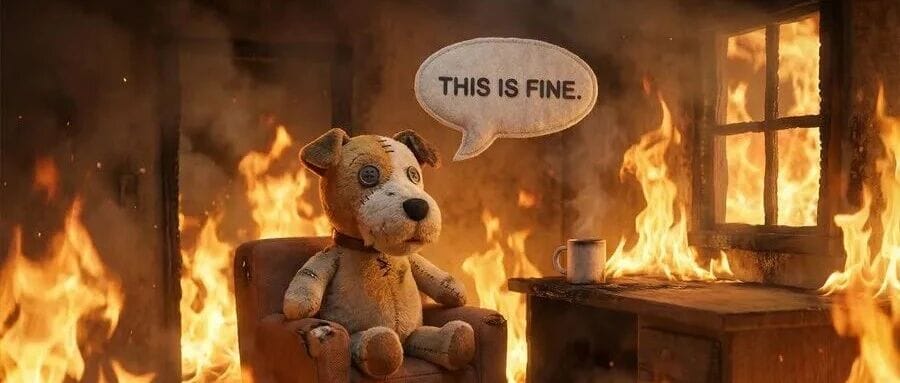
- Comic/meme 2D → realistic 3D recreation

---
## 7. High Resolution & Texture Control
Produce native **1K–4K** outputs for intricate detail.
**Examples:**
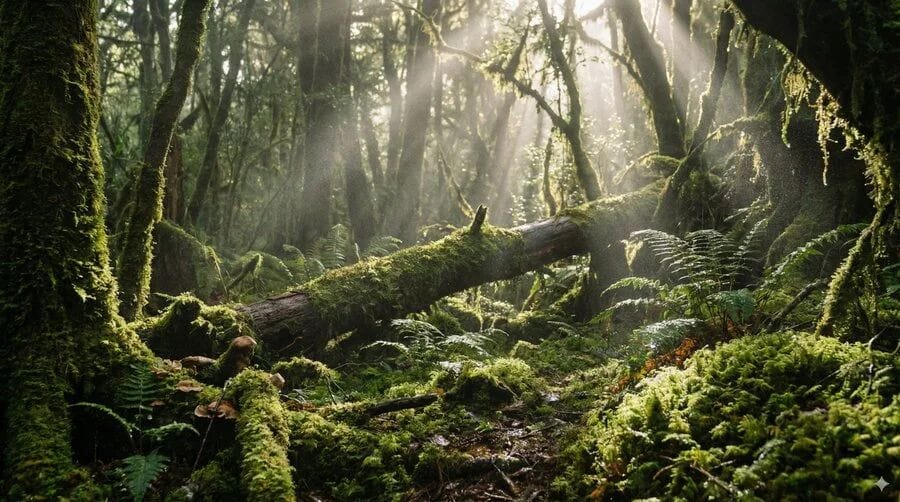
- Moss forest 4K environment
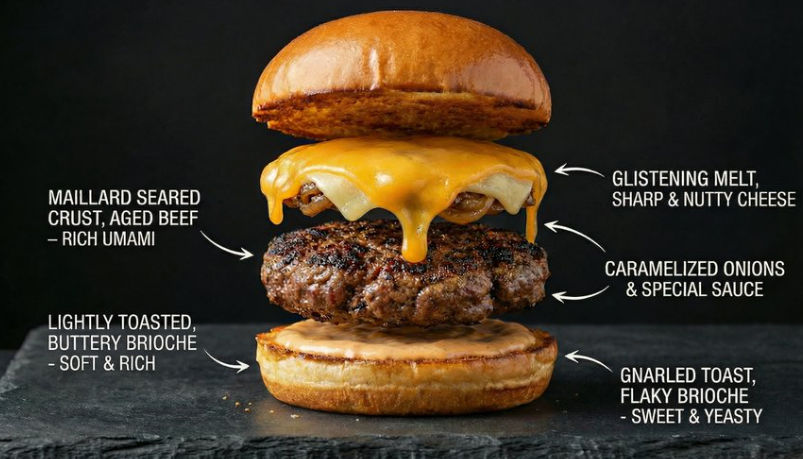
- Gourmet burger cross-section with labeled layers
---
## 8. Thinking & Reasoning Mode
Uses pre-render “thinking images” to refine layout and logic.
**Examples:**
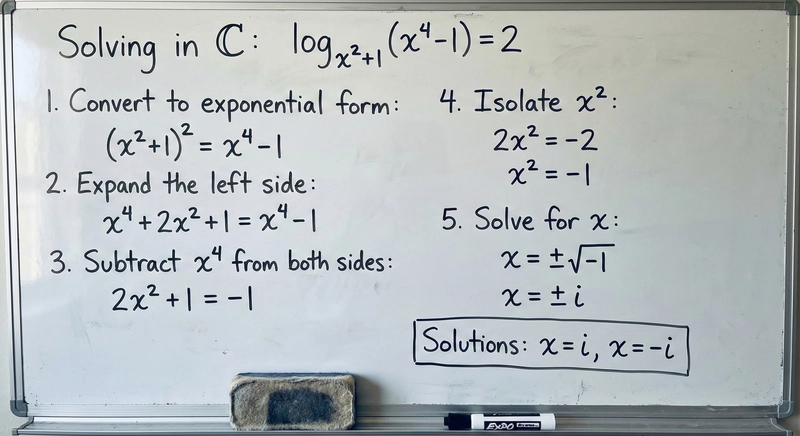
- Solve math equations visually
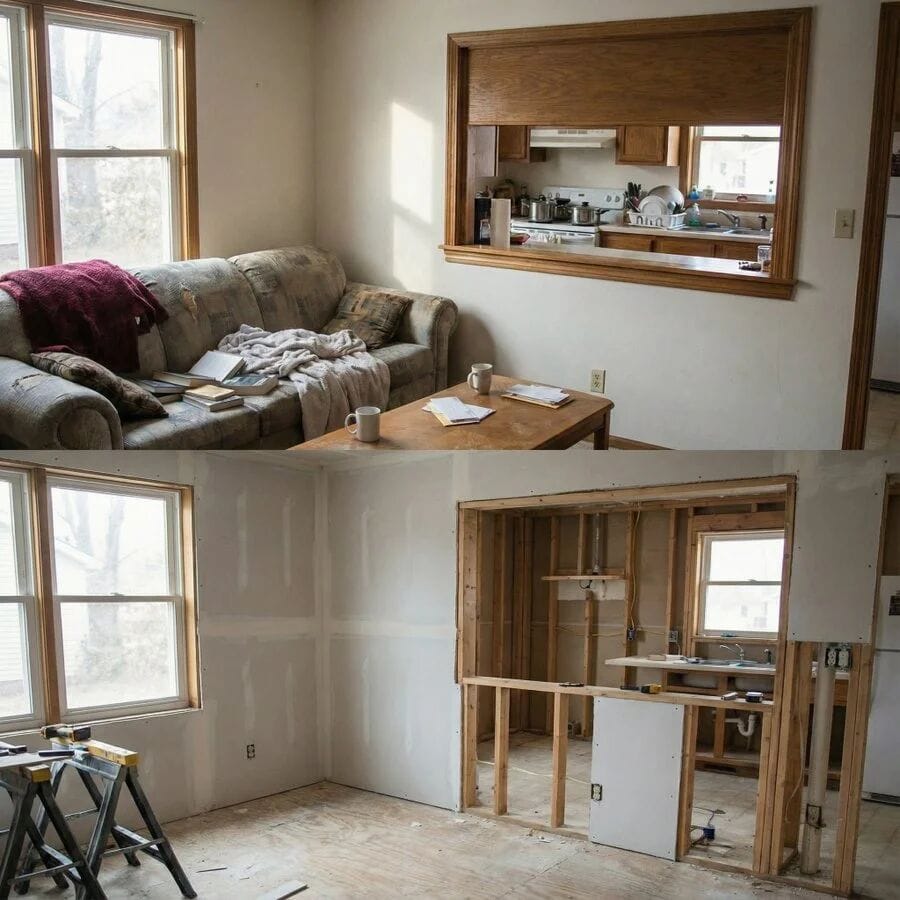
- Predict construction scenes from finished spaces
---
## 9. Single-Pass Storyboarding & Concept Art
Create continuous narratives with consistent styling.
**Example:**
- Luxury luggage ad story sequence

---
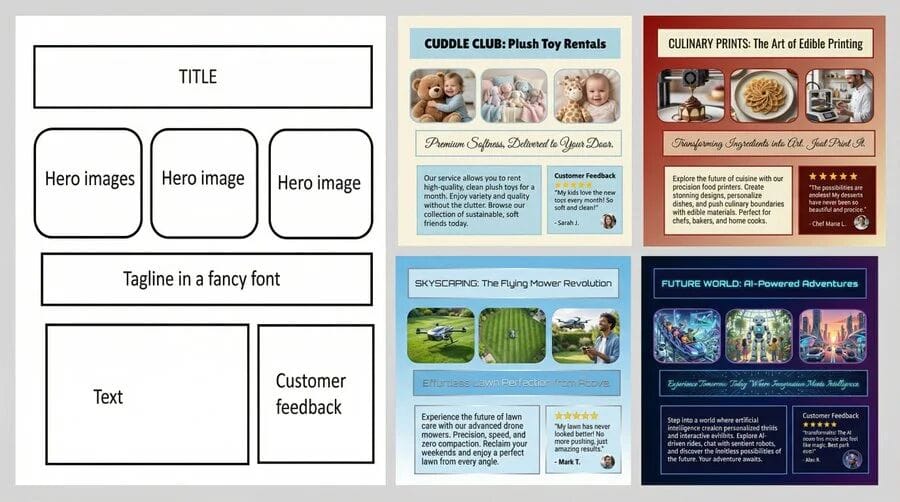
## 10. Structure Control & Layout Guidance
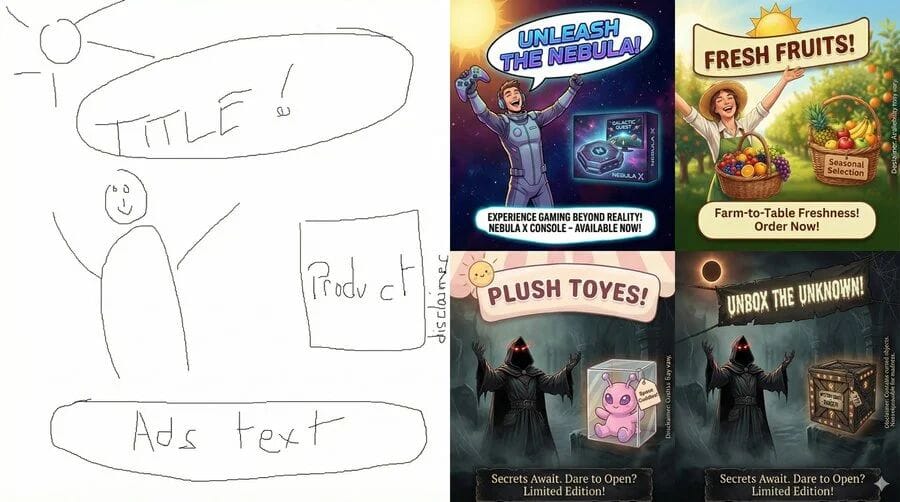
Convert sketches, wireframes, or grids directly into polished final outputs.
**Examples:**
- From concept sketch → finished ad
- Wireframe → UI mockup
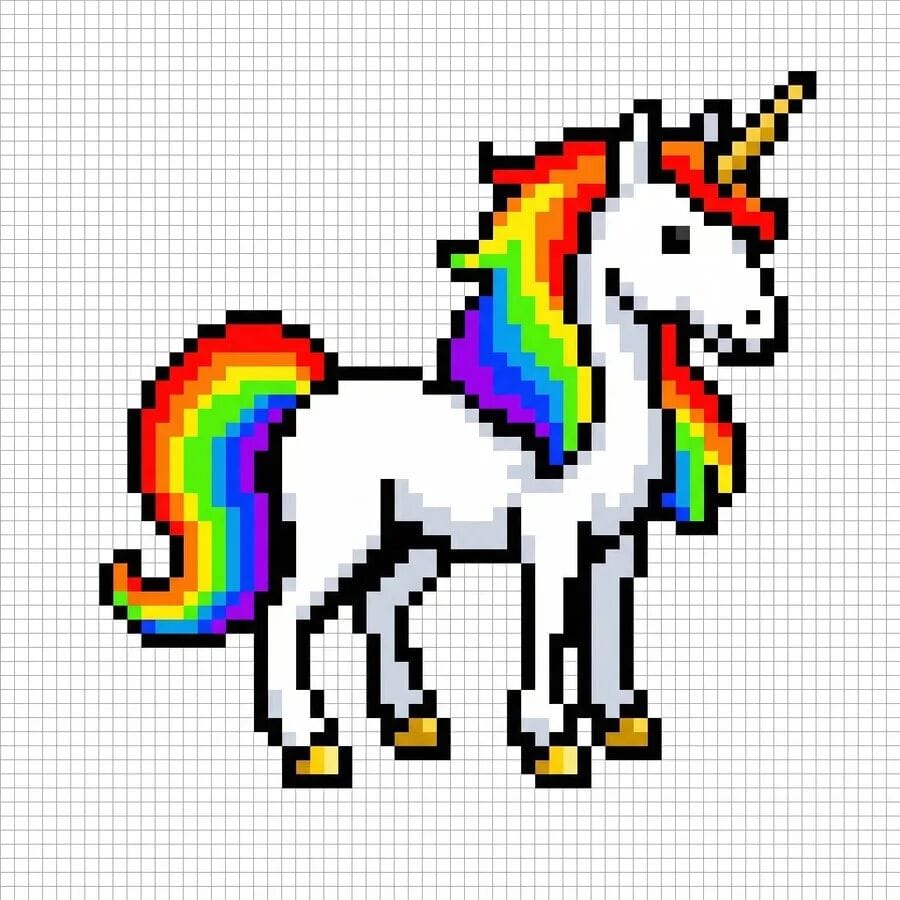
- Pixel sprite for LED grid
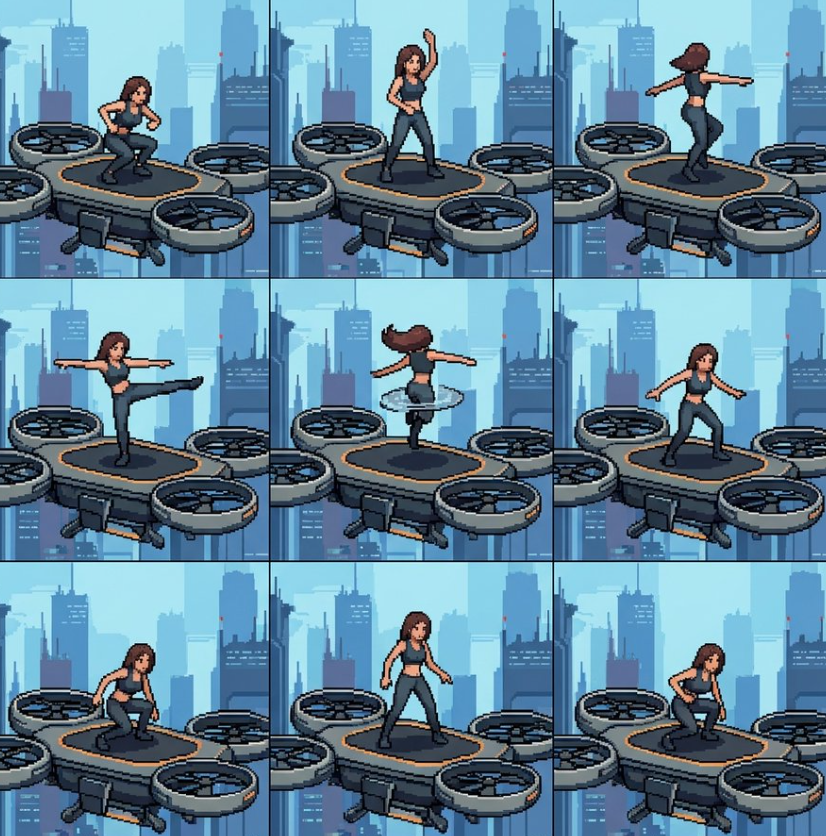
- Sequential sprite sheet animations
---
### 💡 Workflow Tip:
For streamlined **multi-platform publishing**, open-source tools like [AiToEarn官网](https://aitoearn.ai/) help creators:
- Generate AI assets
- Publish to Douyin, Kwai, WeChat, Bilibili, Xiaohongshu, Instagram, YouTube, X/Twitter, and more
- Integrate analytics and [AI模型排名](https://rank.aitoearn.ai)
- Monetize content efficiently
Explore:
- [AiToEarn博客](https://blog.aitoearn.ai)
- [AiToEarn文档](https://docs.aitoearn.ai)
---