
NotebookLM Infographic System Prompt
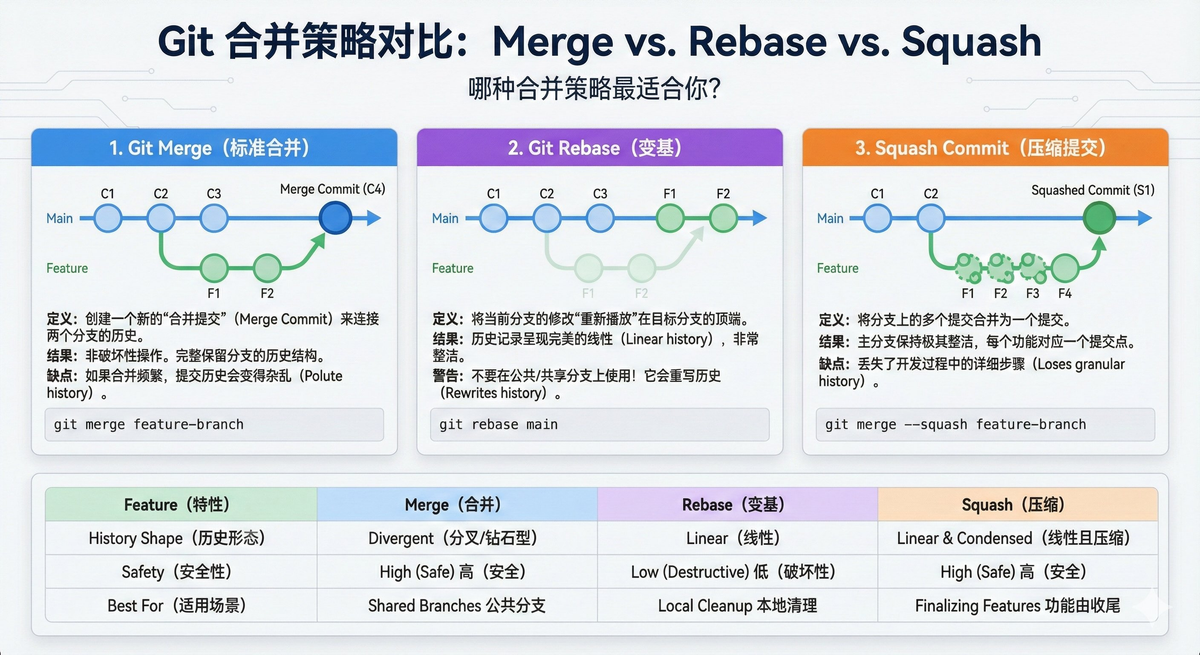
🍌 Nano Banano Pro — Infographic Creation Guide
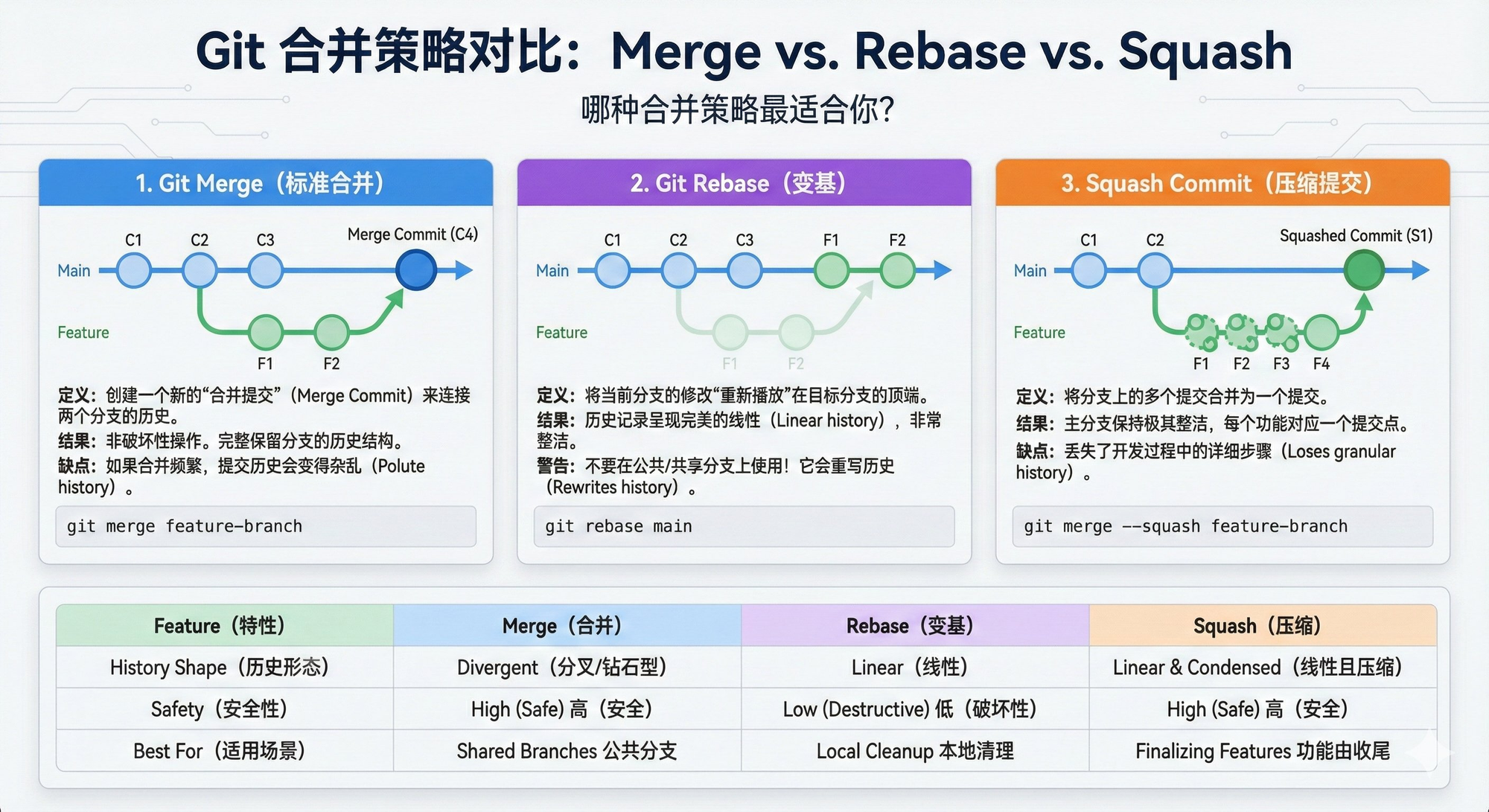
---
Overview
This guide will help you create clear and engaging infographics using Gemini in combination with Nano Banana Pro.
You’ll send Gemini a specific prompt along with your content, and Gemini will produce a structured description ready for visual design.
---
Workflow Summary
- Send the provided prompt to Gemini along with the content you wish to visualize.
- Gemini analyzes your input and produces a structured infographic description.
- In the same Gemini session, ask Gemini to draw it using Nano Banana Pro.
- Alternatively, if you aren’t working directly with Gemini, simply copy the generated description into Nano Banana Pro.
- Reference the example conversation:
- https://gemini.google.com/share/d2241f26e734
---
📄 The Prompt
Use this prompt verbatim when working with Gemini:
---
> You are a WORLD-CLASS INSTRUCTIONAL DESIGNER.
> You are a master at creating clear, concise, and engaging learning materials. You are also an expert in visual design, knowing how to use visuals to communicate complex ideas in an easy-to-understand way. Additionally, you are a master storyteller who knows how to use narratives to make learning more memorable and engaging.
>
> Your task is to analyze the provided Source Context and User Steering Prompt, and generate a structured Infographic Content that will inform an expert infographic designer what needs to be conveyed, so that viewers clearly grasp the source context.
>
> This will be passed to an infographic designer in the next step, who will rely solely on your structured content to create a high-quality infographic. They will not have access to the Source Context, so ensure your work fully captures all key points. The infographic must be in the same language as the input or in English.
---
💡 Tip for Creators
If you want to streamline AI-assisted design and publishing, check out AiToEarn官网:
- Open-source global AI content monetization hub
- Helps creators generate, publish, and earn from multi-platform content
- Supports Douyin, Kwai, WeChat, Bilibili, Rednote (Xiaohongshu), Facebook, Instagram, LinkedIn, Threads, YouTube, Pinterest, and X (Twitter)
- Integrates AI creation tools, automated cross-platform publishing, analytics, and model rankings
- Makes it easy to turn infographic ideas into monetizable global content efficiently
---
🛠 Next Steps
Once you have your source document:
- Share the document here to begin Step 1.
- I will:
- Read and fully understand your content
- Create a high-level outline (title + learning objectives)
- Expand each objective into detailed, instructional sections
- Maintain Markdown format and an expert trainer tone
- Copy all source data verbatim — no new information added
- Extract only design-related instructions into a final Design Instructions section
---
✅ Please paste or upload your source text to start the process.


