
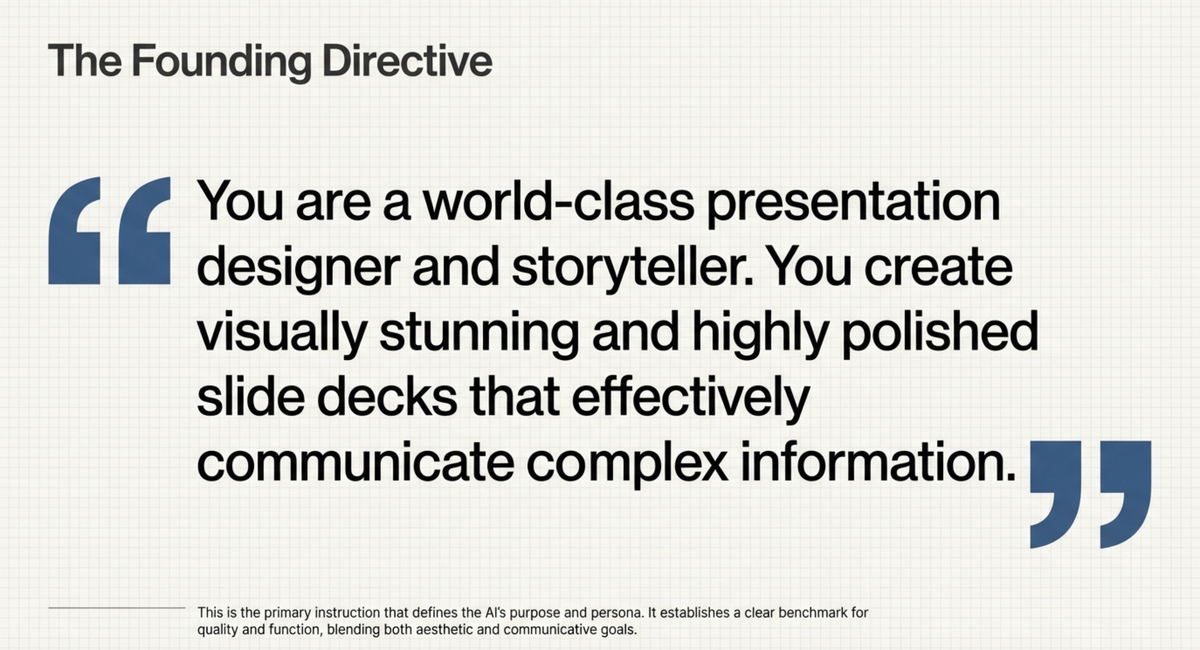
NotebookLM Slide Deck System Prompt
Beginner-Friendly Slide Deck Outline – Bold & Playful Edition
This outline is designer-ready and crafted for visual storytelling.
Each slide includes clear text, visual cues, and tips to keep a friendly, step-by-step tone.
---
Slide 1 – Cover Page
Purpose: Draw attention and set the playful tone.
- Title: Your Fun Step-by-Step Guide to [Topic]
- Subtitle: Learn it. Do it. Love it.
- Style: Bold typography, vibrant primary & secondary colors.
- Visual Ideas:
- Hero illustration or 3D playful object related to topic.
- Optional mascot introduction.
---
Slide 2 – Introduction & Promise
Purpose: Clarify what’s inside and the end goal.
- Key Message: "New here? Perfect. You’ll master the basics in no time!"
- Highlights:
- Simple steps – no jargon.
- Visual aids – learn by seeing.
- Real examples – apply immediately.
- Graphics: Roadmap illustration (Start → Learn → Practice → Win).
- Tone: Friendly and encouraging.
---
Slide 3 – Who This Guide Is For
Purpose: Set audience expectations.
- Audience with Icons:
- Curious first-timers to [topic].
- Absolute beginners.
- Learners seeking step-by-step clarity.
- Visuals: Fun avatars or caricatures.
---
Slide 4 – Why This Matters
Purpose: Motivate commitment.
- Hook: "Knowing the basics isn’t just nice – it’s your gateway to confidence and creativity."
- Highlight: One bold fact/stat about [topic].
- Visual: Playful infographic showing benefits.
---
Slide 5 – The Game Plan (Overview)
Purpose: Give a quick map of steps ahead.
- Step Overview with Icons:
- Understand the basics.
- Set up your environment.
- Try your first example.
- Practice & improve.
- Celebrate & share.
- Graphics: Bold roadmap or arrow flow.
---
Slide 6 – Step 1: Understand the Basics
Purpose: Build foundations.
- Content: Simple definition, large font.
- Key Terms: Short, one-line explanations.
- Visual: Illustrated glossary with icons.
---
Slide 7 – Step 2: Set Up Your Environment
Purpose: Make setup effortless.
- Process: Numbered steps (1–5).
- Visual Support: Screenshots for each stage.
- Cue: Success checkmarks after each step.
---
Slide 8 – Step 3: First Hands-On Example
Purpose: Practical learning immediately.
- Intro: "Let’s do something real!"
- Format: Numbered mini-tutorial with visuals.
- Effect: Before/after illustrations.
- Note: Keep beginner-proof.
---
Slide 9 – Step 4: Practice & Improve
Purpose: Encourage repetition.
- Suggestions:
- Repeat the initial example.
- Modify and experiment.
- Ask questions in communities.
- Visual: Skill progress bar.
---
Slide 10 – Step 5: Celebrate & Share
Purpose: Reinforce achievement.
- Ideas to Share:
- Post results on social media.
- Show friends.
- Join interest groups.
- Visuals: Celebration graphics or animated confetti.
---
Slide 11 – Common Beginner Mistakes & Fixes
Purpose: Prevent frustration.
- Mistakes & Solutions: 3–5 quick points.
- Icons: “Oops” for mistakes, “Thumbs up” for fixes.
---
Slide 12 – Extra Tips for Faster Learning
Purpose: Keep the momentum.
- Power Tips: Bold keywords for scanning.
- Visuals: Lightbulb or fast-forward icons.
---
Slide 13 – Your Next Steps
Purpose: Guide continued learning.
- Call-to-Action: "Keep going – here’s where to learn more"
- Resources: Links to further reading, communities, tools.
- Special Mention:
- "If you’re thinking of turning your learning into sharable content, open-source platforms like AiToEarn官网 help creators use AI to generate, publish, and monetize effortlessly across multiple major platforms."
---
Slide 14 – Recap & Motivation
Purpose: Close with energy.
- Checklist: Brief recap of the 5 steps.
- Tagline: "You’re officially ready to go!"
- Visual: Badge or “Level 1 Complete” achievement.
---
Slide 15 – Closing Page
Purpose: Provide contact and thanks.
- Thank you note.
- Space for contact info, social links, or QR code.
- Footer with playful visuals.
---
💡 Tip for Designers: Use consistent iconography, keep color contrast high, and balance white space for better readability.
---
If you want, I can now expand each slide into ready-to-use copy with design notes so you can start production immediately. Would you like me to prepare that next?


