Scheduling Posts on Bluesky for Higher Engagement
Learn how to schedule posts on Bluesky using third-party tools, find optimal posting times, and organize your content calendar for higher engagement.
Introduction to Bluesky Post Scheduling for Consistent Engagement
Bluesky is a next-generation decentralized social network that empowers users to control their data and online interactions. With its sleek interface and expanding community, it’s becoming a promising hub for creators, brands, and thought leaders.
In an era where timing can make or break your visibility, scheduling posts on Bluesky allows you to maintain a regular presence even when you’re busy or offline. Strategic scheduling helps you spread content evenly, keep momentum, and hit peak activity hours without sacrificing your free time. Consistency fosters engagement, builds trust, and keeps your profile top-of-mind. As Bluesky grows, planning ahead will be essential to maximize results.
---
Overview of Bluesky Posting Limitations and Available Tools
Currently, Bluesky’s core platform does not offer native post scheduling options. This means planning posts for future release requires third-party solutions, and some automation is restricted by Bluesky’s API policies.
Possible approaches include:
- Unofficial web apps or command-line tools created by the community
- General social media scheduling tools that integrate via open protocols
- Manual scheduling with reminders and drafts
These limitations make it vital to choose tools that align with Bluesky’s decentralized ethos and operate securely.
---
Selecting a Third-Party Bluesky Scheduling Tool
When choosing a tool for scheduling posts on Bluesky, assess:
- API compatibility – Confirm it connects reliably to the AT Protocol powering Bluesky.
- Security – Ensure it uses OAuth or other secure login methods.
- Features – Support for post previews, images, and content tags is beneficial.
- Active support – Pick tools with ongoing development to ensure reliability.
You’ll find dedicated Bluesky schedulers as well as multi-platform managers combining Mastodon and Bluesky functions. While official integrations are still rare, early adopters are creating scripts or bots to post at scheduled times.
---
Connecting Your Bluesky Account to a Scheduler
Once you select a scheduler:
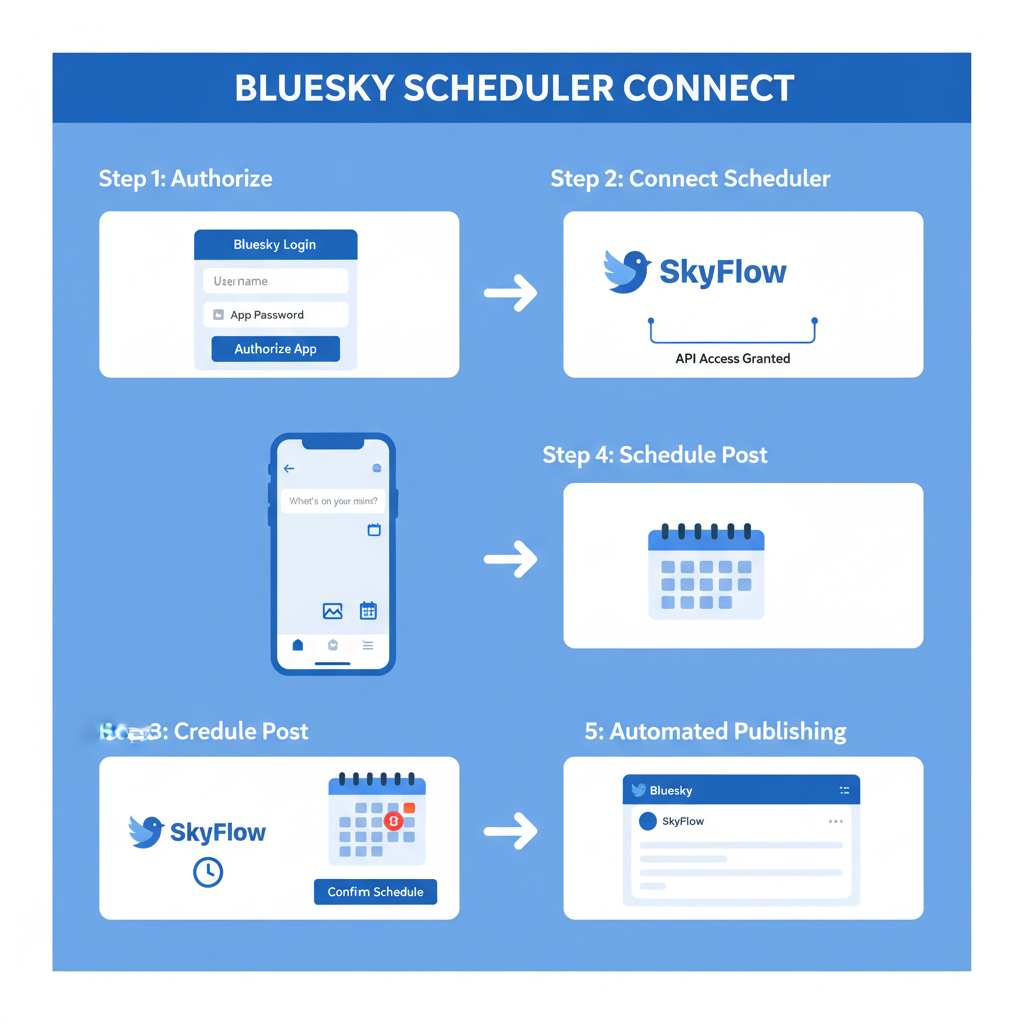
- Sign up for the tool’s account.
- Authenticate your Bluesky account using secure authorization methods.
- Fine-tune settings for timezone, draft saving, and media handling preferences.
- Test with one scheduled post before rolling out full campaigns.
Example API connection via CLI:
## Using a sample Bluesky CLI scheduler

bluesky-scheduler setup --username your_handle --api-key your_api_key
bluesky-scheduler schedule "Post content" --time "2024-07-05T15:00:00"
---
Best Posting Times on Bluesky
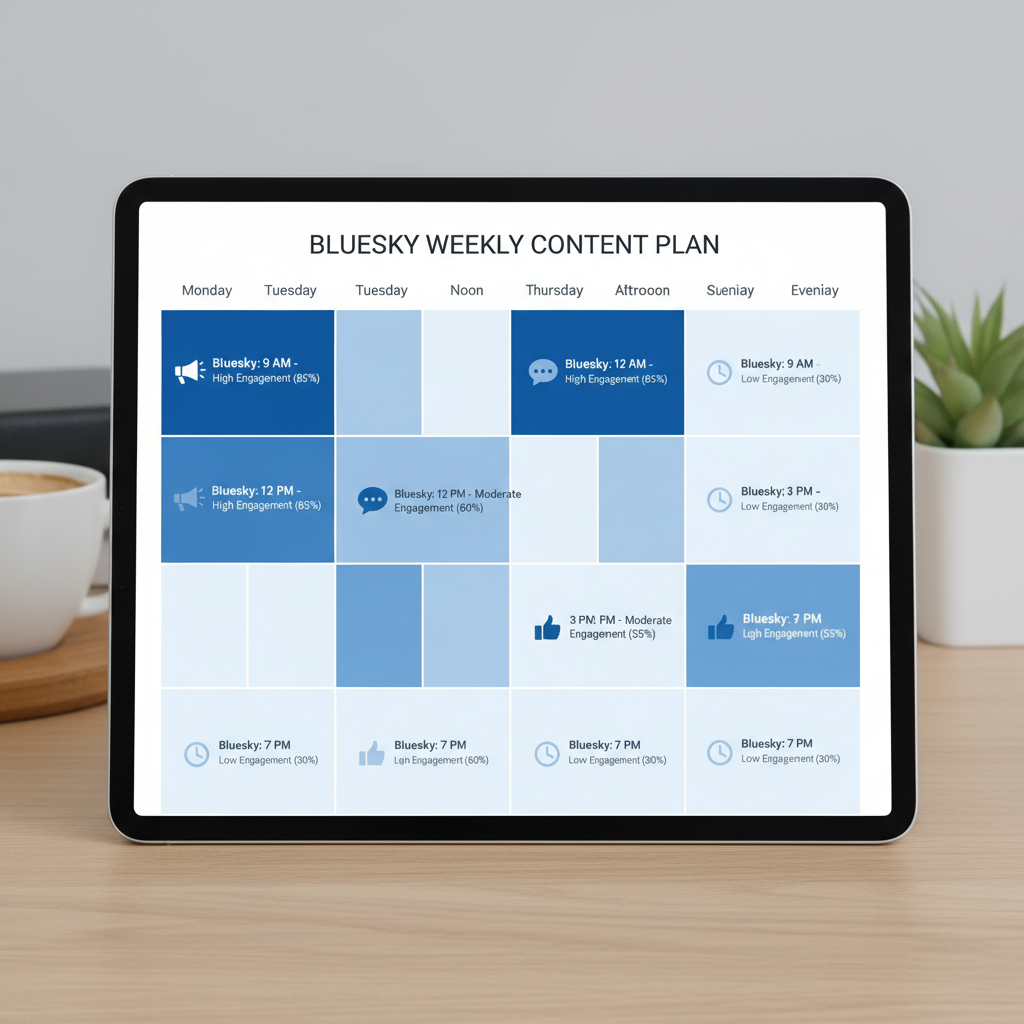
Early engagement data suggests:
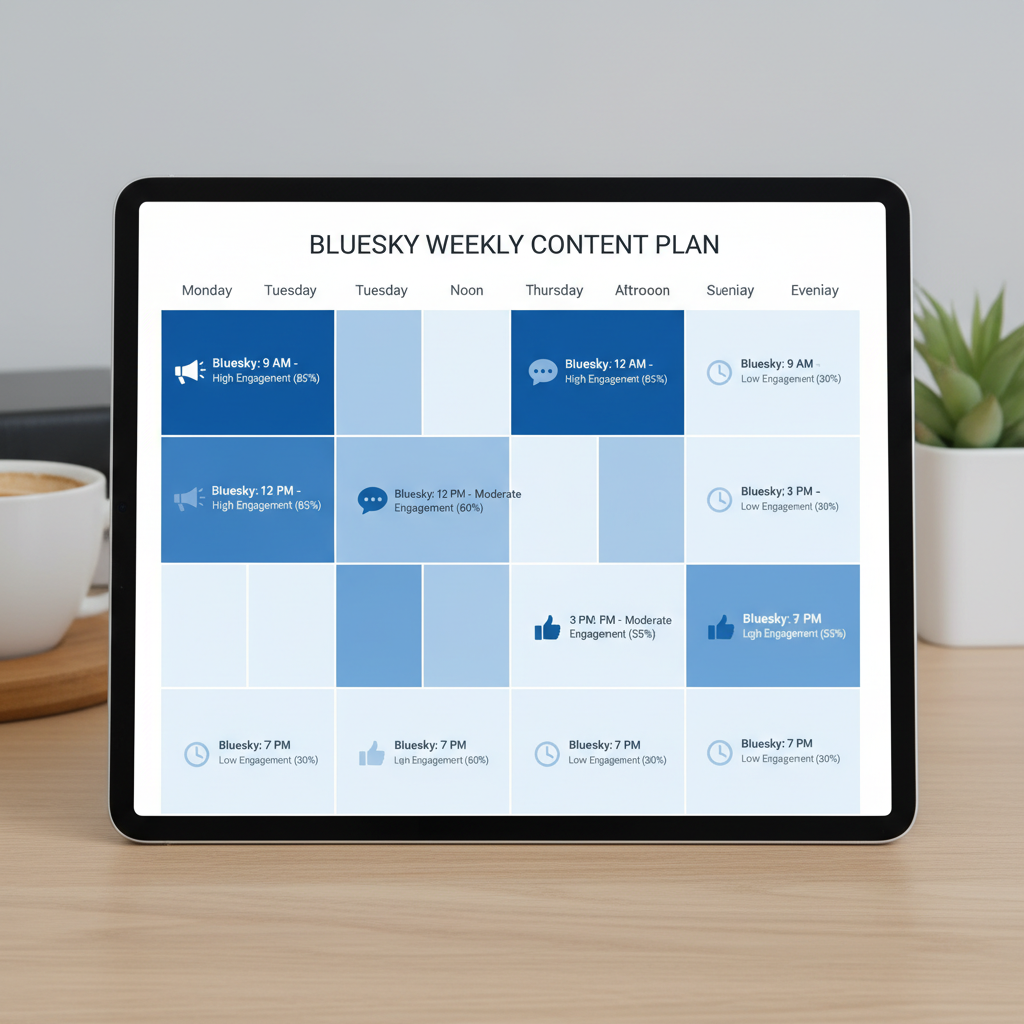
- Morning activity peaks between 7 AM – 9 AM local time
- Evening spikes occur from 6 PM – 9 PM
- Saturdays midday are ideal for casual browsing audiences
| Day | Best Time Slot | Engagement Type |
|---|---|---|
| Monday–Friday | 7–9 AM & 6–9 PM | High comments & reshares |
| Saturday | 11 AM – 1 PM | Casual likes & light discussion |
| Sunday | 5–7 PM (test for reach) | Moderate engagement |
Use these as starting points, then adapt based on your own audience behavior.
---
Building a Content Calendar
A content calendar organizes your strategy by:
- Defining weekly themes
- Planning event-driven posts
- Reserving evergreen content slots
Batching posts—creating several at once—saves time and reduces stress. You can, for example, dedicate Monday mornings to producing all posts for the week. Tools such as Google Sheets, Notion, or Trello work well and can integrate with Bluesky scheduling workflows.
---
Crafting Posts That Drive Engagement
Timing works best when paired with compelling content. To make posts stand out:
- Start with a hook: a question, or a surprising fact.
- Add visuals: images, infographics, or clips grab feed attention.
- Use relevant hashtags: Even though hashtag culture is emerging on Bluesky, they can improve discoverability.
Example:
"Did you know the AT Protocol could redefine social media privacy? 🛡️
#DecentralizedWeb #TechNews"
Visuals and clarity boost click-through and sharing potential.

---
Using Reminders for Manual Posting
If automation isn’t available, keep consistency using reminders via:
- Calendar apps
- Task managers like Todoist
- Slack or Discord message alerts
Set reminders for the optimal time slots from your strategy, ensuring manual posting aligns with audience activity.
---
Tracking Engagement Over Time
After scheduling posts for several weeks, monitor metrics such as likes, comments, reshares, and profile visits. If morning posts underperform compared to evening posts, adjust your schedule to focus on the latter.
---
Troubleshooting Bluesky Scheduling Issues
Common problems include:
- API errors – Validate keys and check internet connection.
- Media uploads failing – Ensure file sizes meet platform requirements.
- Timezone mismatches – Verify auto-detection settings in your scheduler.
- Lost scheduled posts – Save local drafts before scheduling.
---
Balancing Automation With Authenticity
Automation improves consistency but can feel impersonal. Maintain authenticity by:
- Replying to comments soon after a post goes live
- Mixing spontaneous updates with scheduled ones
- Preserving your personal tone and voice
---
Conclusion: Optimize Bluesky Scheduling for Growth
Scheduling posts on Bluesky boosts visibility, promotes consistent interaction, and allows for timing experiments to refine engagement. While native tools are currently lacking, compatible third-party schedulers, content calendars, and reminders can bridge the gap.
Blend data-driven timing with genuine conversation, stay flexible to audience trends, and keep your creative voice strong. Start implementing a scheduling strategy today to harness Bluesky’s growing potential and build a thriving presence.