TikTok Personal vs Business vs Creator Account Guide
Learn the differences between TikTok personal, business, and creator accounts to choose the best one for your goals, marketing, and monetization.
Introduction to TikTok’s Account Options and Why Choosing the Right Type Matters
TikTok has become one of the most influential social media platforms, offering powerful tools for short-form video creators worldwide. Whether you’re an individual, a business, or an influencer, choosing the right TikTok account type can greatly influence your content reach, engagement, and monetization opportunities. Understanding the differences between Personal, Business, and Creator accounts ensures you align your profile with your specific goals and audience.
TikTok offers three primary account types:
- Personal accounts
- Business accounts
- Creator accounts
Each type has unique features and limitations. Selecting the right one helps you use TikTok’s tools strategically for growth and audience satisfaction.
---
Overview of TikTok Personal Accounts
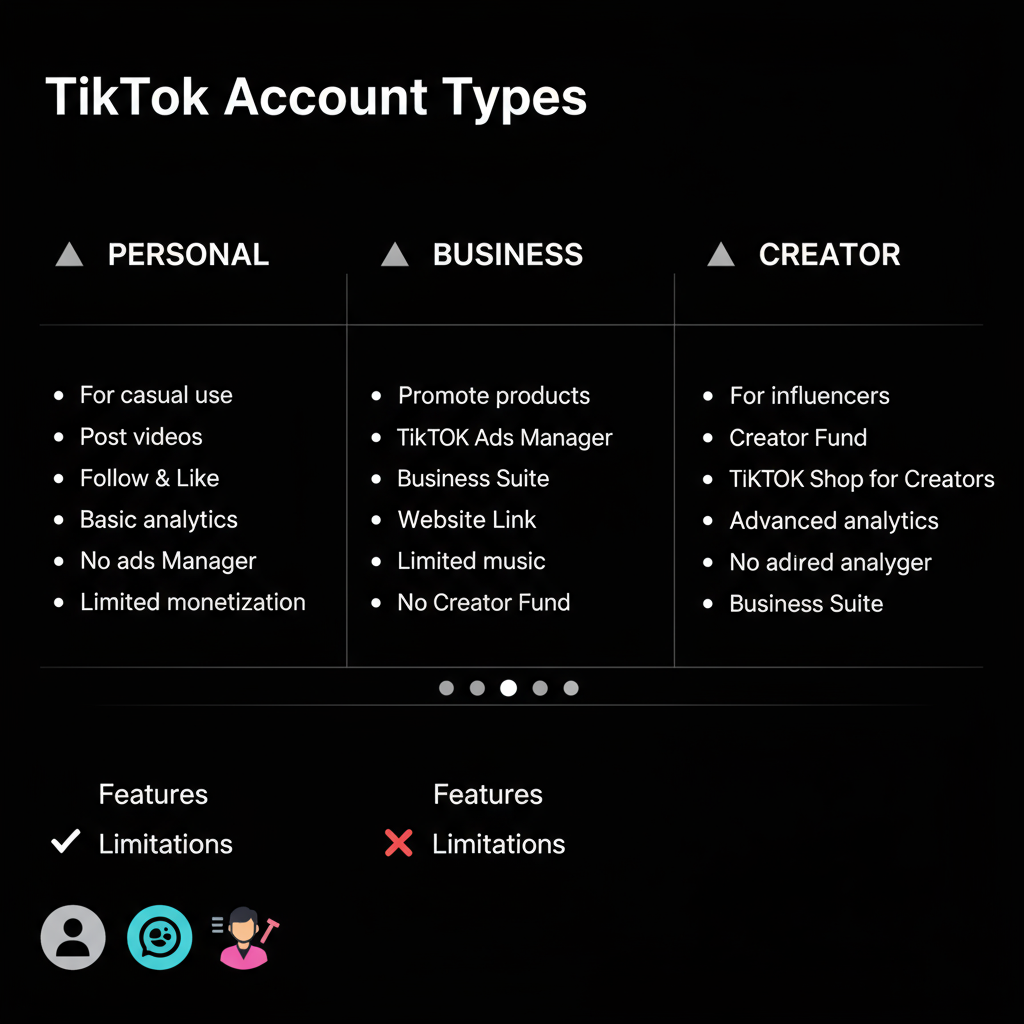
A Personal account is the default when you sign up for TikTok. It’s focused on casual sharing, entertainment, and basic interaction, without advanced commercial capabilities.
Features
- Full access to TikTok’s music library (including copyrighted tracks for personal use).
- Basic analytics with limited engagement insights.
- Unlimited following and interaction with other users.
- Privacy control options for public or private account settings.
Limitations
- No access to TikTok Ads Manager.
- Limited analytics compared to other account types.
- Cannot run commercial marketing campaigns.
Ideal Use Cases
- Casual users posting for fun.
- People consuming video content more than producing it.
- Users who care more about entertainment than growth metrics.
---
Deep Dive into TikTok Business Accounts
Business accounts cater to brands, organizations, and companies aiming for professional marketing on TikTok.
Features
- Access to TikTok’s Commercial Music Library (copyright-safe tracks suitable for brand use).
- Advanced analytics in TikTok Business Suite.
- Full integration with TikTok Ads Manager for paid promotions.
- Ability to add direct links to websites, e-commerce, or CTAs on profiles.
Limitations
- Restricted from using mainstream copyrighted music.
- Some audiences may perceive business content as ads if not creatively executed.
Ideal Use Cases
- Companies promoting products or services.
- Online stores using TikTok Shop for sales.
- Marketing agencies managing client accounts.
---
Understanding TikTok Creator Accounts
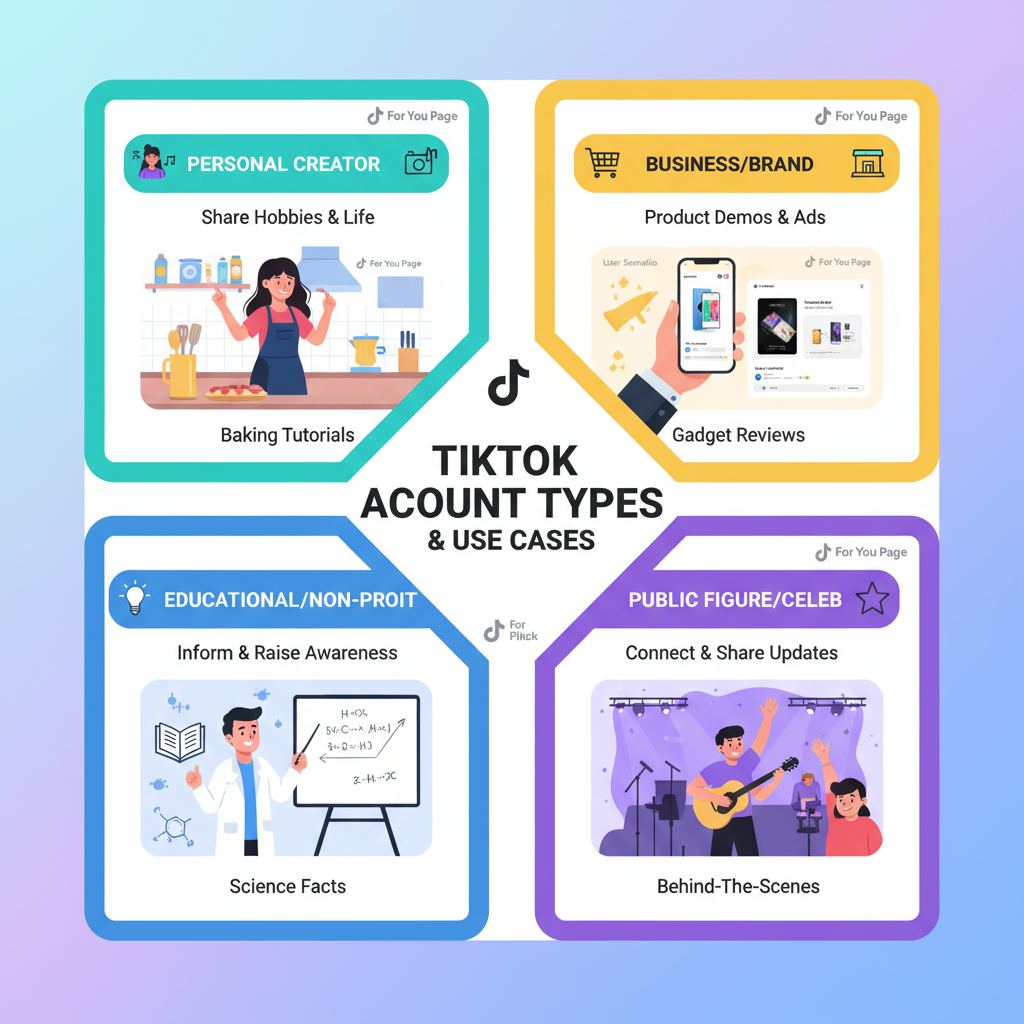
A Creator account is made for influencers, artists, and public personalities wanting professional tools without formally being a business.
Features
- Full suite of TikTok Creator Tools, including advanced analytics.
- Eligibility for Creator Fund and other monetization programs.
- Content scheduling tools for planned uploads.
- Live gifts and other monetization features after meeting follower thresholds.
- Connection opportunities through TikTok Creator Marketplace.
Limitations
- Must meet criteria for certain monetization benefits.
- Subject to music licensing rules based on video content.
Ideal Use Cases
- Influencers seeking income from TikTok.
- Artists promoting work and collaborating.
- Individuals focused on building a unique personal brand.
---
Key Differences Between Personal, Business, and Creator Accounts
| Feature | Personal | Business | Creator |
|---|---|---|---|
| Music Access | Full music library (personal use) | Commercial music library | Full music library with restrictions |
| Analytics | Basic | Advanced Business analytics | Detailed Creator analytics |
| Ads Manager | No | Yes | No |
| Monetization Tools | No | Indirect (via product/service sales) | Yes (Creator Fund, gifts, brand deals) |
| Profile Links | Limited | Full custom link options | Custom link options |
---
Pros and Cons of Each Account Type
Personal Account
Pros:
- Simple setup and use.
- Access to trending music.
- No commercial restrictions on personal posts.
Cons:
- Minimal analytics data.
- No monetization features.
- Unable to run paid advertising.
Business Account
Pros:
- Full advertising capabilities.
- Access to copyright-free commercial music.
- Strong branding and linking options.
Cons:
- No access to mainstream copyrighted sounds.
- Requires dedicated content strategy to avoid being overly sales-focused.
Creator Account
Pros:
- Direct monetization opportunities.
- Access to advanced creator tools.
- Attracts brand partnerships.
Cons:
- Monetization eligibility thresholds.
- Need to maintain authenticity when collaborating.
---
Factors to Consider Before Switching Account Types
Switching account types changes available tools and can affect audience perception.
Factors to evaluate:
- Primary Goal: Marketing, professional creation, or casual sharing?
- Target Audience: Wide commercial reach or specialized niches?
- Monetization Needs: Business accounts drive sales indirectly; Creator accounts allow direct earnings.
- Music Access: Trending audio is limited in Business accounts.
---
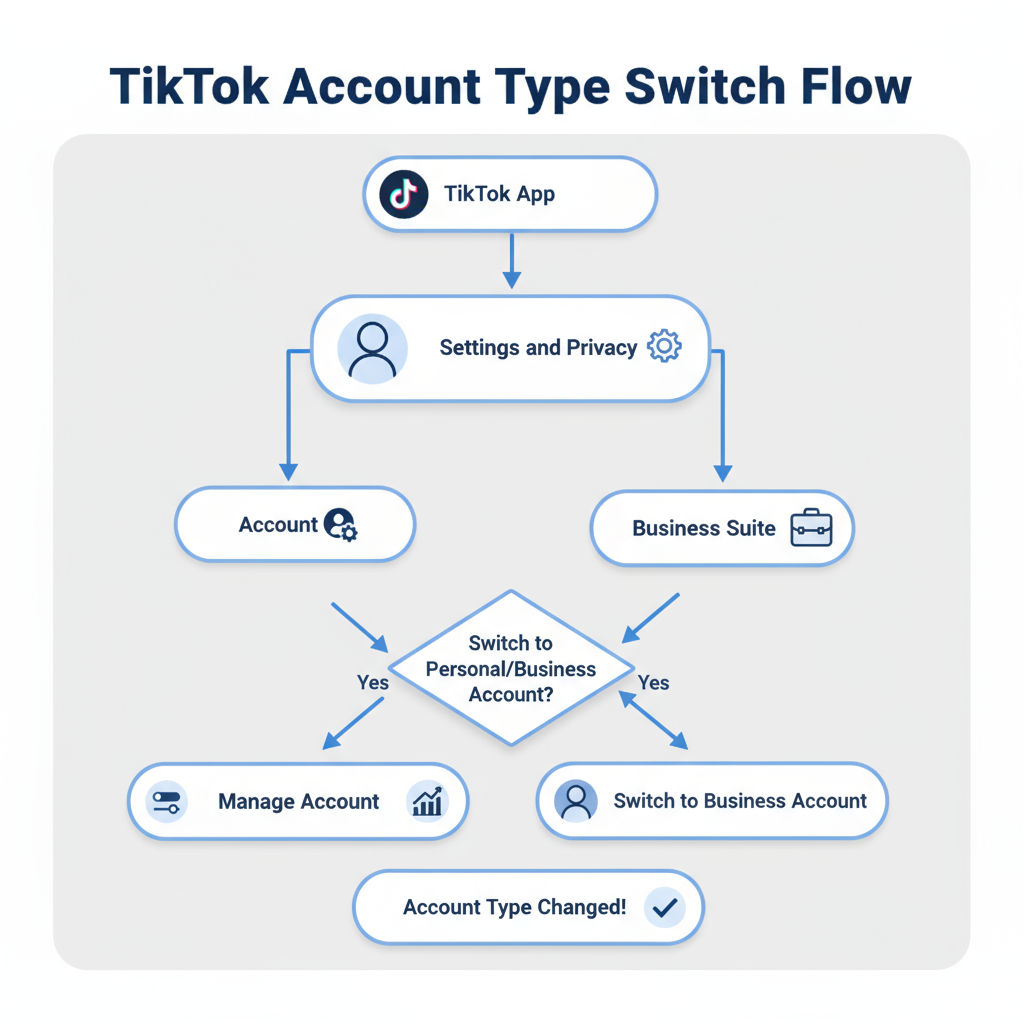
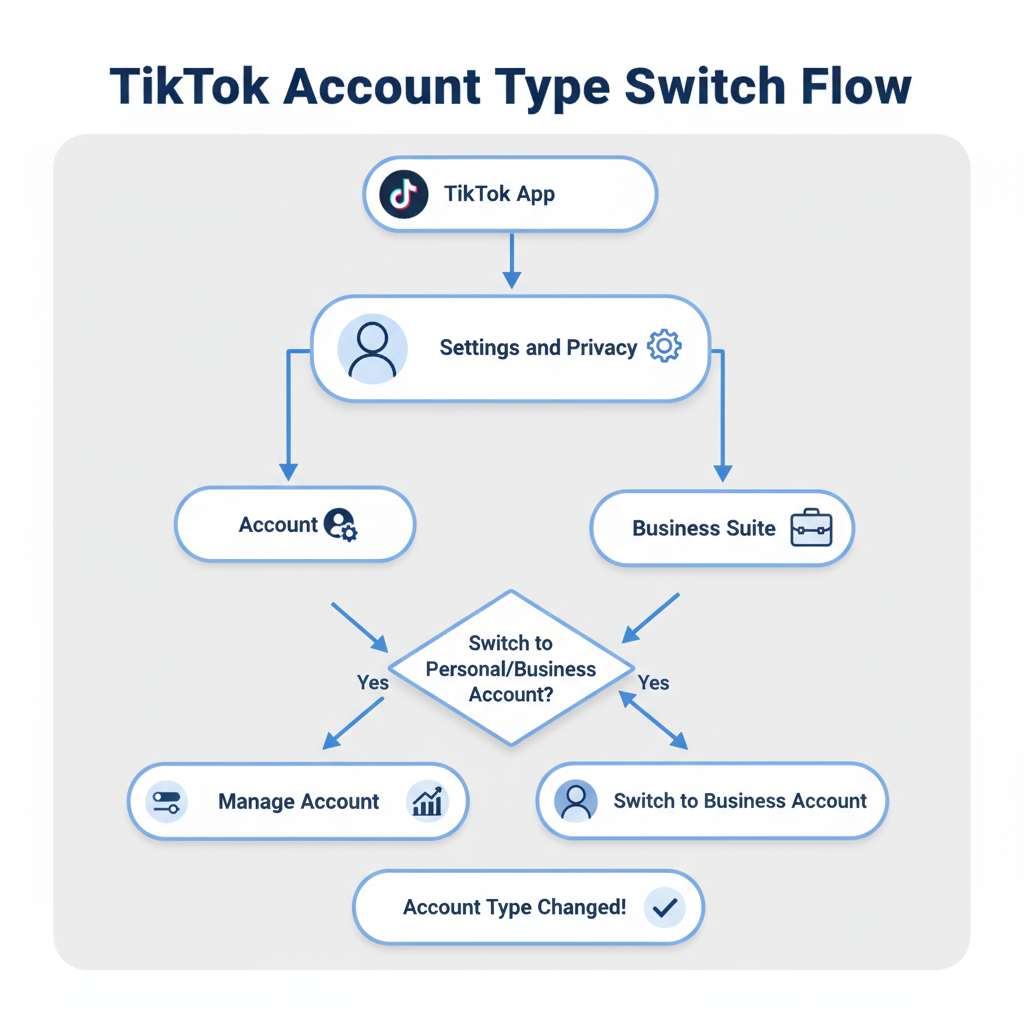
Step-by-Step Guide to Switch Between TikTok Account Types
- Open TikTok and navigate to Profile.
- Tap the Menu (three lines) icon at the top-right.
- Go to Settings and Privacy.
- Select Manage Account.
- Choose Switch to Business Account or Switch to Creator Account and confirm.
- To return to Personal, select Switch to Personal Account in the same menu.
---
Strategies to Maximize Each Account Type’s Potential
Personal Account
- Capitalize on trending music and challenges.
- Engage with content communities using duets and stitches.
- Keep content authentic and relatable.
Business Account
- Merge brand messaging with TikTok’s entertainment style.
- Run targeted ads via Ads Manager.
- Review analytics to refine campaigns.
Creator Account
- Apply for Creator Marketplace collaborations.
- Maintain consistent posting schedules.
- Mix content styles: tutorials, Q&A, and live sessions to diversify engagement.
---
Conclusion & Recommendations
Choosing between Personal, Business, and Creator TikTok accounts depends on your specific purpose:
- Personal suits casual users who enjoy trending music and community engagement.
- Business works best for brands aiming for sales, advertising, and measurable ROI.
- Creator is perfect for influencers or artists looking to monetize and grow a personal brand.
By matching your account type to your strategy, you can unlock TikTok’s full value and deliver content that connects with your audience. Switching is quick and reversible—experiment to find the account type that best supports your goals. Ready to grow your TikTok presence? Set your strategy today and start creating content that wins attention.