
TRAE SOLO Official Release — I Built a Website I’d Wanted for Six Months in Just 30 Minutes
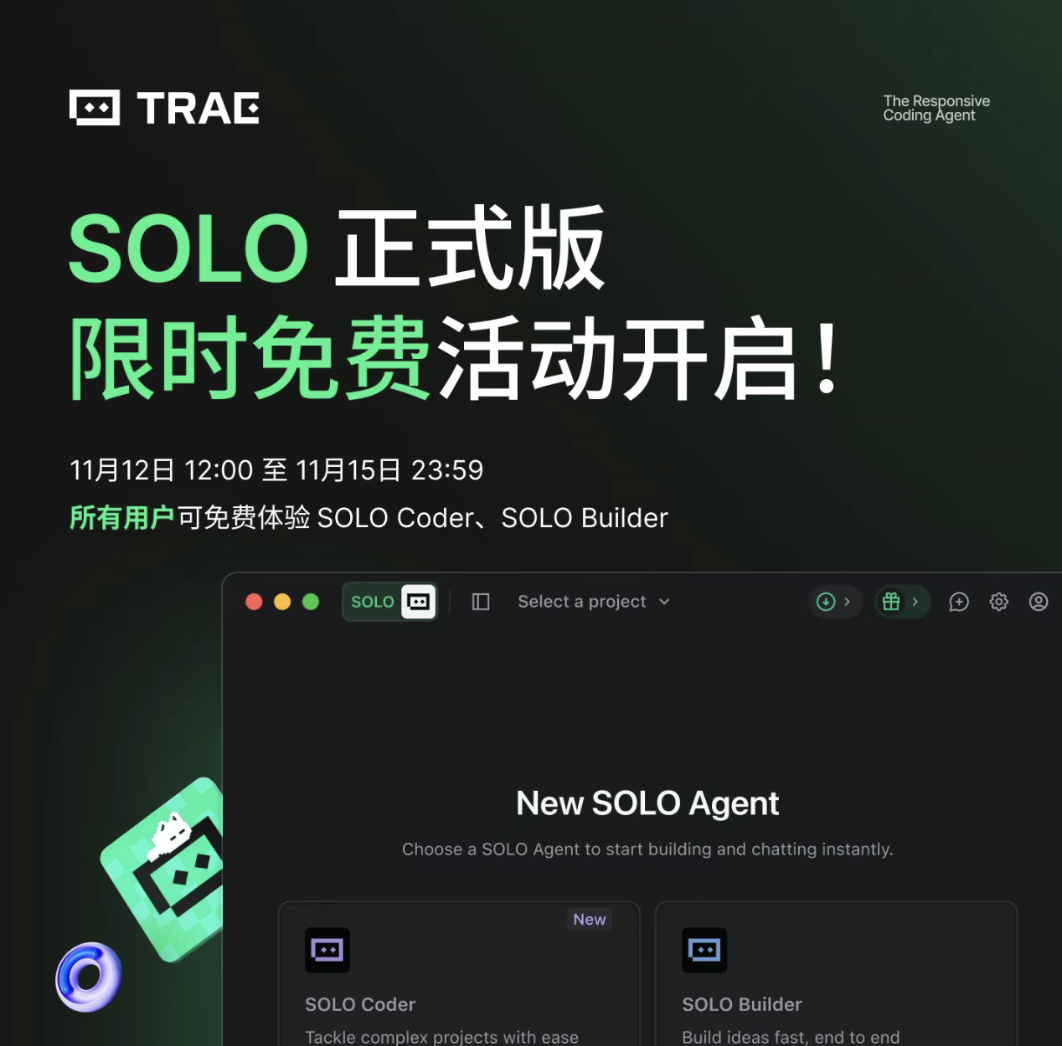
TRAE SOLO Official Launch — First Impressions & Full Tutorial
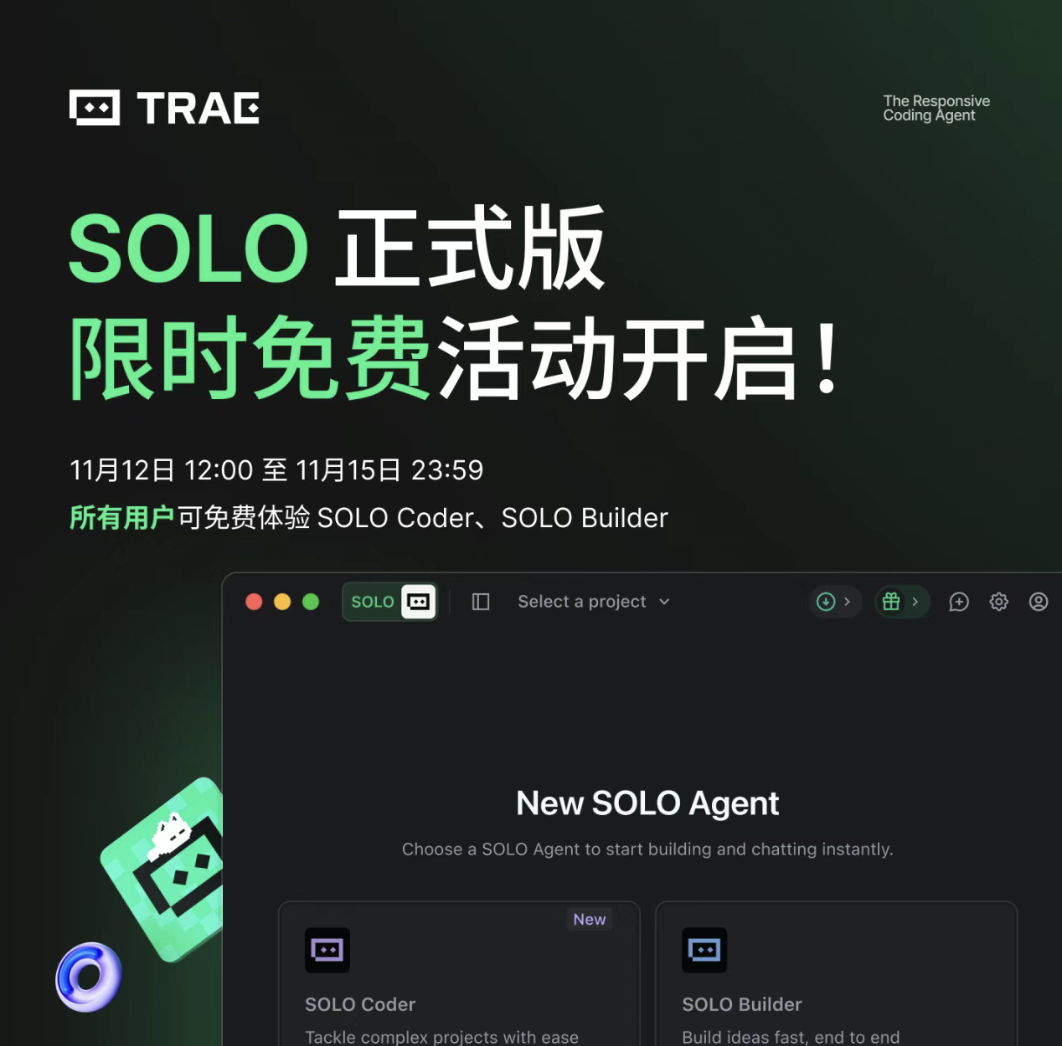
Last night, one of my long-time favorites from ByteDance — TRAE SOLO — finally went live officially.
Ever since the July 21 announcement, it had been in closed beta with few testers getting access.
Now it’s available to everyone — and it’s free for a limited time.
---
From IDE to Programming Agent
When TRAE’s domestic version first launched, everyone saw it as an AI-powered IDE, somewhat reminiscent of Cursor at the time.
Later, with the boom in Agent concepts, many programming-agent products hit the market.
While CLI solutions became popular among pros, I’ve always preferred a clean GUI interface.
That’s why TRAE SOLO’s programming-agent approach instantly appealed to me.
---
The July Beta vs. Official Release — What’s New
Compared to the beta, the release version brings significant updates:
- Multi-task list (left panel) for better project context
- All-new SOLO Coder mode
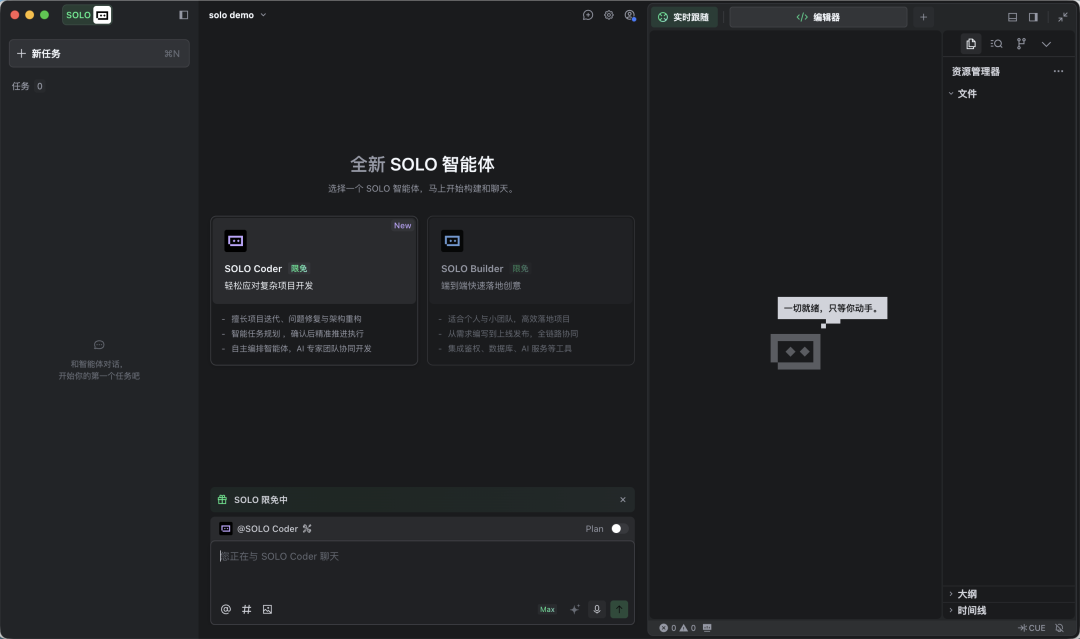
SOLO Builder vs. SOLO Coder
- SOLO Builder: Great for taking a project from 0 → 1 (frontend, backend, deployment)
- Drawback: Iteration often causes AI hallucinations — common in many agents.
- SOLO Coder: Designed for iterative growth from 1 → 100
- Key Features:
- Multiple agents can be invoked without polluting context
- Plan mode for structured dev steps
- Better context compression
---
Real-World Tutorial — Building an App Logo Collection Site
The Problem
Finding app logos is often a pain.
When creating posts, thumbnails, or embedded graphics, I need icons like ChatGPT, WeChat, QQ, etc.
Searching Google or browsing SVG repositories is slow and inconsistent.
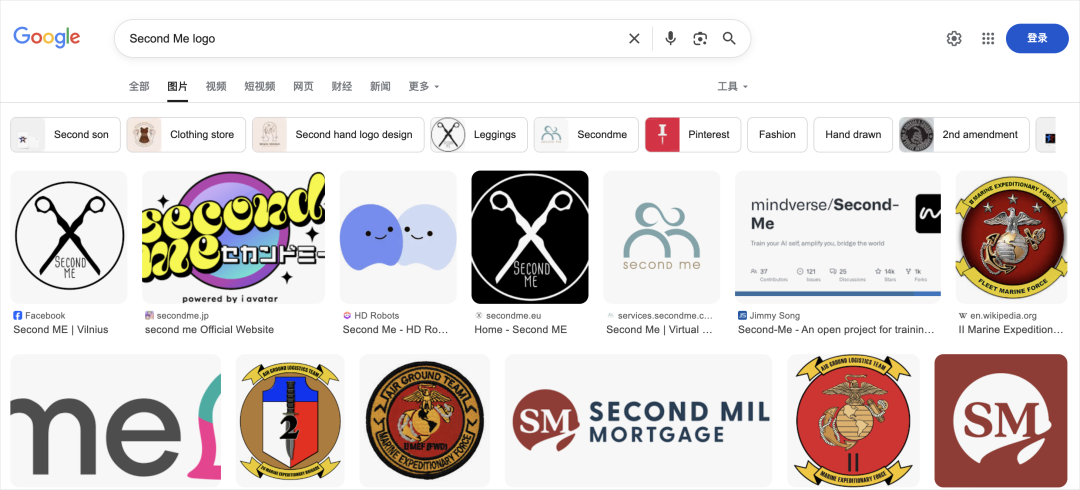
Example: trying to find the Second Me icon:

Google’s results? Not helpful:
---
The Idea
A searchable website for app logos:
- Instant logo retrieval by app name
- Integrated image AI for custom edits (color, style, background)
- Publicly shareable
Perfect use case for SOLO Builder + SOLO Coder together.
---
Project Steps
- SOLO Builder → Create barebones demo site
- Find app logo data source
- Encapsulate API calls into dedicated agent(s)
- Switch to SOLO Coder → draft dev plan
- Develop iteratively
- Debug
- Deploy to production
---
Step 1 — Barebones Demo
Prompt to SOLO Builder:
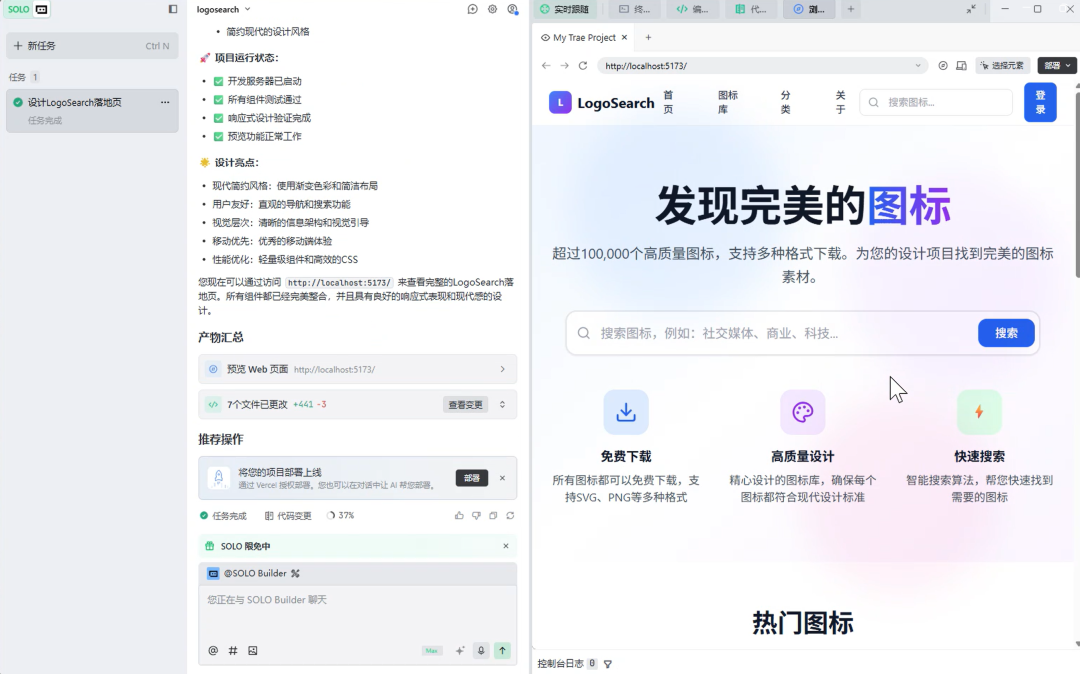
> "Design and develop a landing page for a LogoSearch software icon download site, including a top navigation bar, hero section, sample icon display, and footer."
SOLO Builder performed flawlessly — decent design, complete framework, delivered in one run.
---
Step 2 — The Hardest Part: Logo Data Source
Google API? Too unstable.
Most third-party solutions? Similar issues.
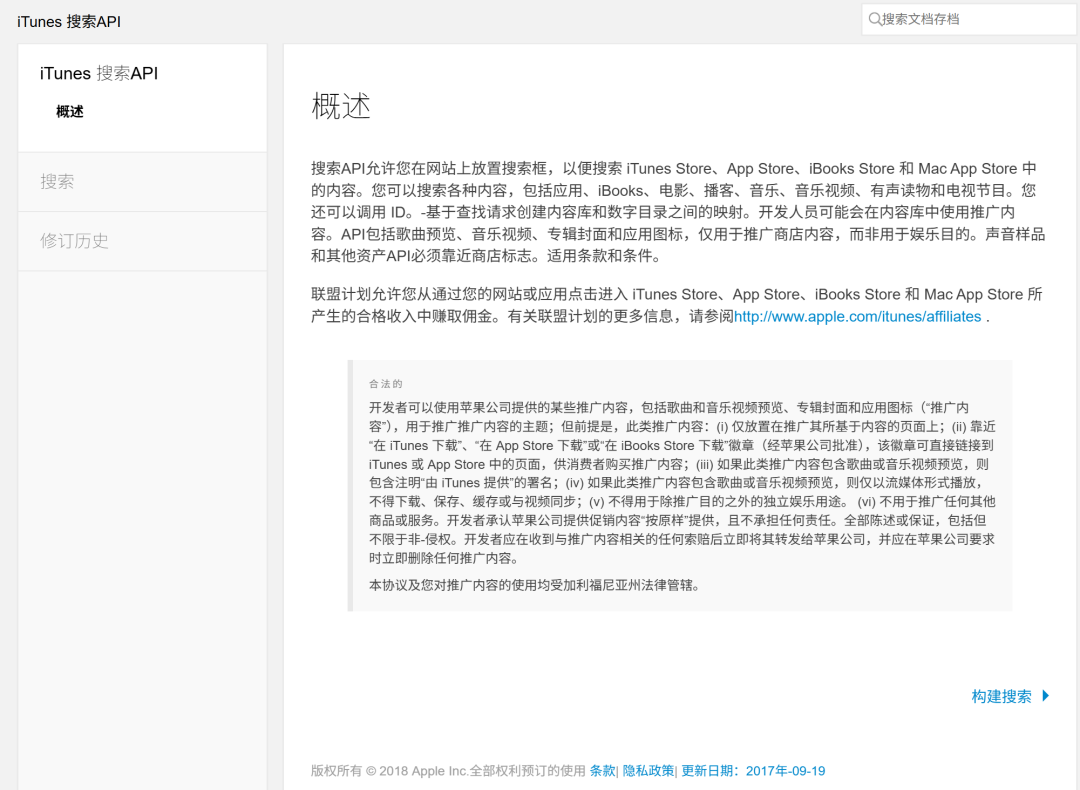
After searching for ~30 minutes, I remembered: many app icons are the official logos … and iTunes API still exists.
---
Step 3 — Creating API Agents
Why?
SOLO Coder can dynamically call other agents during development — preventing context pollution and keeping workflows organized.
Created Agents:
- iTunes Icon Search API Integration Expert: fed with API docs and call format
- Volcengine API integration agent with Seedrame 4.0 specs
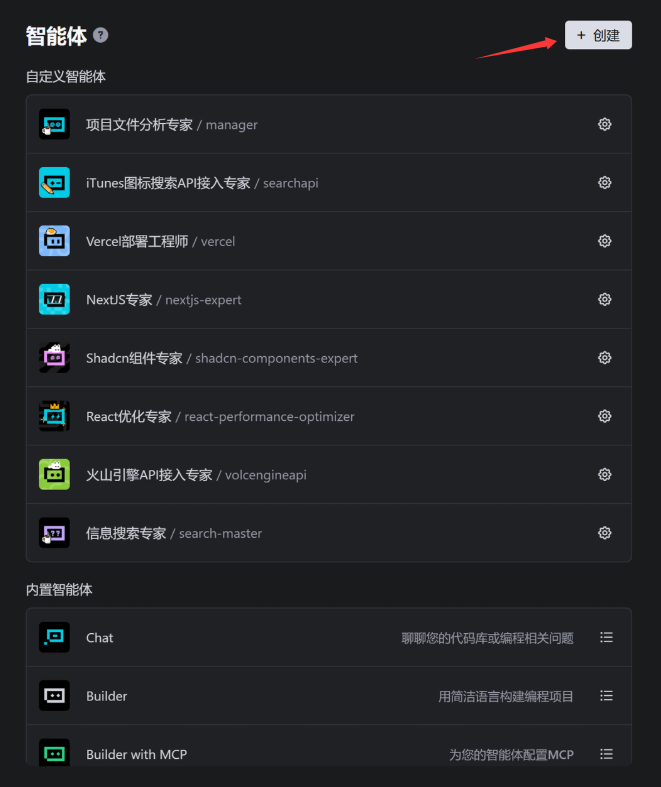
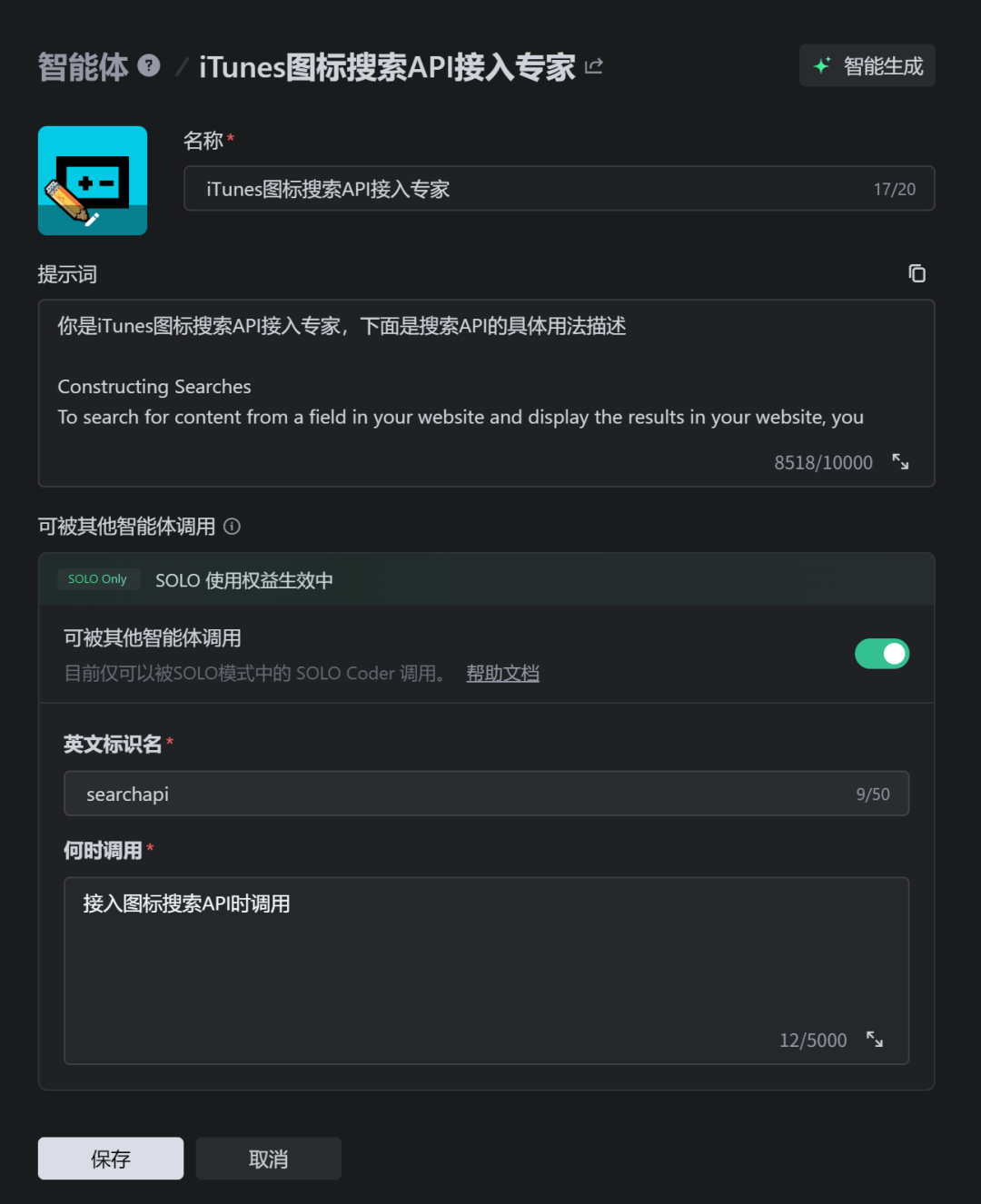
Setup complete.
---
Step 4 — Switching to SOLO Coder
Activate Plan mode for complex dev tasks:

Plan Prompt:
- Integrate iTunes API for icon search across China, US, Japan, Korea
- Integrate Volcengine Seedream 4 for AI-based logo edits
- Multiple download formats (PNG, JPG, WebP, ICO) with progress UI
- Favorites list stored locally
---
Step 5 — Execution
Coder generated a detailed plan → reviewed → executed:
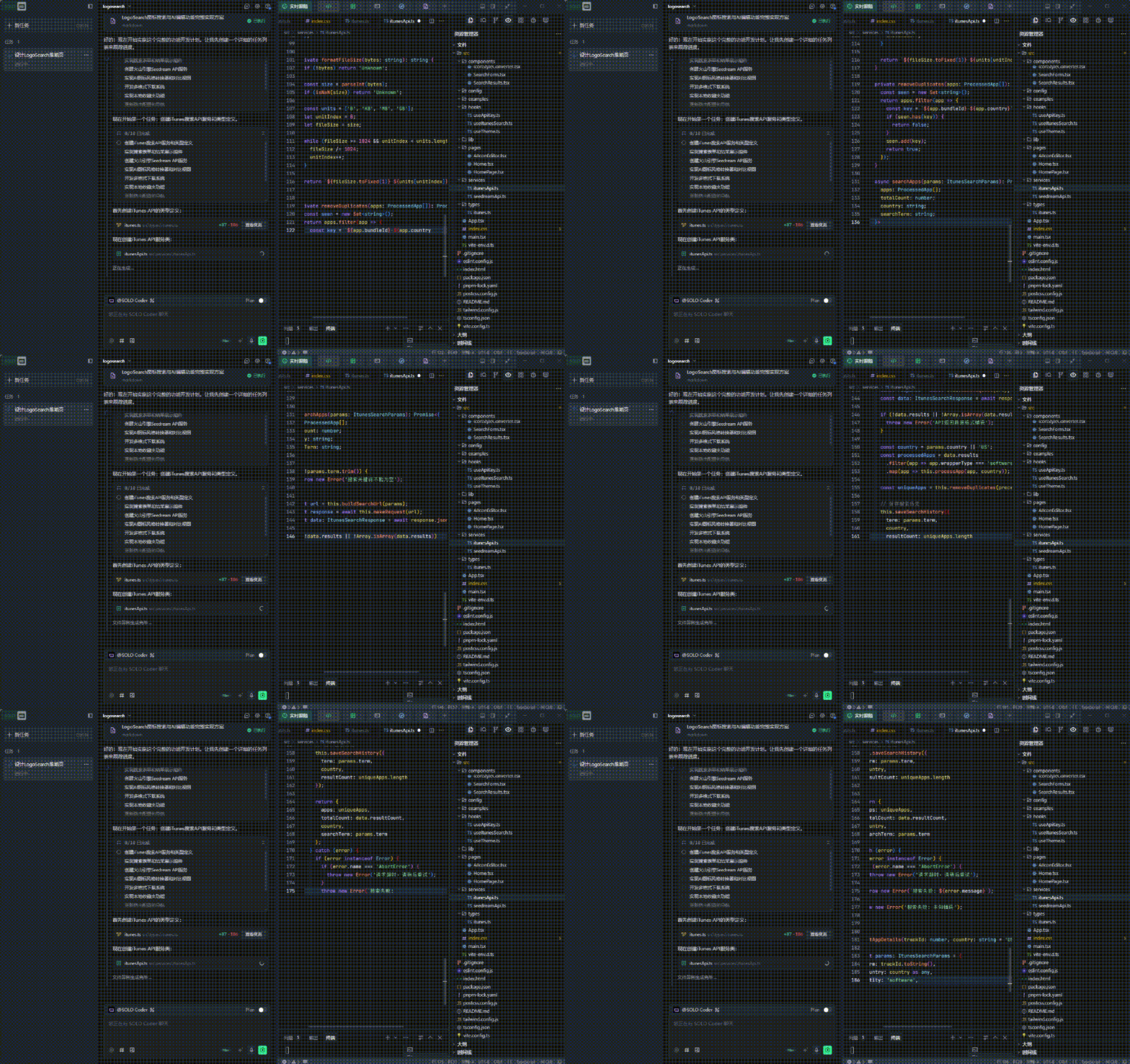
With real-time development broadcast:
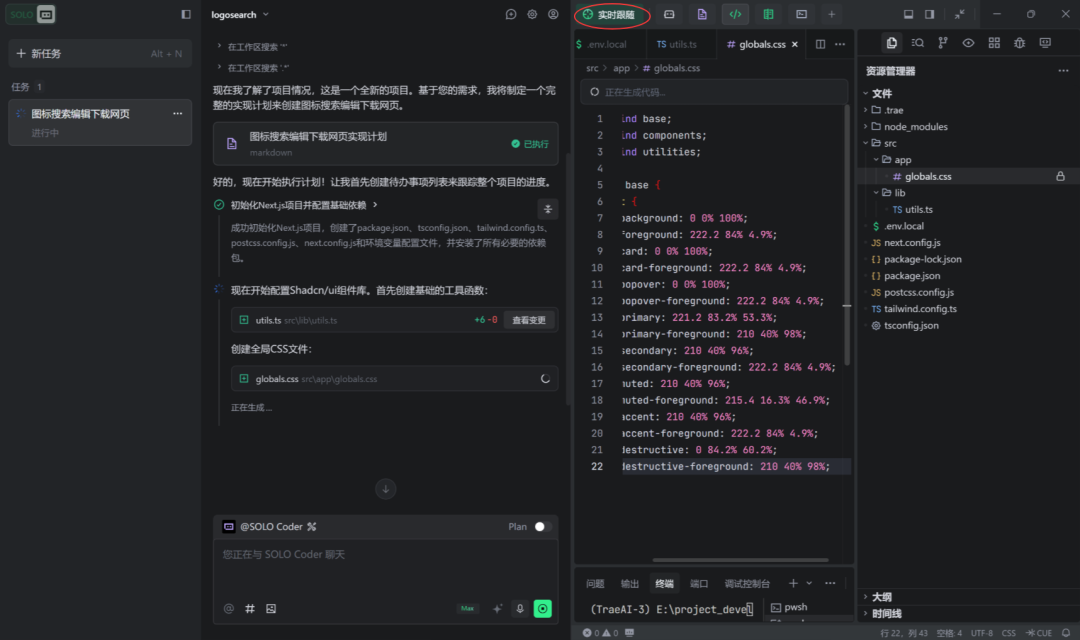
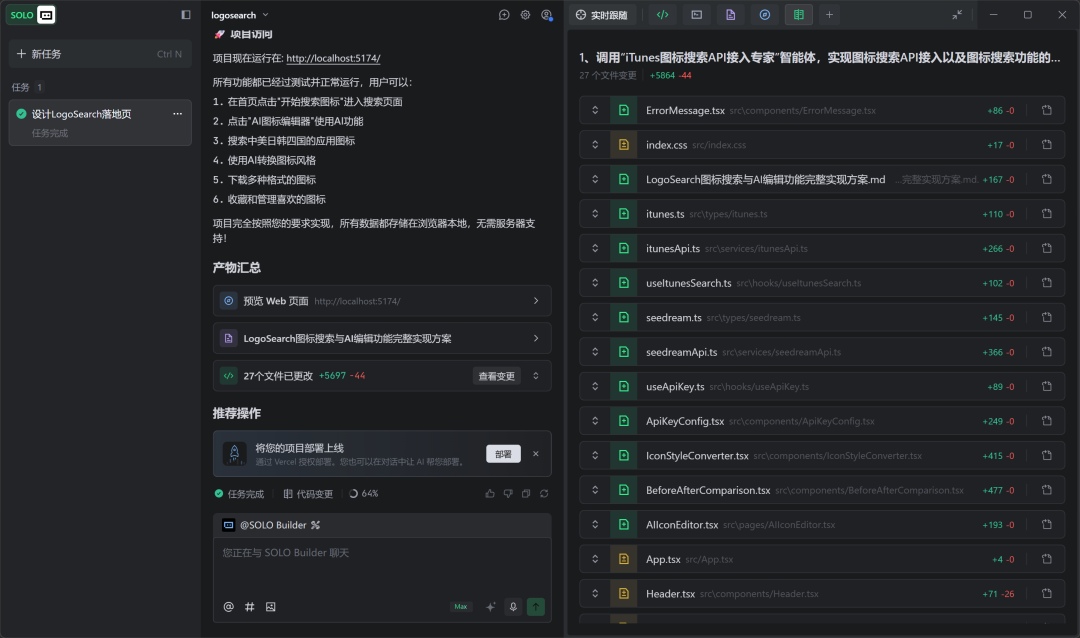
30 minutes later → 5,697 lines of functioning code.
---
Step 6 — Testing
Everything worked:
- Instant ChatGPT logo search:
- AI logo edits with before/after slider:
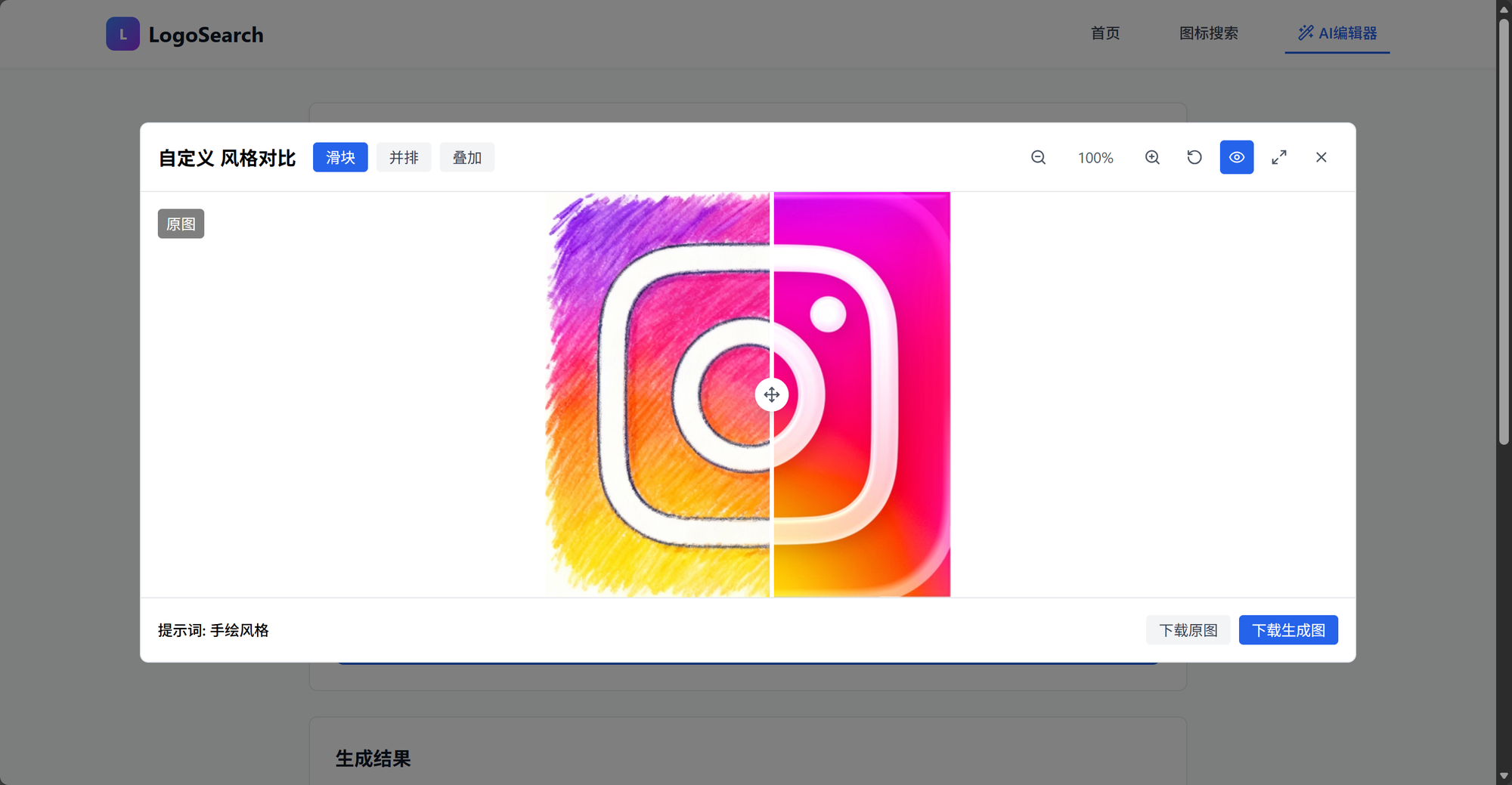

Features exceeded expectations — multiple sizes, formats, and integrated Seedream AI.
---
Step 7 — Deployment
Deployed directly to Vercel with built-in tools:
https://logosearch.vercel.app/
Free-tier usage means you can test without worrying about credits (currently free + 300 bonus).
---
Final Thoughts
The SOLO Builder + SOLO Coder combo is outstanding — ideal for rapid prototyping and iterative growth.
This release:
- Shows TRAE SOLO’s niche positioning
- Offers genuine value for beginners and professionals
- Demonstrates how AI agents can complement creative tools
---
Related Tools for Creators
Platforms like AiToEarn官网 pair well with this workflow:
- Generate AI content
- Publish across Douyin, Kwai, WeChat, Bilibili, Rednote, Facebook, Instagram, LinkedIn, Threads, YouTube, Pinterest, X
- Track performance & monetize creativity
- Explore trends via AI模型排名 and AiToEarn博客
---
⭐ If you found this useful — like, share, or bookmark!
Excited to see what the next TRAE SOLO update will bring.
---
Do you want me to create a shorter version of this tutorial as a quick-start workflow for TRAE SOLO users? That way readers can see the Builder → Coder → Deploy pipeline in under 10 steps.


